Arturia MiniBrute User's Manual 19 6 Legal notes
Press and hold a key: you should hear timbre sweeps, a bit like a didgeridoo, at a
rhythm indicated by the red LED. Tweak the Rate knob to slow down or accelerate
this wah-wah effect, and play with the filter's Resonance to accentuate it.
Be cautious, you've just entered the Dubstep realm...
3.5 Create arpeggiated sequences
While still in the LFO section, set the Clock switch on Arpeg. The Rate red LED should
now blink at the same tempo as the Tempo in the ARPEGGIATOR section, as both
clocks are now synchronized.
Now in the ARPEGGIATOR section, set the Hold/On/Off switch to Hold.
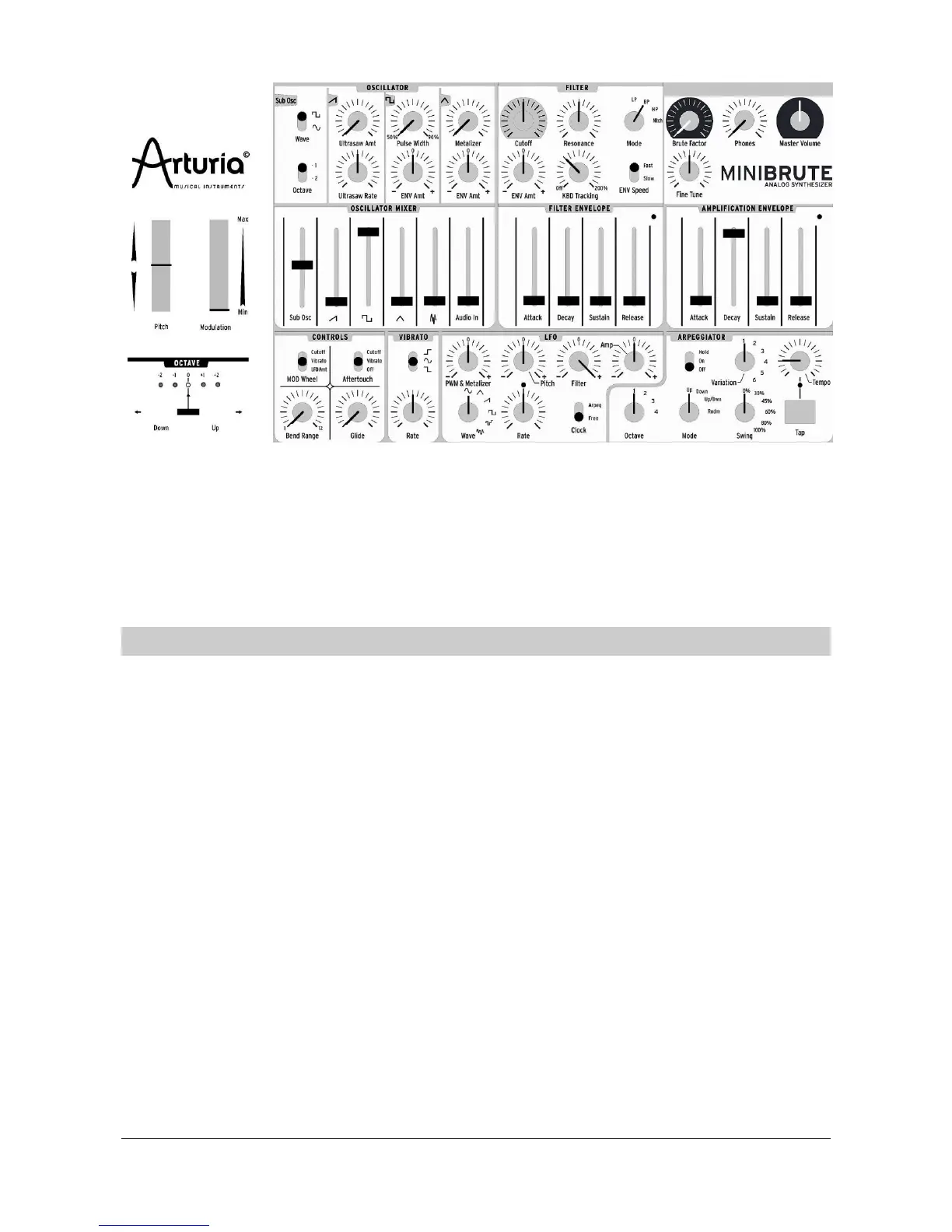
Here’s an overview of the patch:














 To Next Page