Arturia MiniBrute User's Manual 34 6 Legal notes
external Audio input, or the hold position of the GATE switch.
The Attack slider sets the duration of the envelope’s first stage. Depending on the
filter section’s ENV Speed switch [4.2.2.6] the Attack time ranges from 1ms to 1s or
from 10ms to 10s.
The Decay slider sets the duration of the envelope’s second stage. Depending on
the filter section’s ENV Speed switch [4.2.2.6] the Decay time ranges from 1ms to 1s
or from 10ms to 10s.
The Sustain slider sets the level of the envelope’s sustain stage.
The Release slider sets the duration of the envelope’s final stage. Depending on
the filter section’s ENV Speed switch [4.2.2.6] the Release time ranges from 1ms to
1s or from 10ms to 10s.
A LED indicator show the envelope amount sent to the amplifier. The LED’s
brightness depends on the envelope signal’s amplitude.
4.2.4 Controls
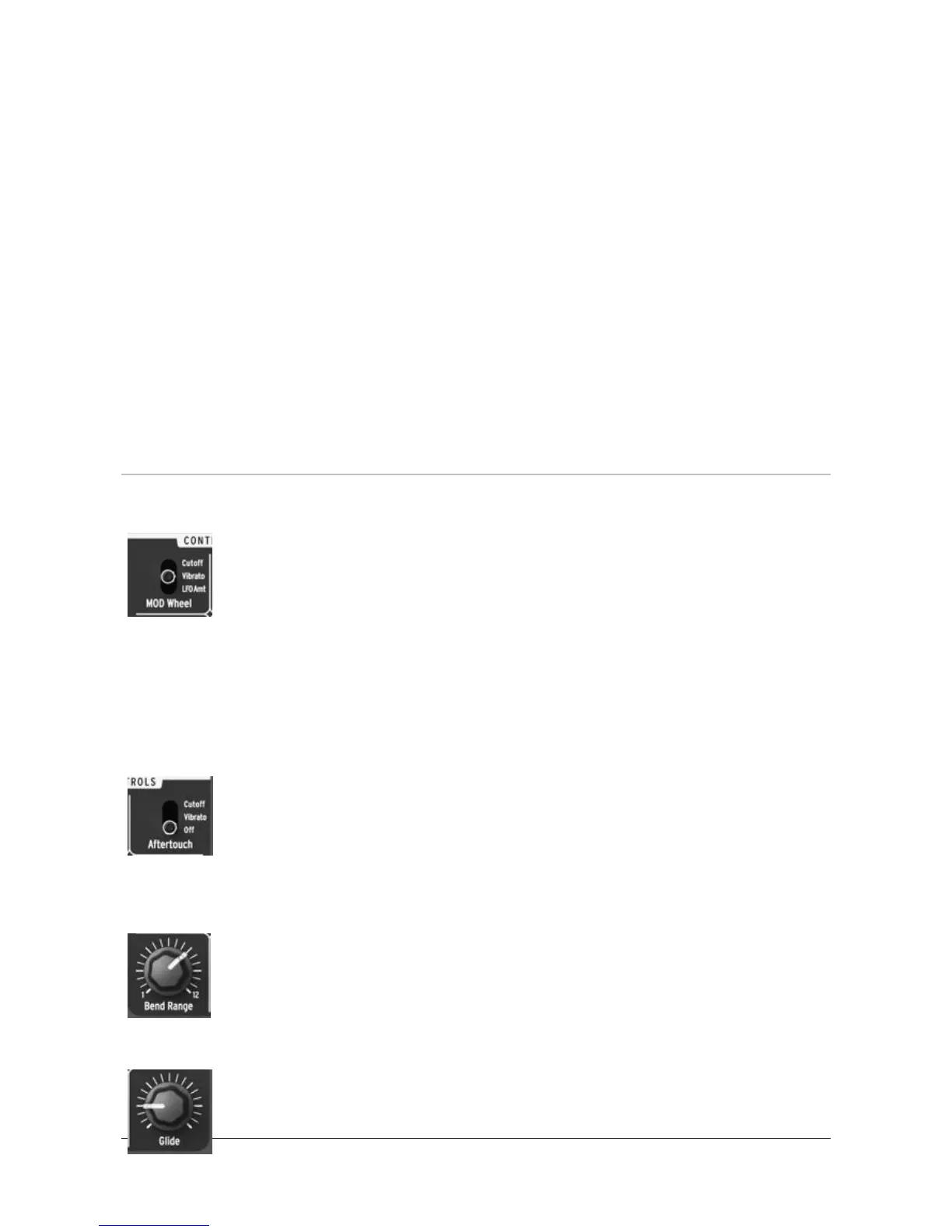
4.2.4.1 MOD Wheel
The MOD Wheel switch controls the Modulation wheel assignment
[4.2.8.2]. Depending on the position of this switch the Mod wheel
controls either the filter cutoff frequency (Cutoff position), the vibrato
amount sent to the oscillator (Vibrato position), or the amount (LFO
Amt) of the current LFO signal to the various targets (PWM & Metalizer,
Pitch, Filter and Amp). With the third option (LFO Amt), all the LFO modulation
signals are controlled by the Modulation Wheel so when it’s at its minimum position
(Min) the targets receive no LFO signal; when the switch is set on this position,
make sure the Modulation Wheel is fully engaged to maximum.
4.2.4.2 Aftertouch
The Aftertouch switch controls the aftertouch signal assignment;
aftertouch is very useful to trigger modulation events while playing
without using extra knobs or sliders, thus increasing expressiveness. The
Aftertouch switch has three positions: it can be routed the filter cutoff
frequency (Cutoff), used to trigger Vibrato [4.2.5], or be disabled (Off).
4.2.4.3 Bend Range
The Bend Range knob controls the range of the Pitch wheel [4.2.8.2].
With this knob fully counter-clockwise, the Pitch wheel ranges from -1/2
tone (lowest position) up to +1/2 tone. With this knob fully clockwise, the
Pitch wheel ranges from -1 octave (lowest position) up to +1 octave.
4.2.4.4 Glide
The Glide knob sets the amount of portamento (i.e., how long it takes
for the pitch to glide from one note to another when notes are played














 To Next Page