Arturia MiniBrute User's Manual 41 6 Legal notes
other MIDI devices. The MiniBrute can serve as a MIDI polyphonic controller or MIDI
sound module. If you are using MiniBrute as a sound module, use a MIDI cable to
connect MiniBrute MIDI In connector your external MIDI device’s MIDI Out
connector. To control an external MIDI device from MiniBrute keyboard, patch a
MIDI cable from MiniBrute MIDI Out connector to your external MIDI device’s MIDI
IN connector.
By factory setting, the MiniBrute sends and responds on MIDI channel 1. This can be easily
changed through the MiniBrute Connection software [4.4].
4.3.4 Gate Source
The Gate Source switch selects which gate signal triggers the
MiniBrute envelopes. The default KBD triggers the gate from the
keyboard. Hold mode forces the envelope to the SUSTAIN stage
independently from any other gate source. This mode is very useful for
drones, because there is no need to press a key and you can use both hands to
tweak the knobs! In Audio mode, a gate signal is generated when the signal level
at the AUDIO In [4.3.5] reaches an internally preset threshold.
The threshold value for the Audio mode, as well as several other general settings, can be
adjusted through the MiniBrute Connection software [4.4].
4.3.5 AUDIO
Connect the Master Out with an unbalanced audio cable to
an audio mixer, a computer’s sound card, or directly to an
audio amplifier. The Master Volume knob [4.2.8.6] controls the
output level.
You can connect any audio source (synthesizer, pre-amplified guitar, output of a
mixer, etc.) to the AUDIO In jack, and process the incoming signal with the
MiniBrute filter and amplifier. The AUDIO In signal can also trigger the MiniBrute
envelopes if you select Audio as the Gate
Source [4.3.4]. Connect your headphones to
the phones output, and set the volume with the Phones volume knob [4.2.8.5].
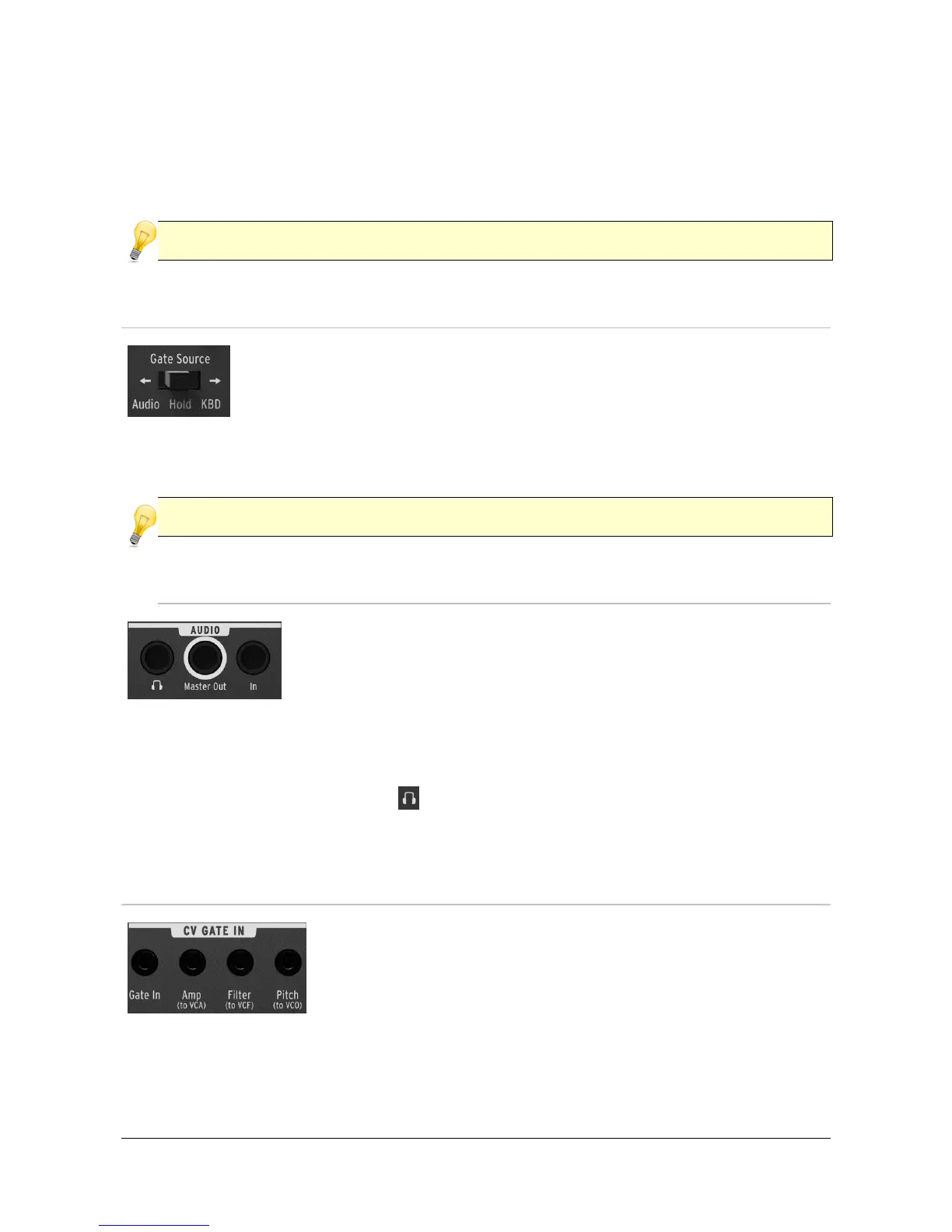
4.3.6 CV / GATE IN
The MiniBrute also connects with other analog devices
(analog synthesizer, analog step sequencer, etc.) through a
CV/GATE interface where CV means Control Voltage. The
Gate In 1/8” jack allows other analog devices to trigger the
MiniBrute envelopes. The main MiniBrute functions (i.e.,
amplifier volume, filter cutoff, and oscillator pitch) are controlled by the Amp (to
VCA), Filter (to VCF) and Pitch (to VCO) 1/8” jacks respectively.














 To Next Page