Arturia MiniBrute User's Manual 32 6 Legal notes
Notch filter mode sounds similar to a phaser effect pedal.
4.2.2.2 Cutoff
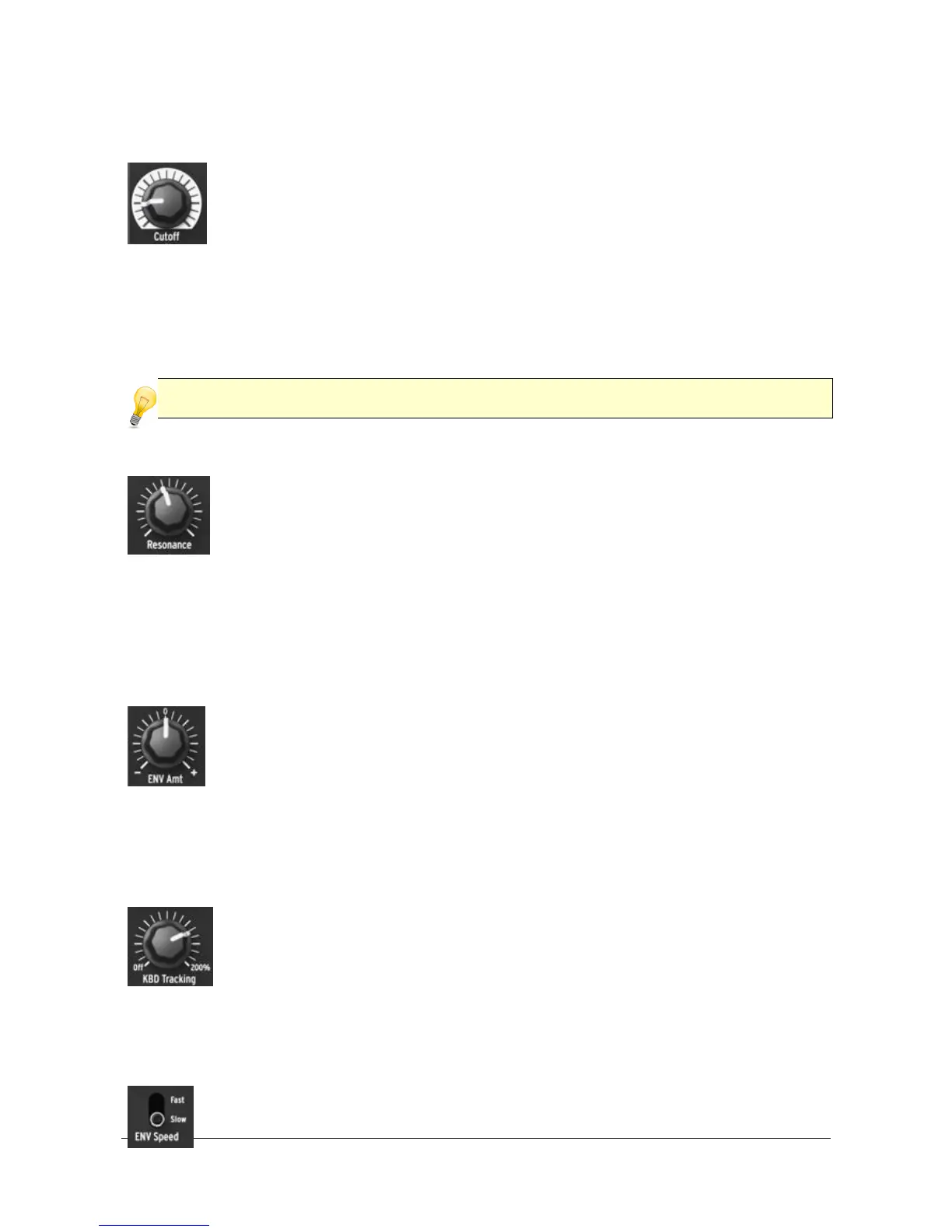
This knob adjusts the filter’s cutoff frequency. The frequency range goes
from below 20Hz when turned fully counter-clockwise up to 18kHz when
fully clockwise. For example, in LP mode you can adjust a sound’s
brightness. As an exercise, set all the oscillator mixer slider
potentiometers to 0 (lowest position). Adjust the NOISE generator slider
to midrange, then set all the filter envelope [4.2.2.7] and amplifier envelope
[4.2.3.1] sliders to 0. Move the amplifier envelope SUSTAIN slider to its highest
position. Set the filter mode to LP, turn the ENV Amt knob [4.2.2.4] to 12 o'clock and
set KBD Tracking knob [4.2.2.5] on Off, then press a key and tweak the Cutoff knob
as you listen to the changes in the sound.
The cutoff frequency can also be controlled by the keyboard [4.2.2.5] as well as by the rear
panel Filter CV input [4.3.6].
4.2.2.3 Resonance
This knob lets you create a resonance peak at the cutoff frequency.
Turning it clockwise emphasizes the partials at the cut-off frequency,
and the sound becomes more aggressive. When the knob reaches its
last quarter zone, the filter starts to oscillate on its own. However this
oscillating behavior depends on the cutoff frequency; the MiniBrute
filter oscillates within a range beginning around 350Hz up to approximately 8kHz. To
extend the oscillation range, use the Brute Factor knob [4.2.8.4].
4.2.2.4 ENV Amt (envelope amount)
The ENV Amt lets you control the amplitude and polarity of the envelope
signal sent to modulate the filter cutoff frequency. At the 0 position (12
o'clock), no envelope modulation occurs. When turned counter-
clockwise (below the 0 mark), the ENV Amt knob sends an increasing
amount of the inverted ADSR envelope. When turned clockwise
(beyond the 0 mark) the ENV Amt knob sends an increasing amount of the
standard, positive-going ADSR envelope.
4.2.2.5 KBD Tracking
The filter cutoff frequency can also be keyboard-controlled. The KBD
Tracking knob lets you adjust how the cutoff follows the keyboard.
Repeat the exercise described in the Cutoff section, set the KBD
Tracking knob to 100% (12 o'clock), then play a series of notes on the
keyboard. The filter should open more to retain high frequencies as you
play higher up on the keyboard.
4.2.2.6 Envelope speed
This switch toggle the speed of both the filter and amplifier envelopes. In














 To Next Page