Arturia MiniBrute User's Manual 39 6 Legal notes
default position when released. This wheel creates a pitch bend effect, where the
player can shift pitch smoothly up or down while playing a note. The amount of
shift is proportional to the rotation of the wheel, with its full range adjustable
between +/- one semitone to +/- one octave by the Bend Range knob [4.2.4.3].
The second wheel is the Modulation wheel. It sets the overall amount of
modulation signal sent to targets selected by the MOD Wheel switch [4.2.4.1].
Depending on the switch setting, it controls the Cutoff, the Vibrato or the LFO
amounts.
4.2.8.3 Octave
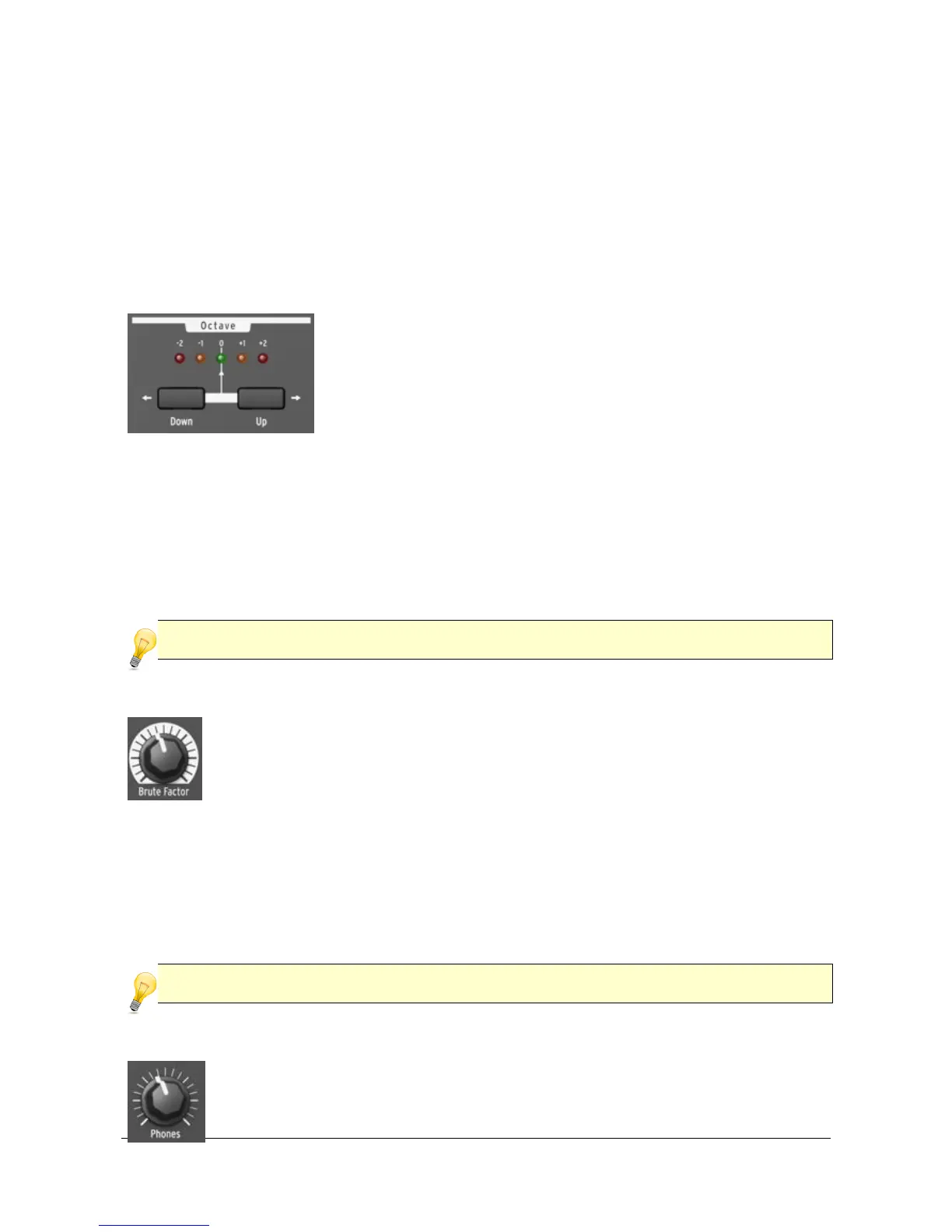
The Octave section transposes the MiniBrute keyboard over
a wide pitch range. One LED among the five colored LEDs
(-2 red,-1 orange, 0 green ,+1 orange,+2 red) is lit at a time
and indicates the transposition octave. The default
selection is 0 (green LED), where the leftmost C key
corresponds to C2 (130.81Hz) and the rightmost C key
corresponds to C4 (523.25Hz).
For example, pressing the Down button once shifts the keyboard down by one
octave and the leftmost C is now C1 and the rightmost is C3. Pressing the Down
button a second time shifts the keyboard down by one more octave.
To shift the keyboard up by one octave press the Up button.
With the Down and Up buttons the MiniBrute can play notes from C0 (32.7Hz) up to
C6 (2093Hz), with the Pitch wheel altering these even further.
When you change the octave with Down/Up buttons, transposition occurs only after a key has
been pressed.
4.2.8.4 Brute Factor
The Brute Factor is a special MiniBrute feature inspired by a common
patch used on a famous vintage mono-synthesizer that connected the
headphone output to the external audio input. The result is a kind of
feedback loop that’s ideal for raspy and grungy sounds. This patch has
been implemented internally to the MiniBrute, and is controlled by the
Brute Factor knob.
This knob’s normal position is fully counter-clockwise, which disables the Brute
Factor; turning up the knob gradually adds distortion to the sound. For low Brute
Factor settings, the distortion is smooth and gentle but becomes harsher as you
turn up the knob. When turned up above about 75% of the way, the MiniBrute can
go berserk and produce barely controllable, crazy feedback sounds.
The Brute Factor feature drastically alters the filter characteristics, so expect highly
unpredictable results at extreme settings. You have been warned!
4.2.8.5 Phones
The Phones knob controls the volume of the Phones output located on
the rear panel [4.3.3]. Remember to be cautious with levels when














 To Next Page