Arturia MiniBrute User's Manual 33 6 Legal notes
fast mode, the ADSR curves can be very rapid, which is useful when creating
“snappy” and percussive sounds. In the slow mode, the ADSR curves can be very
slow, making them suitable for slow, evolving sounds like pads.
4.2.2.7 Filter Envelope
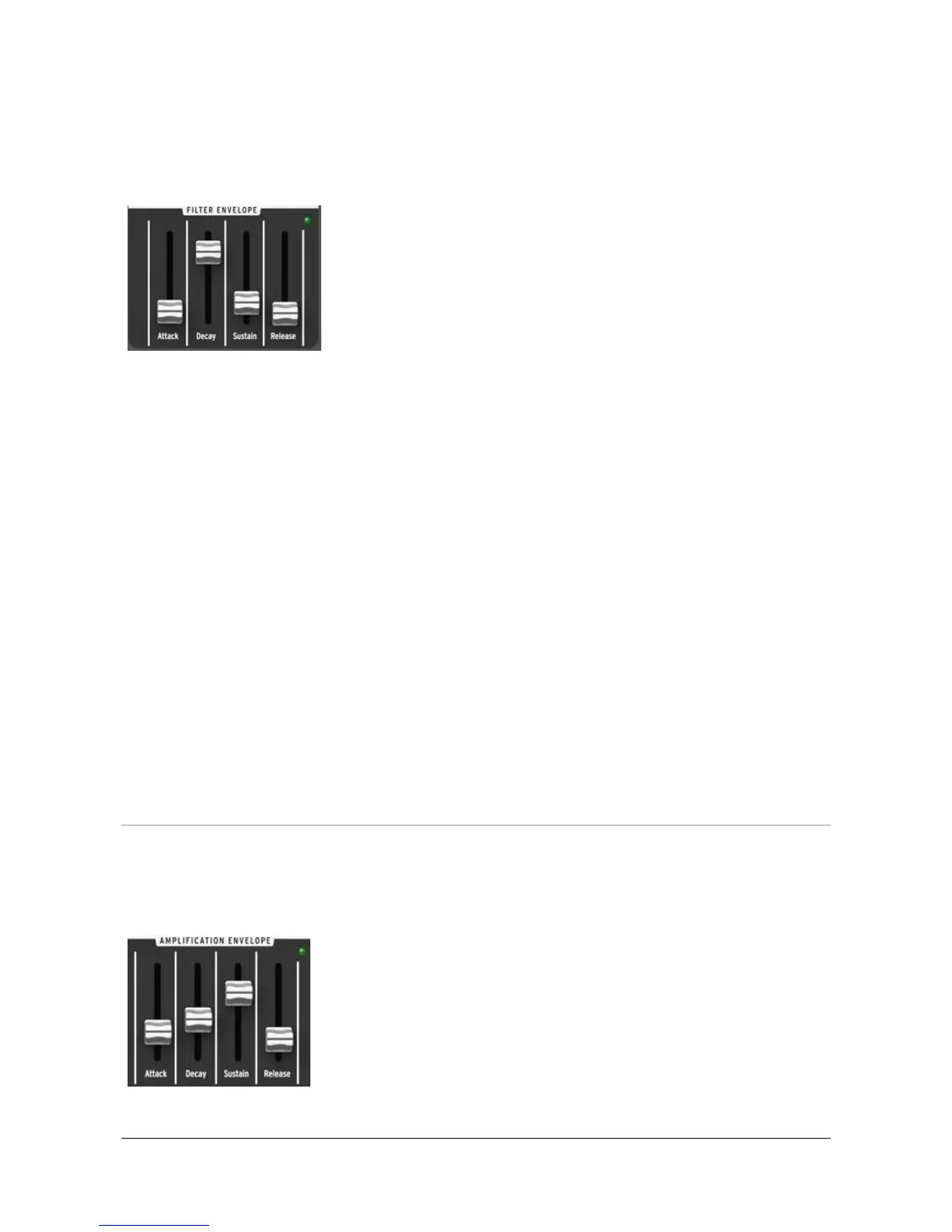
In normal mode, the Filter envelope is triggered by the
keyboard GATE signal. It can also be triggered by other
GATE sources such as the Arpeggiator clock [] or the rear
panel’s external GATE IN jack [4.3.6]. Note that depending
on the position of the GATE Source switch located on the
rear panel [], the filter envelope is under the control of
either the keyboard GATE signal, the automatic GATE from
the external Audio input [4.3.3], or the hold position of the
GATE switch.
The Attack slider sets the duration of the envelope’s first stage. Depending on the
filter section’s ENV Speed switch [4.2.2.6] the Attack time ranges from 1ms to 1s or
from 10ms to 10s.
The Decay slider sets the duration of the envelope’s second stage. Depending on
the filter section’s ENV Speed switch [4.2.2.6] the Decay time ranges from 1ms to 1s
or from 10ms to 10s.
The Sustain slider sets the level of the envelope’s sustain stage.
The Release slider sets the duration of the envelope’s final stage. Depending on
the filter section’s ENV Speed switch [4.2.2.6] the Release time ranges from 1ms to
1s or from 10ms to 10s.
A LED indicator shows the amount of filter envelope sent to filter. The LED’s
brightness depends both on the envelope signal amplitude and on the Velocity
signal sent by the keyboard (when the Velocity function has been enabled over
USB by the MiniBrute Connection software; see the Software section of this
manual).
4.2.3 The amplifier
The amplifier controls the sound’s amplitude dynamics, as determined by the
Amplifier Envelope and LFO parameters.
4.2.3.1 Amplifier Envelope
In normal mode, the Amplifier envelope is triggered by the
keyboard GATE signal. It can also be triggered by other
GATE sources such as the Arpeggiator clock [] or the rear
panel’s external GATE IN jack [4.3.6]. Note that depending
on the position of the GATE switch located on the rear panel
[] the amplifier envelope is under the control of either the
keyboard GATE signal, the automatic GATE from the














 To Next Page