Display System
1. Touch the upper left corner to display main menu.
2. Touch [ Settings ].
The settings menu is displayed.
Adjust General Settings
1. Touch[General],ifnecessary.
2. Touch to highlight a setting.
3. Touchontheoptiontodisplay/selectanoption.
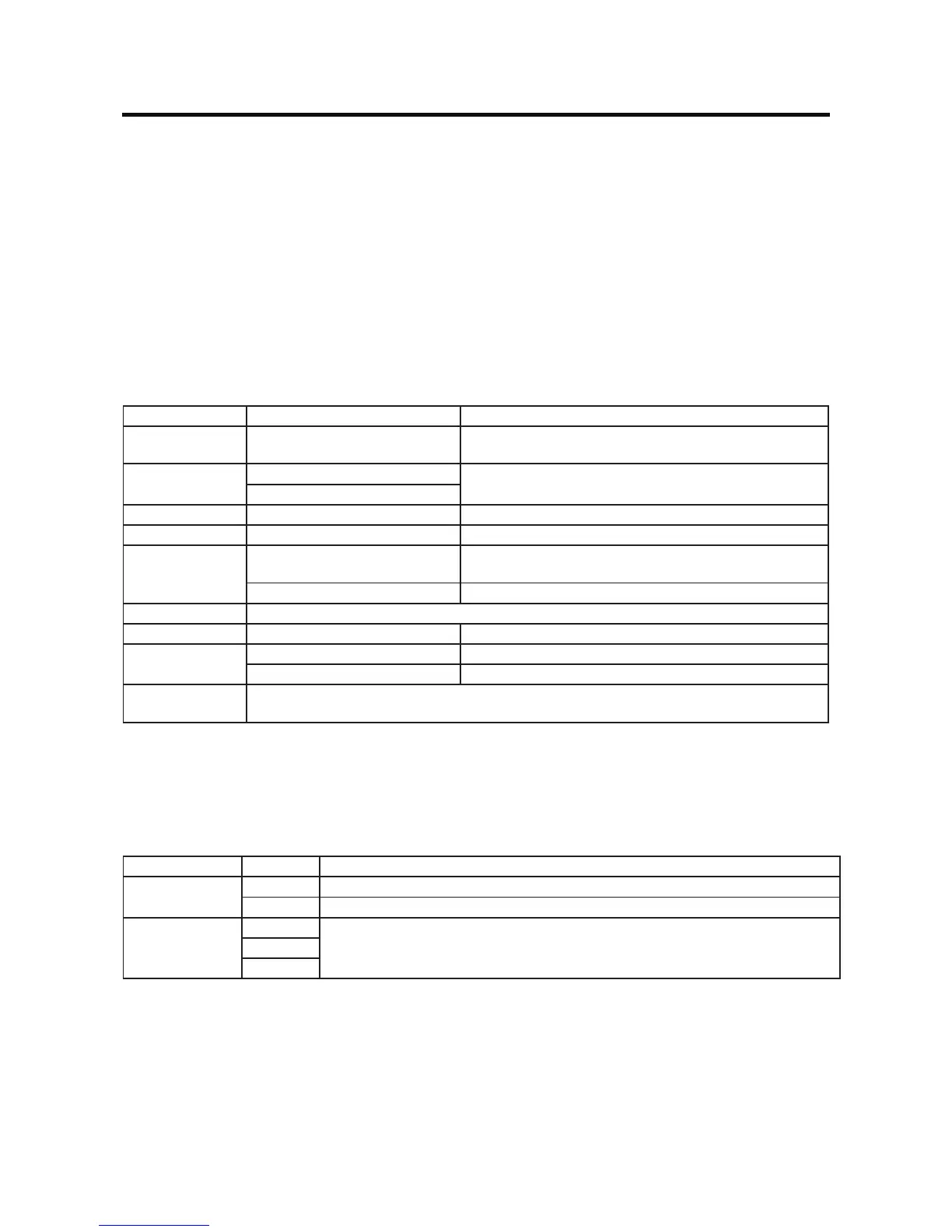
General settings Options Description
Radio Region
USA/China/Japan/Europe/Europe
(LW)/OIRT
Select one that matches your location.
Radio Lo/Dx
Local
Select radio local or distance. When select local, only
stations with sucient strength will be detected.
Distance
TFT Standby O/10s/20s Select the TFT standby status.
Display Adjust Night/Dark/Normal/Bright Select the brightness of the screen.
Beep
On
Turn on the beep sound. Each time you press a button, the
unit beeps.
O Turn o the beep sound.
Illumination Setup the the backlight color of the buttons..
UI Color Green/Red/Amber/Blue/Purple Select the UI color.
Demo
On Enable the demo of operations.
O Disable the demo of operations.
Camera
Conguration
To show the camera settings.
4. Touch top left of the screen to exit.
Adjust sound settings
1. Touch [Audio].
2. Touch an option repeatedly to select:
Sound settings Options Description
Subwoofer
On Turn on the subwoofer.
O Turn o the subwoofer
Sub Woofer Filter
80Hz
Select subwoofer lter criteria.120Hz
160Hz
3. Touchtopleftofthescreentoexit.
SYSTEM SETTINGS



 To Next Page