Troubleshooting
What appears to be trouble is not always serious. Please check the following points before calling a
service center.
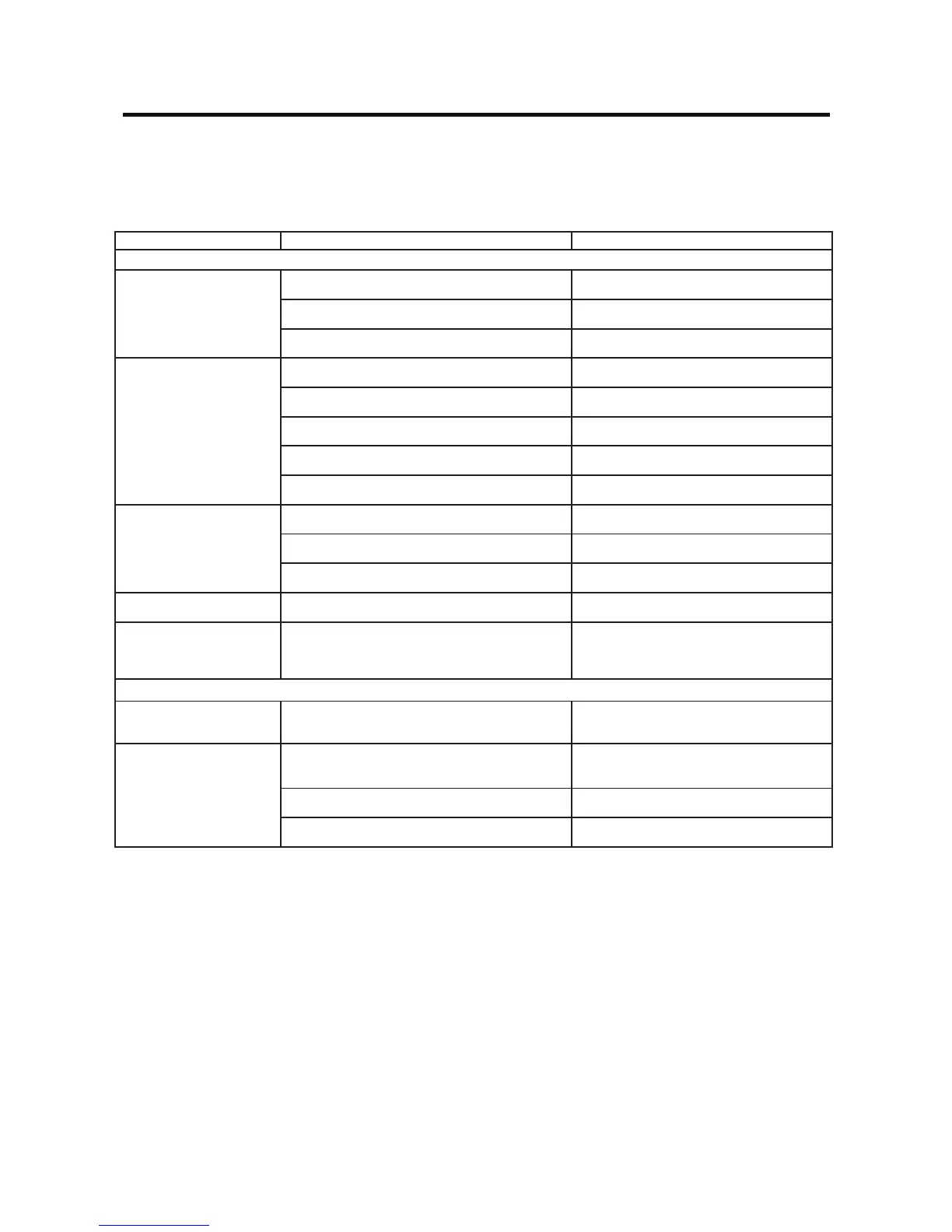
Problem Cause Corrective action
General
Unit can not power on
Unit fuse blown. Install new fuse with correct rating.
Car battery fuse blown. Install new fuse with correct rating.
Illegal operation Resettheunit.
No/low audio output
Improper audio output connection. Check wiring and correct.
Volumesettoolow. Increase volume level.
Speakersdamaged. Replacespeakers.
Heavily biased volume balance. Adjustthechannelbalancetocenterposition.
Speakerwiringisincontactwithmetalpartofcar. Insulate all speaker wiring connections.
Poor sound quality or
distortion
Speakerpowerratingdoesnotmatchunit. Replacespeakers.
Wrongconnections. Check wiring and correct.
Speakerisshorted. Check wiring and correct.
Tel-Mute malfunction MUTEwireisgrounded. Checkthe‘MUTE’wiringandcorrect.
Unit resets itself when
engine is off
IncorrectconnectionbetweenACCandBATT. Check wiring and correct.
TFT monitor
Warninginformationis
shown at all times
Parking break wiring is not correct. Check wiring and correct.
Flashing image or
interference appears on
screen
The color system of not match the monitor. Adjustthecolorsystemofthemonitor.
Videocabledamaged. Replacecables.
Improper video signal connections. Check wiring and correct.



 To Next Page