Listen to Other Devices
You can connect an external audio/video device to the unit.
1. Connect the external device with the AV cable.
2. Touch the upper left corner to display the main menu.
3. Touch[AV-IN1]/[AV-IN2]toaccessexternaldevice.
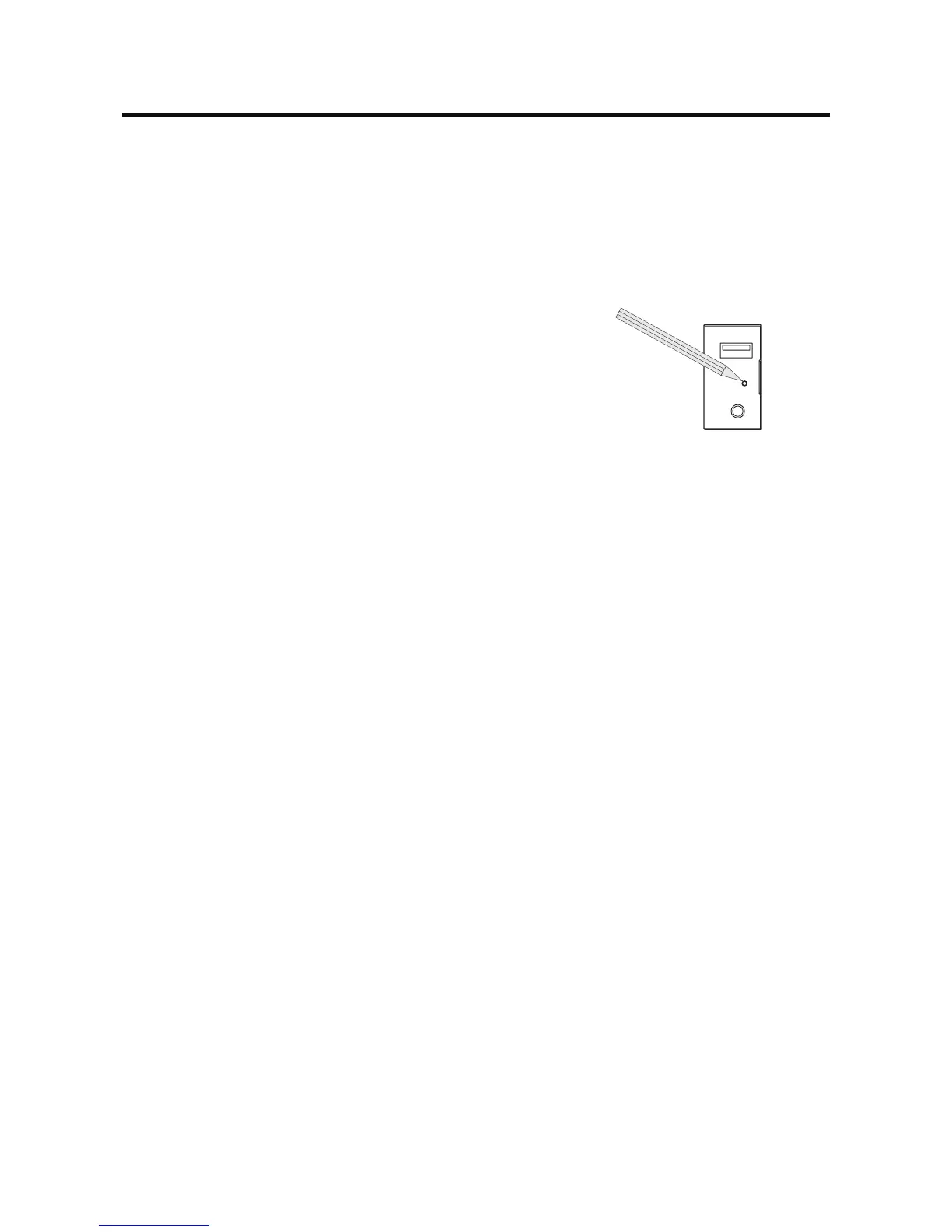
Reset
When the unit hangs up, you can reset it.
Open the cap located on the bottom left of the panel, press [ Reset ]
button with a ball-point pen or similar tool.
Tip
When the unit has been reset, all the settings will return to default
settings.
Replace a Fuse
If there is no power, the fuse may be damaged and need to be replaced.
1. Take out the unit from dashbpard.
2. Check all electrical connections.
3. Buyafusethatmatchestheamperageofthedamagedfuse.
4. Replace the fuse while the units power is disconnected.
Other Modes
Reset



 To Next Page