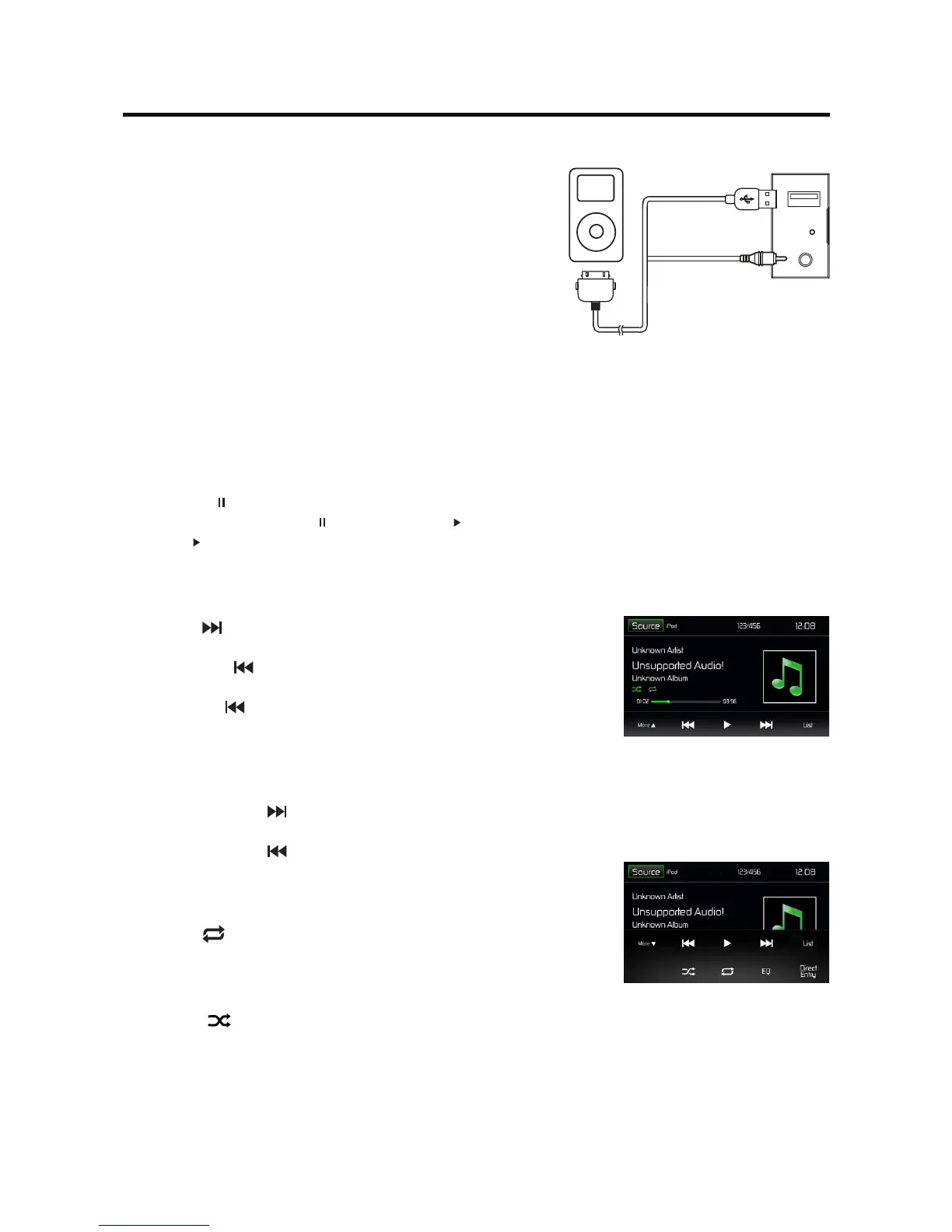
Accessing iPod mode
Touch [iPod] on the main menu to enter iPod menu.
If [iPod] is not on the current source menu, hold the center
of screen and drag left/right to show more icons.
Pausing play
1. Touch the [ ] button on the bottom of the screen to pause play.
The playback pauses, and [ ] button becomes [ ] .
2. Touch [ ] button to resume play.
Selecting a track
Track-up
Touch the [ ] button to move to the beginning of the next track.
Track-down
1. Touch the [ ] button to move back to the beginning of the
current track.
2. Touch the [ ] button twice to move back to the beginning of the
previous track.
Fast forward/Fast reverse
Fast forward
Touch and hold the [ ] button .
Fast reverse
Touch and hold the [ ] button .
Repeat play
This function allows you to play the track repeatedly.
Touch the [ ] button to select Repeat one or Repeat all.
Random play
This function allows you to play all tracks recorded in a random order.
Touch the [ ] button to perform random play. Touch it to resume
normal play.
Connect an iPod or iPhone to the unit via an iPod cable.
iPod Mode



 To Next Page