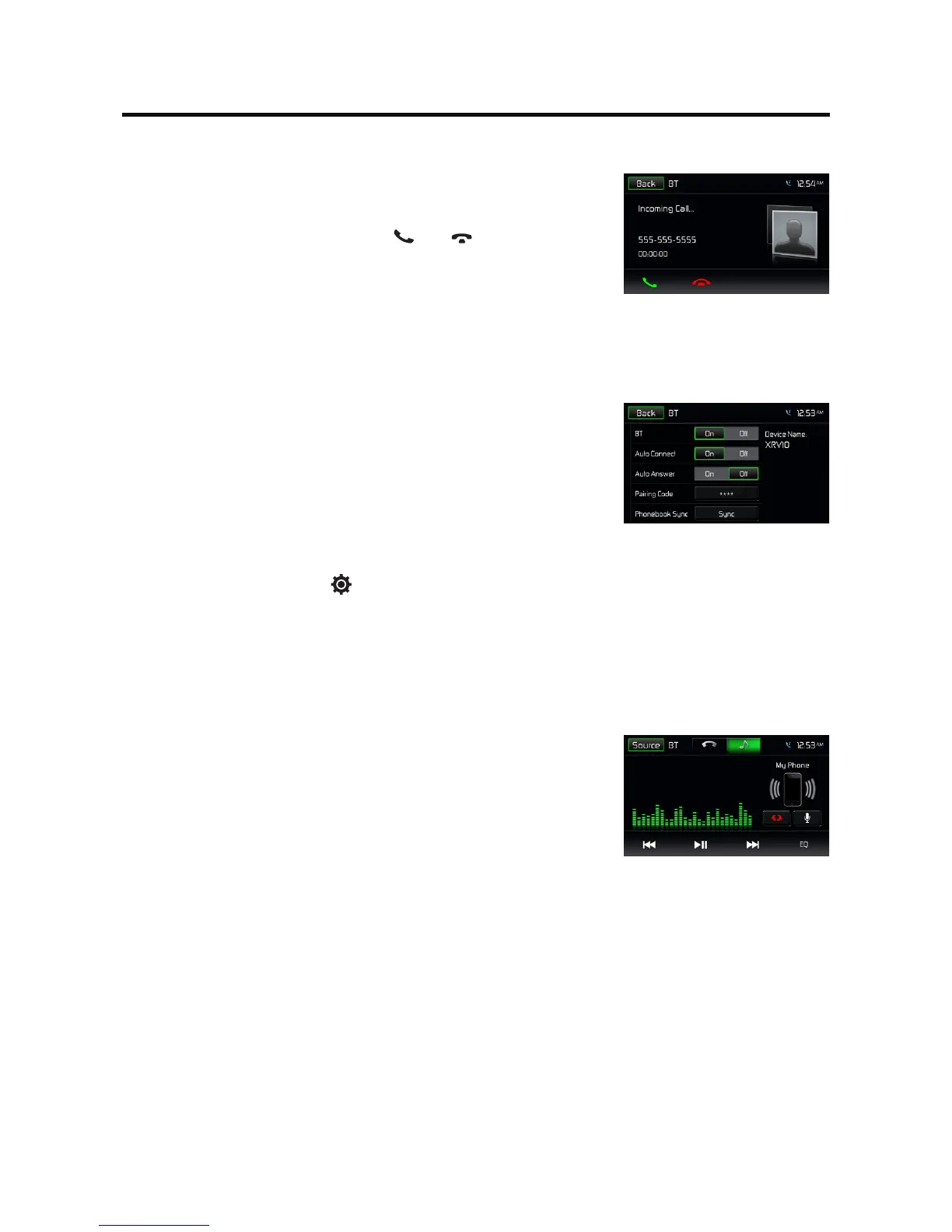
Receive a Call
By default, all incoming calls are received automaticaly.
1. If there is an incoming call,
the screen will appear “Incoming
call...”
.
2. You may touch the screen to select [ ] or [ ].
Speak into the Bluetooth microphone.
Tip
• Youcanselecttoreceivecallsmanuallybyset[AutoAnswer]toO
status.
Push to Talk
Press[PushtoTalk]onthescreentoaccessSiriorGoogleVoicethrough
the head unit when connected via BT. You mobile phone must support
SiriorGoogleVoiceinorderforthisfeaturetobesupportedonthe
head unit.
NOTE: Samsung “S” Voice and other third-party apps may not be
supported.
Adjust Bluetooth Settings
1. In Bluetooth menu, touch [ ].
The option menu is displayed.
2. Touch on the selected option to change the setting.
∙ [BT]: To turn on or o “Bluetooth” function.
∙ [Auto Connect]: To turn on or o “Auto connect” function.
∙ [Auto Answer]: To turn on or o “Auto answer” function.
∙ [Pairing code]: To set paring code.
∙ [Phonebook Sync]: Phonebook sync may take several minutes to load
on initial setup.
Music Mode
A2DP
A2DP is short for Advanced Audio Distribution Profile. The mobile
phones supporting this function can transmit stereo audio, whereas the
ones not supporting this function can transmit mono audio only.
AVRCP
AVRCP is short for Audio/Video Remote Control Profile. The mobile
phones supporting this function can control the playback of a
Bluetooth audio player.
In the mode of the music player working, if you want to make a phone
call, you can press the number keys on the mobile phone. At the same
time the music player will stop. The TFT screen will display “Calling”, after
the call received, the voice will be transferred to the unit. When the call
ends, the screen will display music playing menu.
If there is an incoming phone call, the music player will stop, and the
screen will display “Incoming”. When the call ends, the screen will
display music playing menu.



 To Next Page