CAMERA OPERATION
Enter Camera Mode
ConnectthecamerastotheunitusingtheCAMERA1-3Connectioncablesatthebackoftheunit.Enter
2nd page of main menu, press CAMERA to access camera mode.
Enter Camera Mode
Thisunitcanconnect3cameras:CAM1,CAM2andCAM3.Eachcameracanbetriggeredseperatelyand
canbesetindierenttriggerpriority.Thereare3triggerwiresatthebackoftheunit.Iftriggersignals
are detected on more than one trigger wire, the channel that has the highest priority is triggered rst.
Once a channel is triggered, the triggered channel video will be displayed on the full screen, Only CAM
1 has audio input.
Auto Mic Enable
When the Auto Mic Enable feature is set to “Yes”, the current playback audio will be muted and the
microphone for camera 1 will be automatically turned on when the vehicle is placed in reverse gear.
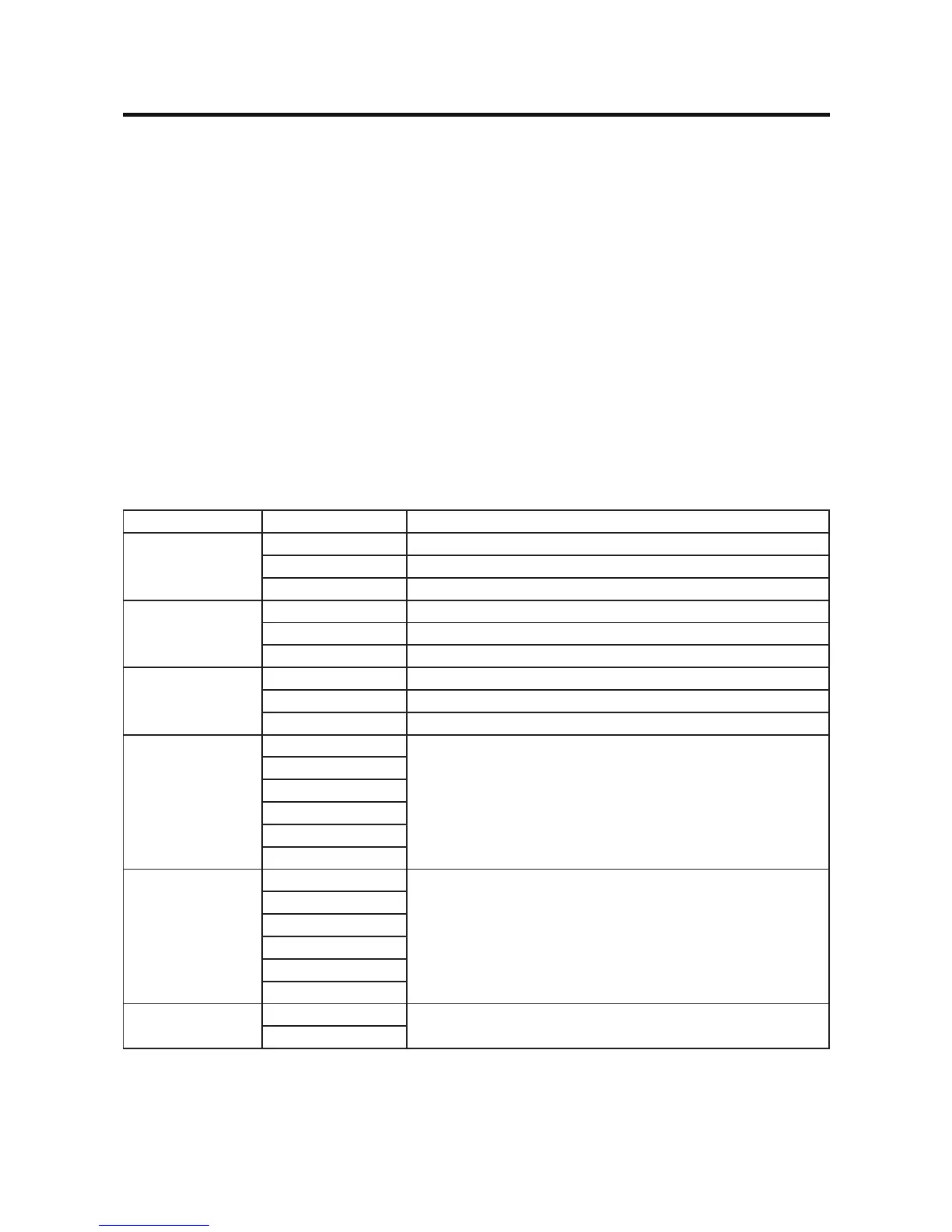
See “Camera Conguration”:
Setting Func Function
Camera 1 mode Skip The output of camera 1 image is skipped.
Normal (default) The output of camera 1 image is in normal mode.
Mirror The output of camera 1 image is in mirror mode.
Camera 2 mode Skip The output of camera 2 image is skipped.
Normal (default) The output of camera 2 image is in normal mode.
Mirror The output of camera 2 image is in mirror mode.
Camera3mode Skip Theoutputofcamera3imageisskipped.
Normal (default) Theoutputofcamera3imageisinnormalmode.
Mirror Theoutputofcamera3imageisinmirrormode.
Priority Order 1-2-3 Continue pressing to select the desired camera trigger
priorityfrom1(highest)to3(lowest).
1-3-2
2-1-3
2-3-1
3-1-2
3-2-1
Trigger Delay One Second Set delay time for displaying camera image after trigger
signal is removed.
Two Seconds
Three Seconds
Four Seconds
Five Seconds
Six Seconds
Auto Mic Enable Yes Select “Yes” to automatically turn on the microphone and
mute other audio when the vehicle is in reverse gear
No



 To Next Page