You can make or receive phone calls with Bluetooth-enabled phones
through the unit. You can also listen to music from a Bluetooth-enabled
device.
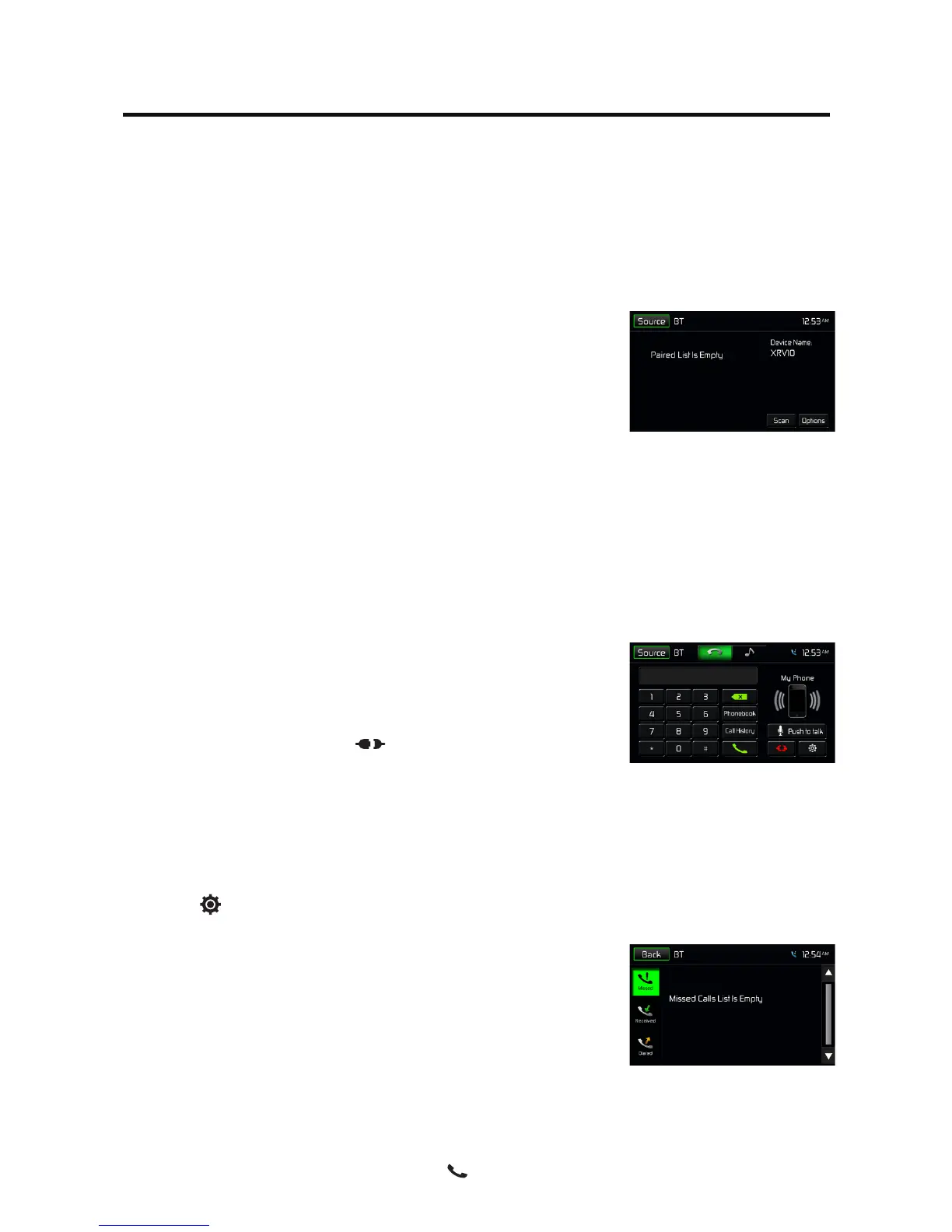
Pair the Bluetooth-enabled Devices
To connect your Bluetooth device to the unit, you need to pair the device
to the unit. Pairing needs only to be done once. You can pair up to ve
devices. You also can search for Bluetooth devices by mobile phone.
1. Turn ON the Bluetooth function on the device.
2. Search for Bluetooth devices by mobile phone.
3. SelecttheBluetoothdeviceID(shownonthescreenoftheunit)inthe
pairing list.
4. Enterdefaultpassword“1234”ifnecessary.
Tip:
• TheoperationalrangebetweenthisunitandaBluetoothdeviceis
approximately 5 meters .
• BeforeyouconnectaBluetoothdevicetothisunit,familiarizeyourself
with the Bluetooth capabilities of the device.
• CompatibilitywithallBluetoothdeviceisnotguaranteed.
• AnyobstaclebetweenthisunitandaBluetoothdevicecanreducethe
operational range.
• Keepthisunitawayfromanyotherelectronicdevicethatmaycause
interference.
Disconnect Bluetooth Device
To disconnect one device, touch [ ] .
Tip
• Thedevicewillalsobedisconnectedwhenthedeviceismoved
beyond the operational range.
• Ifyouwanttoreconnectthedevicetotheunit,placeitwithinthe
operational range.
• Ifyoudonotwanttoreconnectthedevicetotheunitautomatically,
touch
[
], then set [ Auto connect ] to Off (the green icon turns
grey).
For details, see the “Adjust Bluetooth Settings” section.
Make a Call
1. Select Bluetooth function in the home menu.
2. Pair the phone with the unit.
3. Searchforphonenumberfromthefollowinglist:
[Phone Book]
[Call History]
[Missed calls]
[Received calls]
[Dialed calls]
Or touch the number pad directly, then touch [ ] to dial.
Bluetooth Mode



 To Next Page