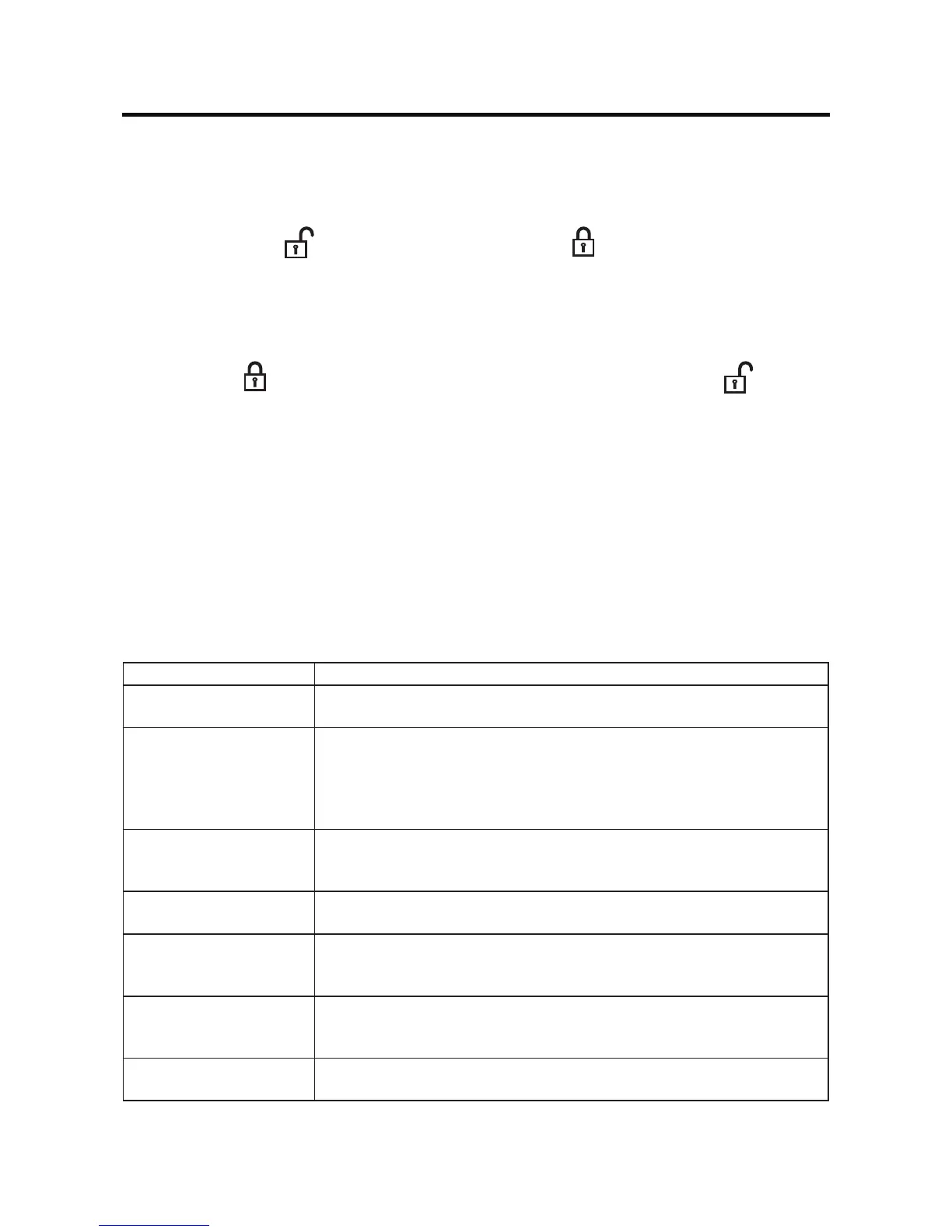
Locking a Channel
To lock an individual channel:
1. On the SirusXM® menu page 2, touch the Lock icon. The following screen appears:
2. Enter your 4-digit password . The following screen appears:
3. Touchanunlocked( ) icon. The icon is replaced by a lock (
) icon. The channel is now locked.
Unlocking a Channel
To unlock an individual channel:
1. On the SirusXM® menu page 2, touch the Lock icon. The Enter Password Screen appears appears.
2. Enter your 4-digit password. The following screen appears:
3. Touchalock(
) icon to unlock a channel. The icon is replaced by an unlocked ( ) icon. The
channel is now locked.
Change Lock Password
The Change Lock Password option allows you to change the password from the default or current
custom password to another password.
NOTE: The default password is 0, 0, 0, 0.
To change a password:
1. Touch the CHGPWD icon. The following screen appears:
2. Enteryour4-digitpasswordandpresstheOKicon.
3. Enterthenew4-digitpasswordandpresstheOKicon.Thenewpasswordisset.
SiriusXM® Radio Advisory Messages
SiriusXM® user advisory messages are listed below:
Advisory Displayed Cause
Check SXM Tuner Check the SiriusXM® tuner connection on the back of the unit to ensure
that it’s correctly connected.
Check SXM Antenna Ensure the SiriusXM® antenna cable is connected to the SiriusXM® tuner
correctly.
Check the SiriusXM® antenna wire for breaks or sharp bends.
Replace the antenna if necessary. If the message remains, the antenna
may have been damaged.
No SXM Signal The vehicle must be outside, and the antenna must have a clear view of
the southern sky. The magnetic antenna must be mounted on the outside
of the vehicle for the best reception.
Channel Not Subscribed This channel is not included in your SiriusXM® subscription plan. Call
1-866-635-2349tosubscribe.
Channel Not Available This channel is not a valid SiriusXM® channel. The channel number has
been entered incorrectly, or the channel was removed from the SiriusXM®
channel lineup.
Channel Locked The selected channel has been locked by the parental controls, or a
mature channel has been selected. A prompt to enter the unlock code will
appear. Enter the unlock code.
Subscription Updated An update to your SiriusXM subscription has been received by the
SiriusXM tuner. Press [ Enter ] button to continue.



 To Next Page