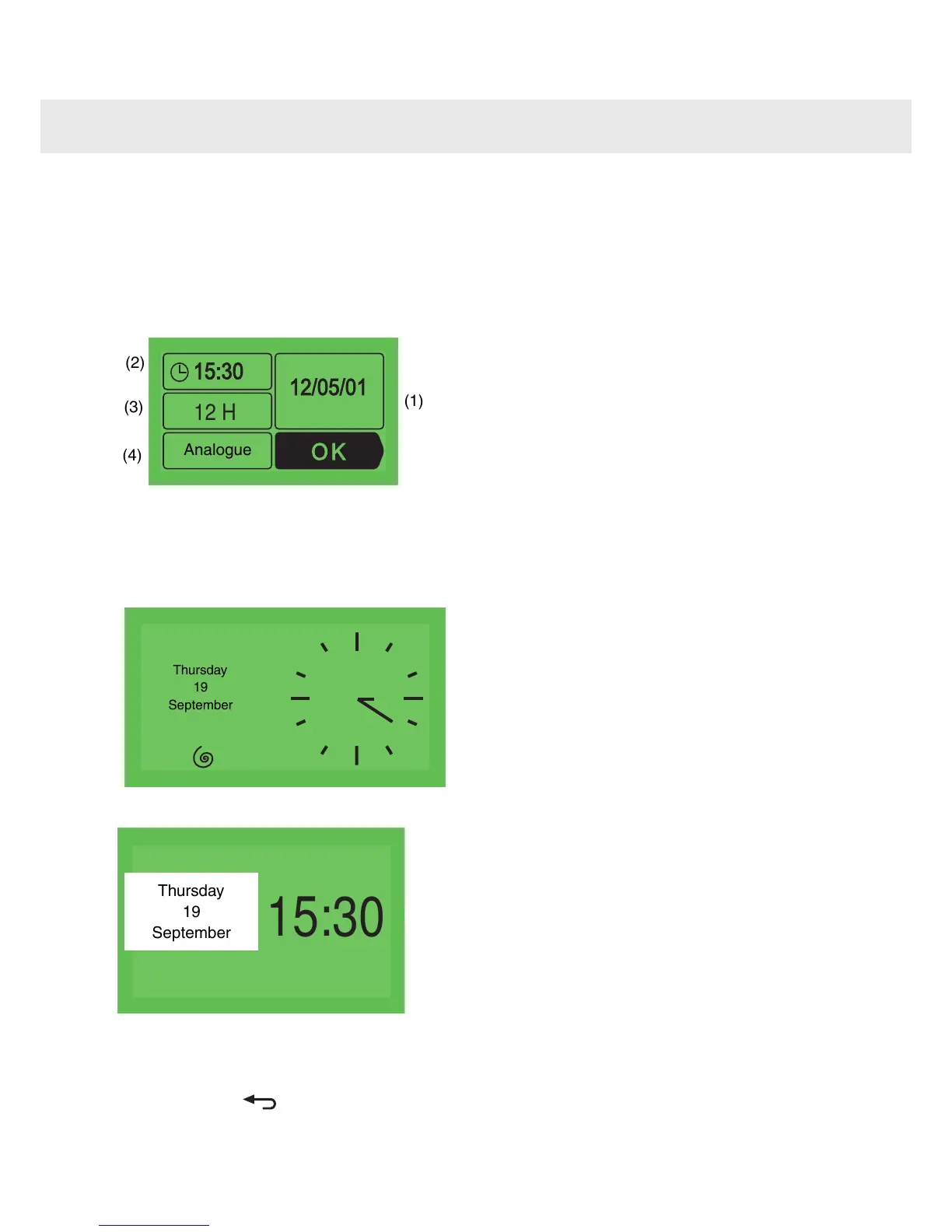
When switching on the appliance
The oven displays the following screen.
Press < or > until you reach the box to be adjusted
and confirm with OK.
Then enter the desired information and press
again OK to confirm this.
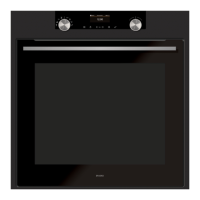
or
Digital clock
•
Press OK to confirm.
•
Press to return to the main mode.
Changing the time on the clock and
the date
Press on < or > until you reach the "Adjustment"
box, then press on OK. The "Clock" screen
appears, press OK again to access the time
information screen then proceed as you would
when switching on the appliance.
8
Setting the date and time on the oven



 To Next Page