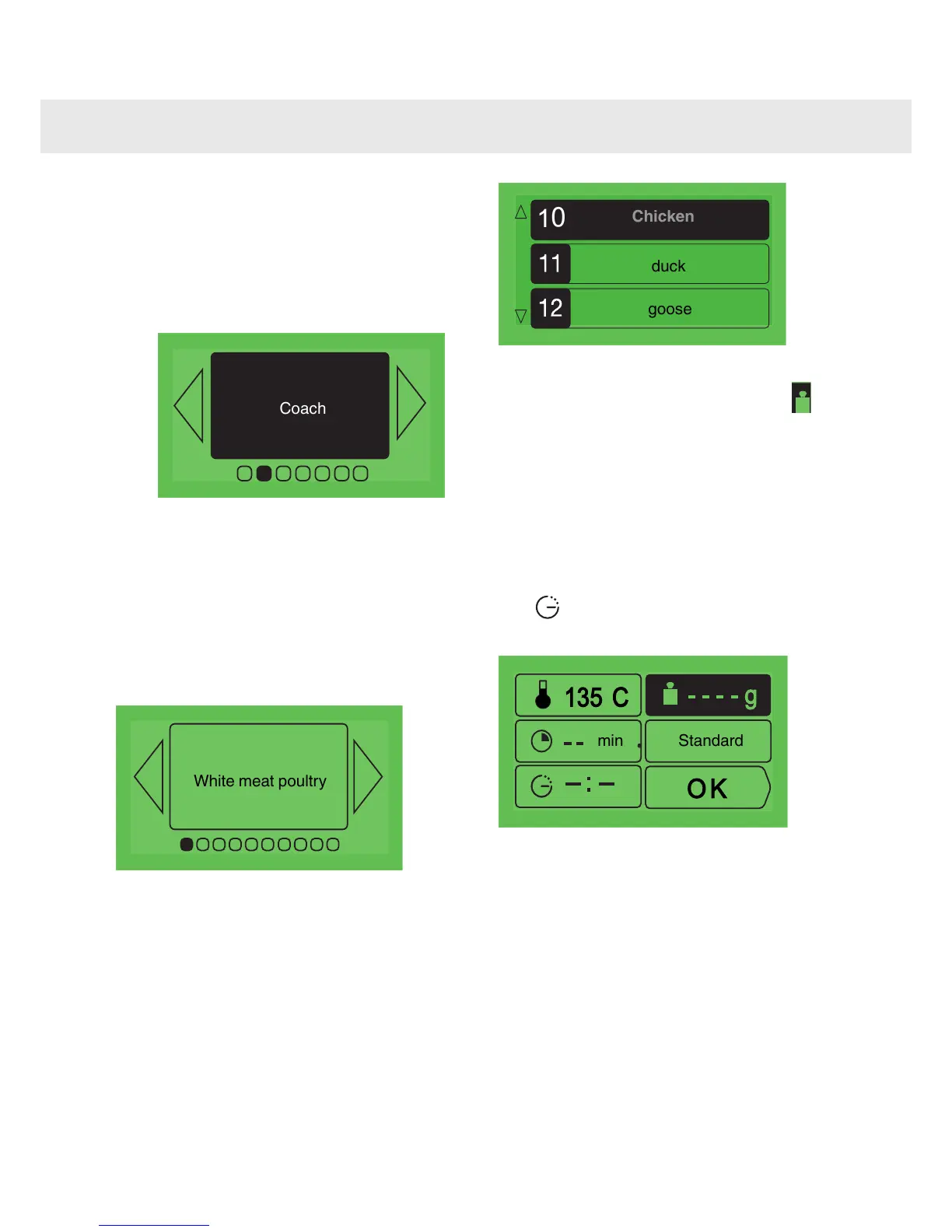
The “Coach” function
The “Coach Guide” function selects cooking
information for you based on the dish to be
prepared and its weight.
1
Press < or > to select "Coach" and confirm
with OK.
2
The oven offers a choice of 6 food
categories: press < or > to see each
category appear.:
•
White meat poultry
•
Meat
•
Fish
•
Light meals
•
Cakes
•
Tarts / pudding
Once you have made your choice, confirm this
by pressing OK.
3
Next, you should choose the specific dish
to be prepared, and confirm your choise by
pressing OK again.
4
Once you have selected your dish, the oven
asks you to enter its weight (the box
) or
the material that your dish is made out of
(aluminium, porcelain, etc.) in the case of
cakes, quiches, tarts and vegetables, or the size
of the foodstuff (brioche).
Enter the weight or the material. The oven
automatically makes the necessary calculations
and will display the ideal cooking time. If you wish,
you can modify the cooking end time by selecting
the (“
the cooking end time by selecting the
”) box and displaying the new cooking
end time.
As soon as you press OK to confirm, the oven
recommends the oven shelf level on which you
should put your dish.
5
Put your dish in the oven at the shelf level
recommended (from 1 at the bottom to 5 at
the top).
16
Using the various cooking modes



 To Next Page