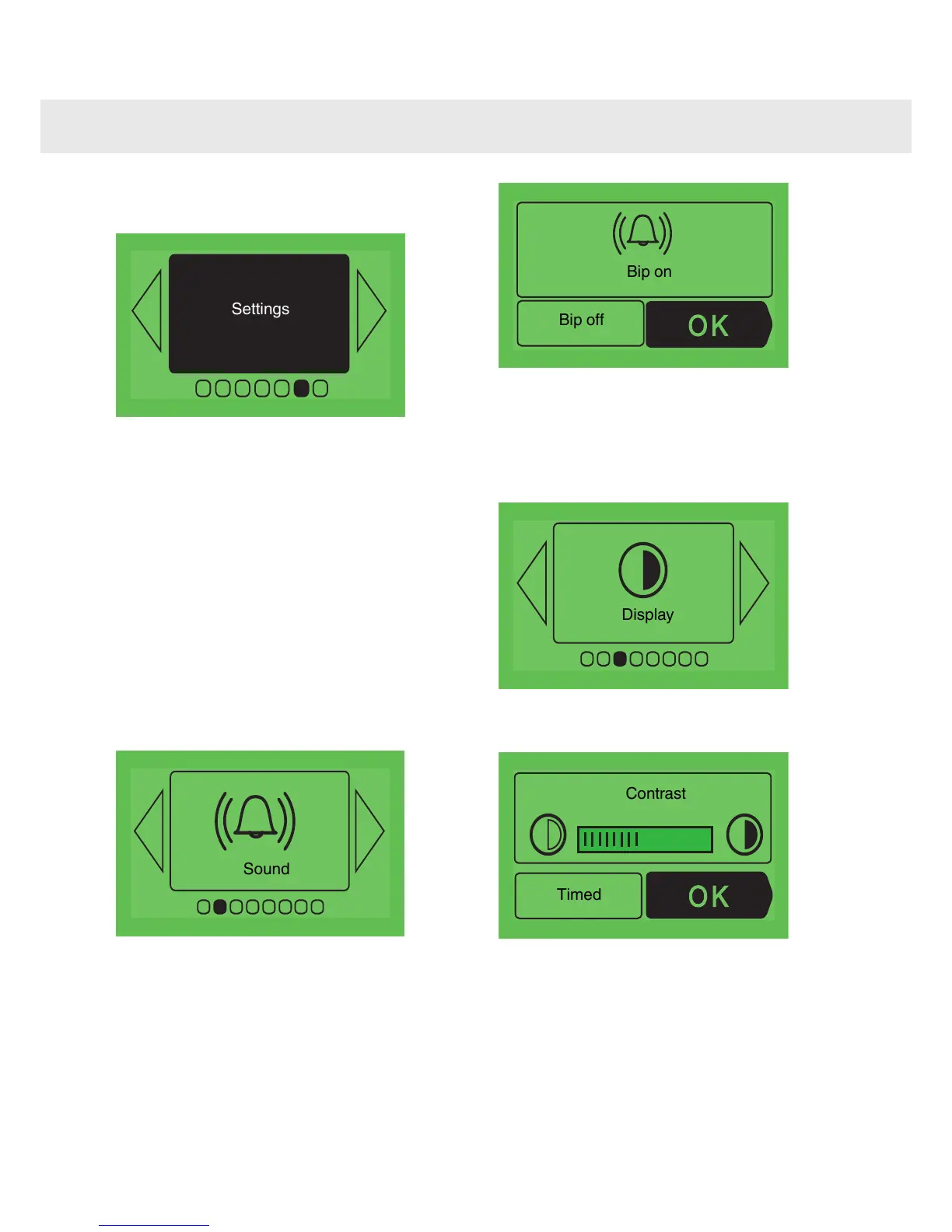
Press < or > until you reach the "Adjustment"
screen.
Confirm your choice by pressing OK. You can
access the following settings:
•
Clock (see paragraph “setting the date and
time on the oven”)
•
Sound
•
Display
•
Odour control
•
Consumption
•
Language
Adjusting the sound emitted when
using the touch buttons
If you wish, you can cancel the beeps made by
the cooker whenever you confirm your choices
(when you press the buttons).
To do this, enter this option and choose Beep on
(active) or Beep off (silent). Confirm by pressing
OK.
Adjustment of the screen contrast
and standby
Select this box to put the display on standby
(saves energy) when it is not being used and to
adjust the contrast of the display.
Increase or decrease the contrast with
< or >.
24
Accessing the various cooker settings



 To Next Page