This "information gathering" phase is indicated
by rotating arrows.
indicated by rotating arrows.
•
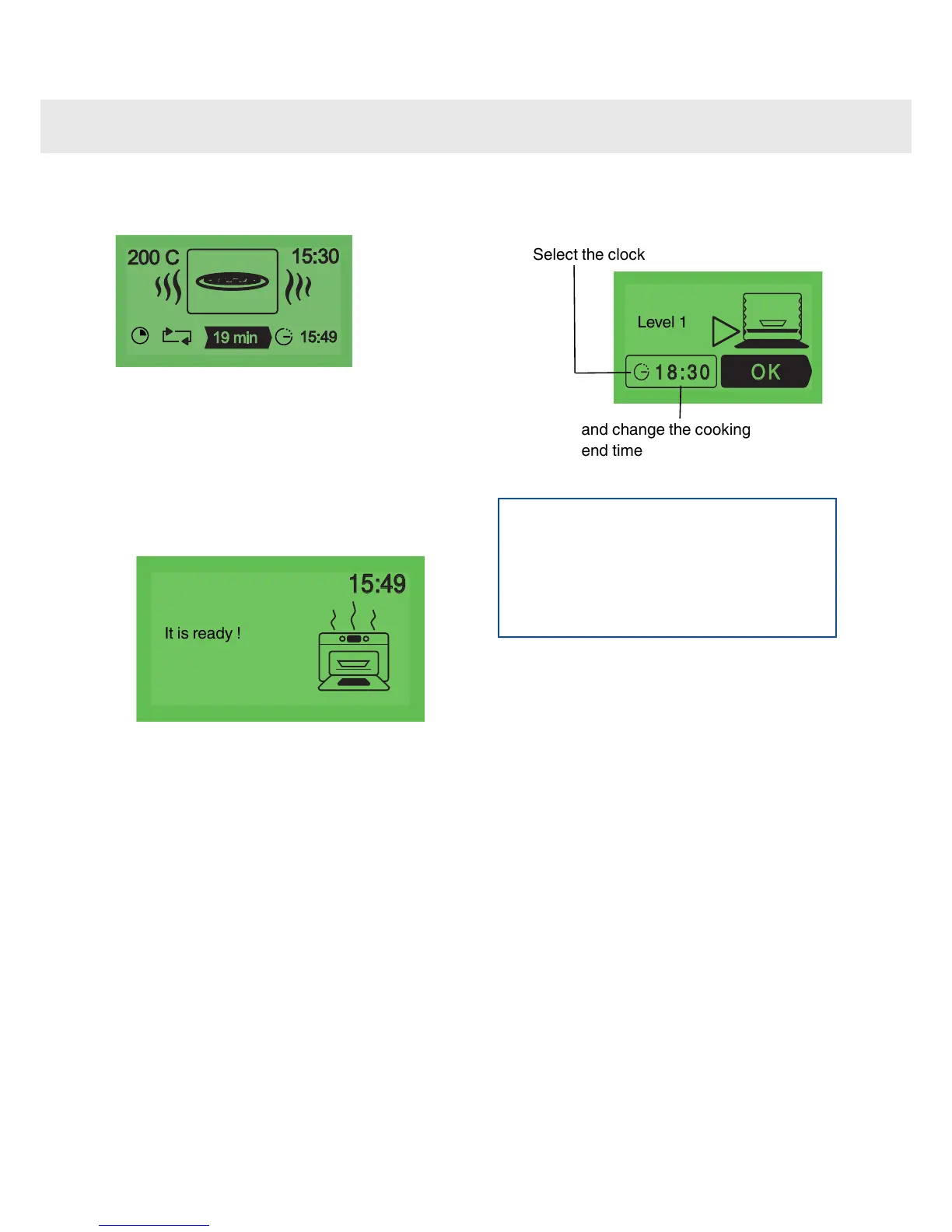
The second phase of cooking. The oven has
worked out the time needed and displays this
as well as the cooking end time. The remaining
cooking time displayed takes account of the
cooking time from the first phase. You can now
open the door, for example to baste roast meat.
•
The oven turns off when the cooking time is up
and your screen tells you that the dish is ready.
The "Delayed start" function:
To program a "delayed start" for your cooking,
Level 1
Select the clock
and change the cooking
end time
NOTE
If you wish to carry out a second cooking
session using “Auto”, you must wait until the
oven has cooled completely. However, you can
still use the “Individual” function even with a
warm oven.
19
Using the various cooking modes



 To Next Page