USER manual
ENGLISH
59 of 260
6.10 Automatic dispensing of hot water
(SAE - DISPLAY versions)
PROGRAMMING
The machine is programmed by
default. Should the hot water doses
have to be modied, proceed as fol-
lows:
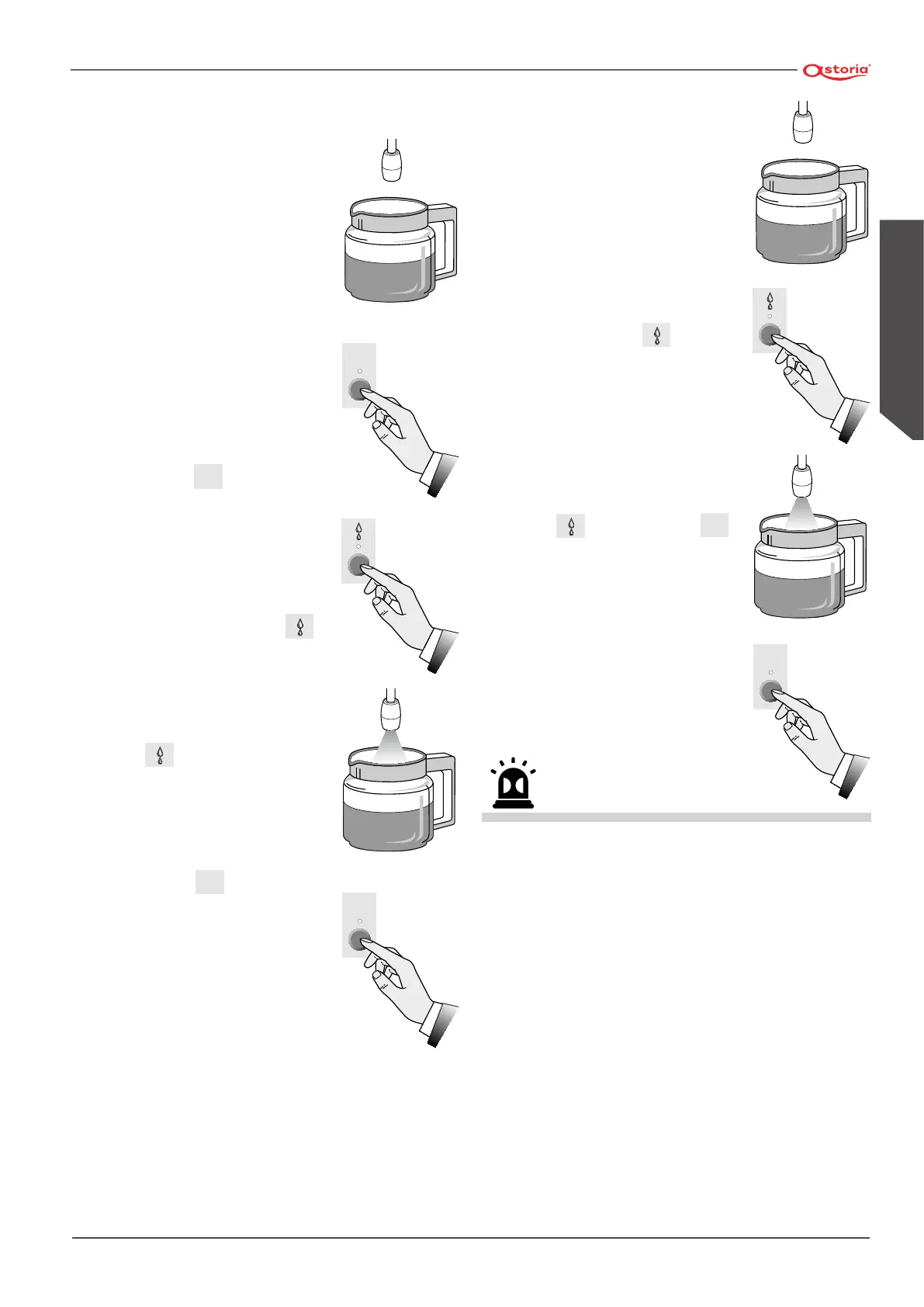
• Place the jug under the hot water
nozzle;
• press button
STOP
PROG.
for at least 5
seconds until all leds of the dose
buttons are lit;
• press the hot water button
;
• to conrm the dose, press again
button
;
• on concluding the programming,
press button
STOP
PROG.
until all leds
of the push-button panel are
switched o.
STOP
PROG.
STOP
PROG.
DISPENSING OF HOT WATER
• Place the jug under the hot water
nozzle;
• press water button
and wait
for the dispensing of hot water;
• to block the dispensing in advance,
press the hot water dispensing
button
or press button
STOP
PROG.
.
Avoid contact with the hot water nozzle, do not direct your hands
or other body parts towards the hot water nozzle ends.
STOP
PROG.







 To Next Page