EasyManua.ls Logo

Astrodesign VG-879 - Setting Item

Default Icon
156 pages
Print Icon
To Next Page IconTo Next Page
To Previous Page IconTo Previous Page
Loading...
Chapter 3 Analog Output Settings (ANALOG OUTPUT)
20
3.2.2 Setting item
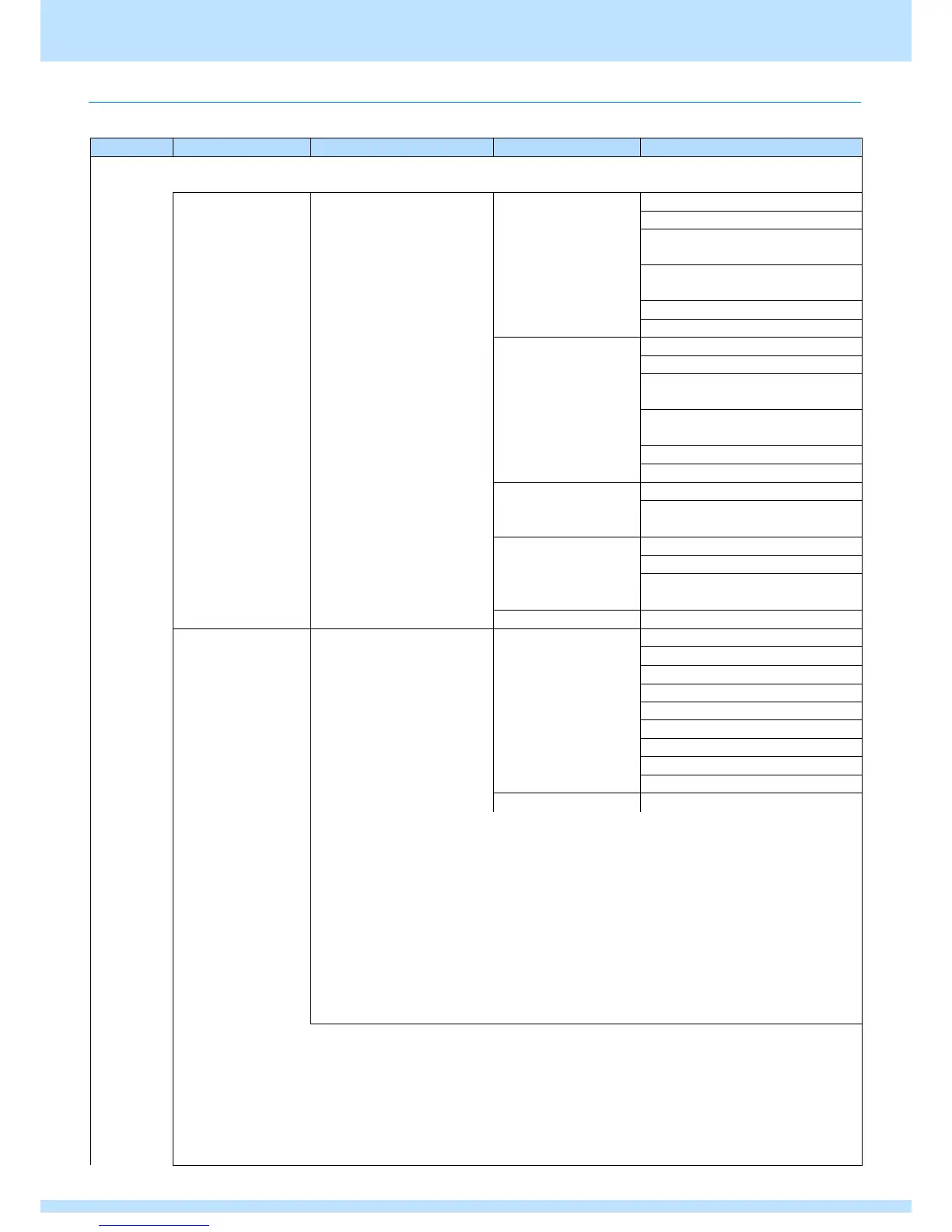
This section describes settings for the VBI Function.
Level 1
Level 2
Level 3
Setting item
Setting value
VBI
Function
Macrovision
* Only displayed
with a license
Mode
Relies on V-Timing TV
Mode
NTSC-M
0: OFF
1: Type1 (AGC only)
2: Type2 (AGC + 2Line
Colorstripe)
3: Type3 (AGC + 4Line
Colorstripe)
4: VHS USA
5: VHS US obs.
NTSC
0: OFF
1: Type1 (AGC only)
2: Type2 (AGC + 2Line
Colorstripe)
3: Type3 (AGC + 4Line
Colorstripe)
4: VHS JAPAN1
5: VHS JAPAN2
NTSC-443
0: OFF
PAL-60
1: Type1,2,3 (AGC only)
PAL-M
PAL
0: OFF
PAL-N
1: Type1,2,3 (AGC only)
PAL-Nc
2: VHS
SECAM
Other
OFF (fixed)
Closed Caption
Mode
Relies on V-Timing TV Mode
NTSC
0: OFF
NTSC-M
1: CC1
NTSC-443
2: CC2
PAL-60
3: CC3
PAL-M
4: CC4
PAL
5: T1
PAL-N
6: T2
PAL-Nc
8: T4
9: USER Data
Other
OFF (fixed)
CC1 - Primary Synchronous Caption Service (Caption service for primary language)
CC2 - Special Non-Synchronous Use Caption (Services that do not need to be
synchronized with audio, etc.)
CC3 - Secondary Synchronous Caption Service (Caption service for secondary
language)
CC4 - Special Non-Synchronous Use Caption (Services that do not need to be
synchronized with audio, etc.)
T1 - First Text service (Text service)
T2 - Second Text service (Text service)
T3 - Third Text service (Text service)
T4 - Fourth Text service (Text service)
* Refer to closed caption internal data.

Table of Contents

Related product manuals