23
To view your hardware information:
1. From the navigation panel, go to Gateway > Hardware tab.
2. Select System Hardware from the dropdown menu of the
Hardware section.
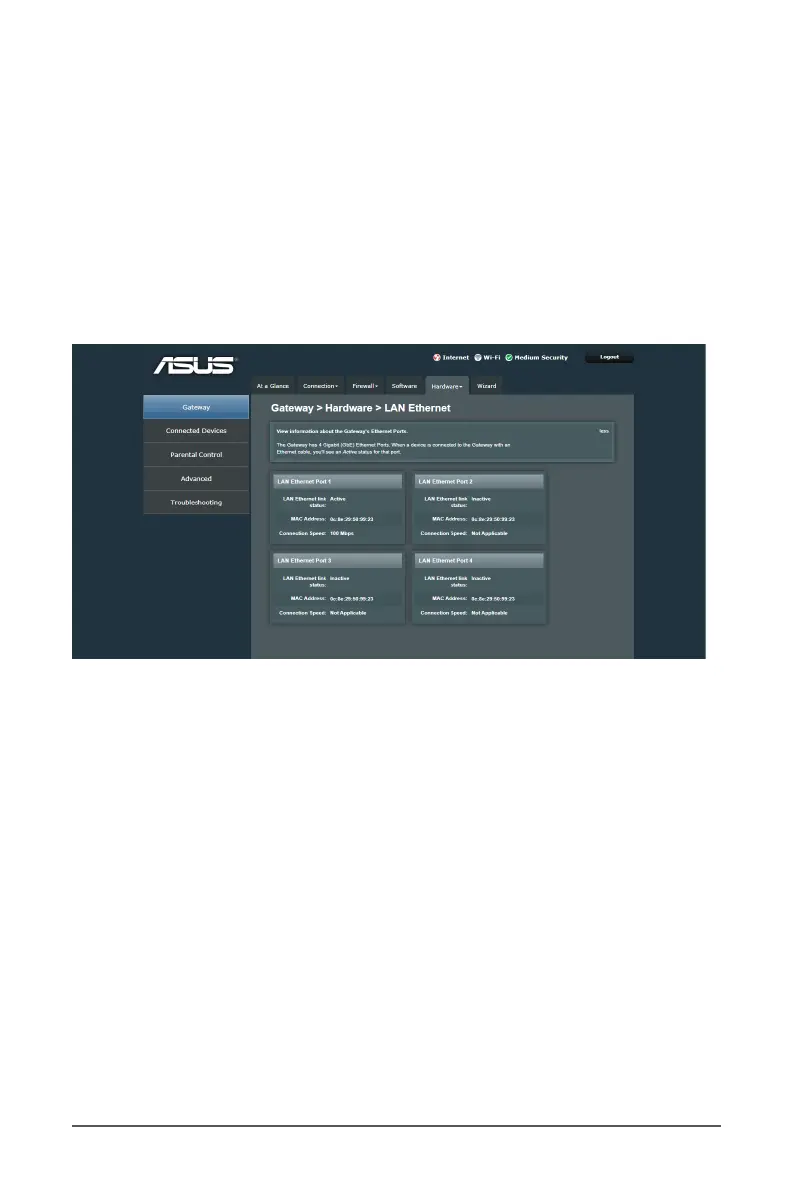
3.5.2 LAN
The LAN screen displays LAN connection status and operation
speed information on DHCP clients connected to your network.
To view your LAN status:
1. From the navigation panel, go to Gateway > Hardware tab.
2. Select LAN from the dropdown menu of the Hardware
section.



 To Next Page