8
3 3 Setting up Your GatewaySetting up Your Gateway
3.1 At a Glance
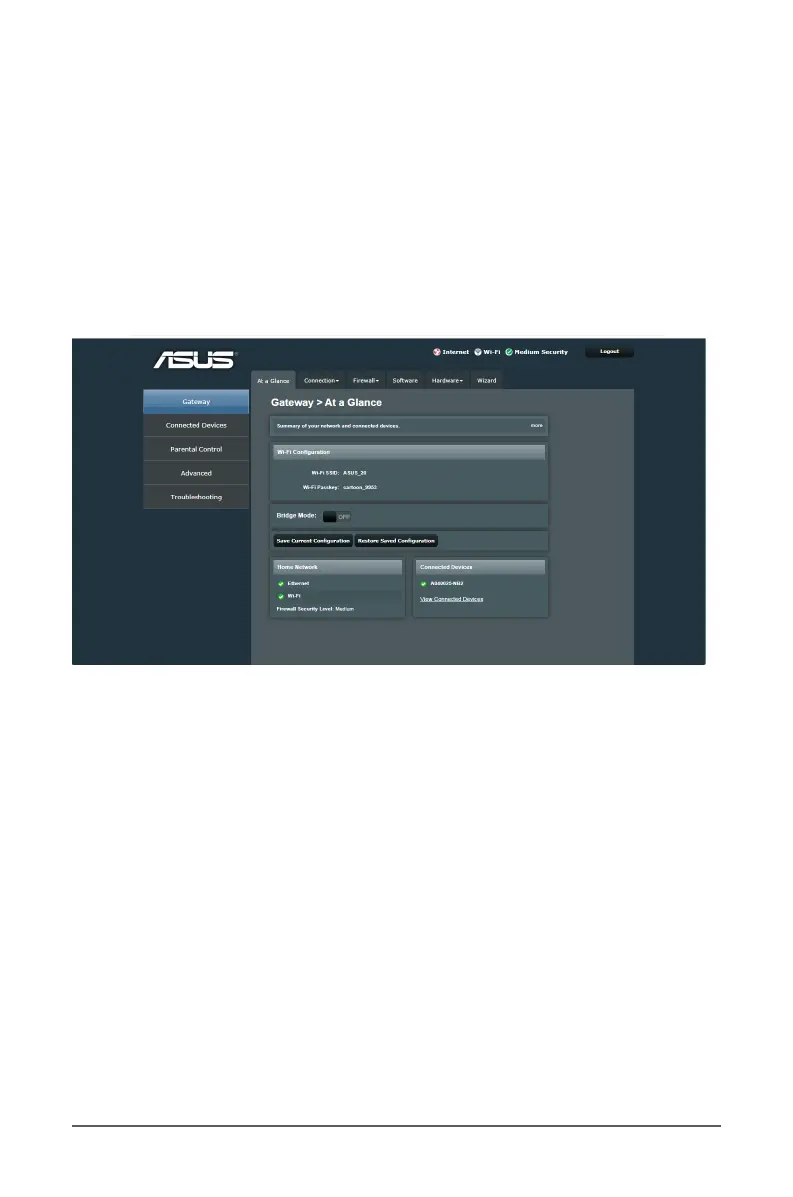
This is the rst screen displayed when you successfully log into
the web management interface. The At a Glance of the Gateway
section allows you to view the network connectivity and Wi-Fi
connection status, to congure your device operation mode
as router or bridge, and to save/upload cable modem router
settings.
3.2 Connection
The Connection section allows you to view network connection
status, manage your network clients and congure your
network’s security settings.



 To Next Page