45
To use the Device Discovery for displaying available wireless
access points (AP) within your network range:
1. From the navigation panel, go to Troubleshooting > Wi-Fi
Spectrum Analyzer tab.
2. Choose one of scanned AP’s to connect to by clicking on the
button on the screen for Wi-Fi connectivity.
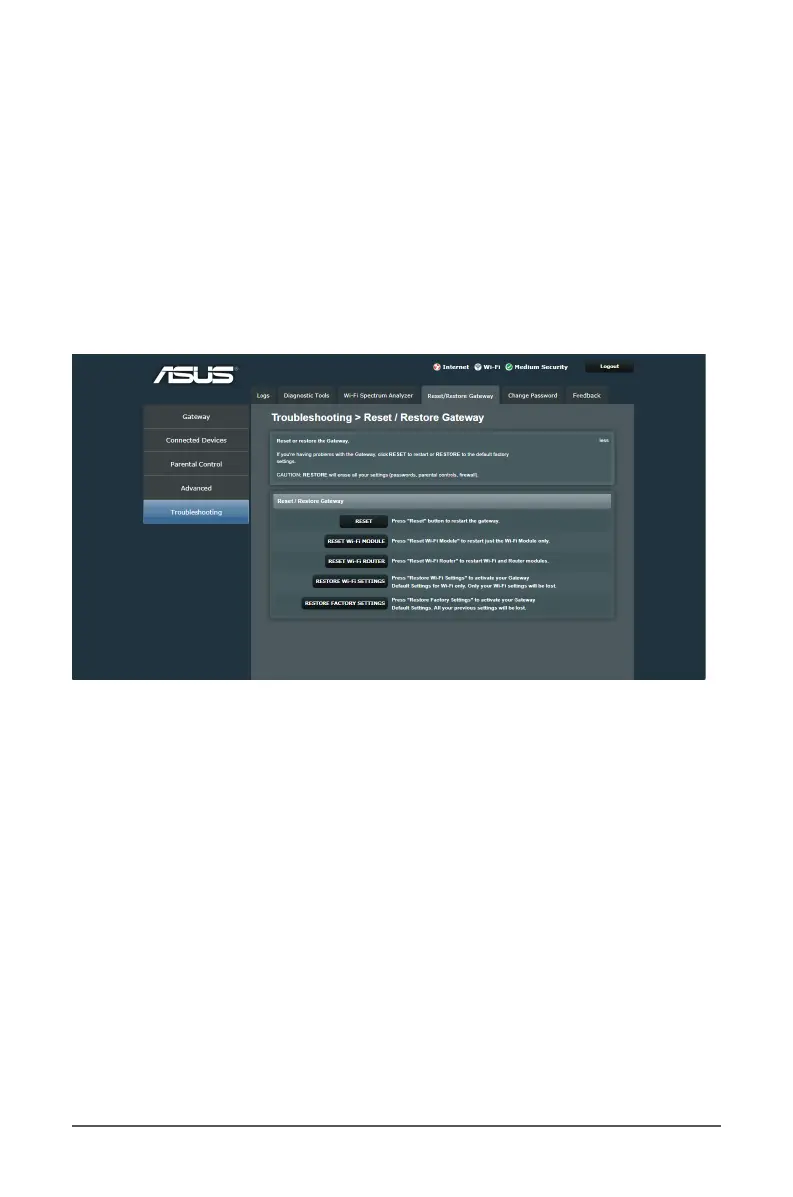
6.4 Reset/Restore Gateway
The Reset/Restore Gateway page allows you to congure your
wireless router settings.
To set up the settings:
1. From the navigation panel, go to Troubleshooting > Reset/
Restore Gateway tab.
2. Select the tasks that you want to do:
• RESET: To reboot the router if your router becomes
unresponsive.
• RESET Wi-Fi MODULE: To reset the Wi-Fi function of the
router. Performing Wi-Fi reset by clicking this button will
not change the Wi-Fi settings back to the factory default
settings.



 To Next Page