7
2.2 Basic Network Setup
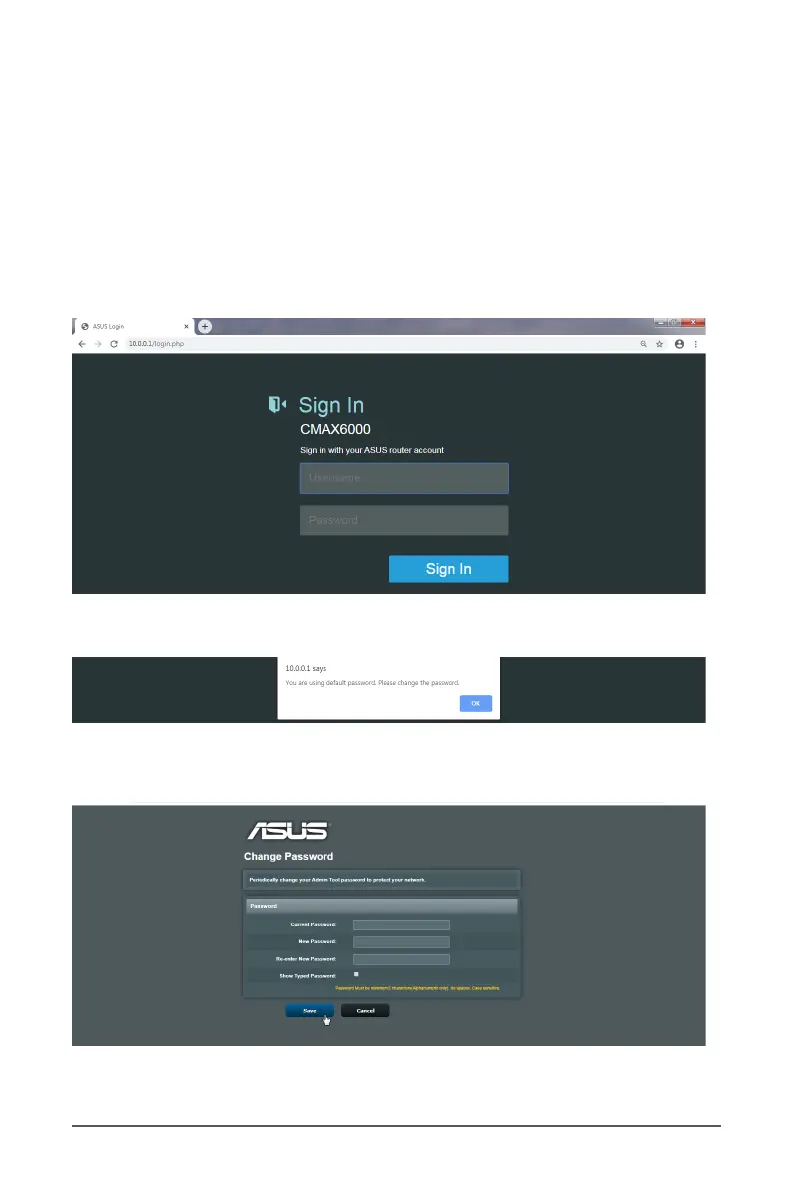
To set up your CMAX6000 settings:
1. Launch your web browser and go to Enter the default IP
address, router.asus.com or http://10.0.0.1.
2. Enter default login name “admin” and password “password”
on the login screen.
3. Click Sign In to log into the software conguration interface.
4. Set up a new password when prompted.
5. Click Save and log into the software conguration interface
with your new password.



 To Next Page