5
1 1 Getting to know your cable Getting to know your cable
modem routermodem router
1.1 Package contents
1.2 Your cable modem router
1.3 Positioning your router
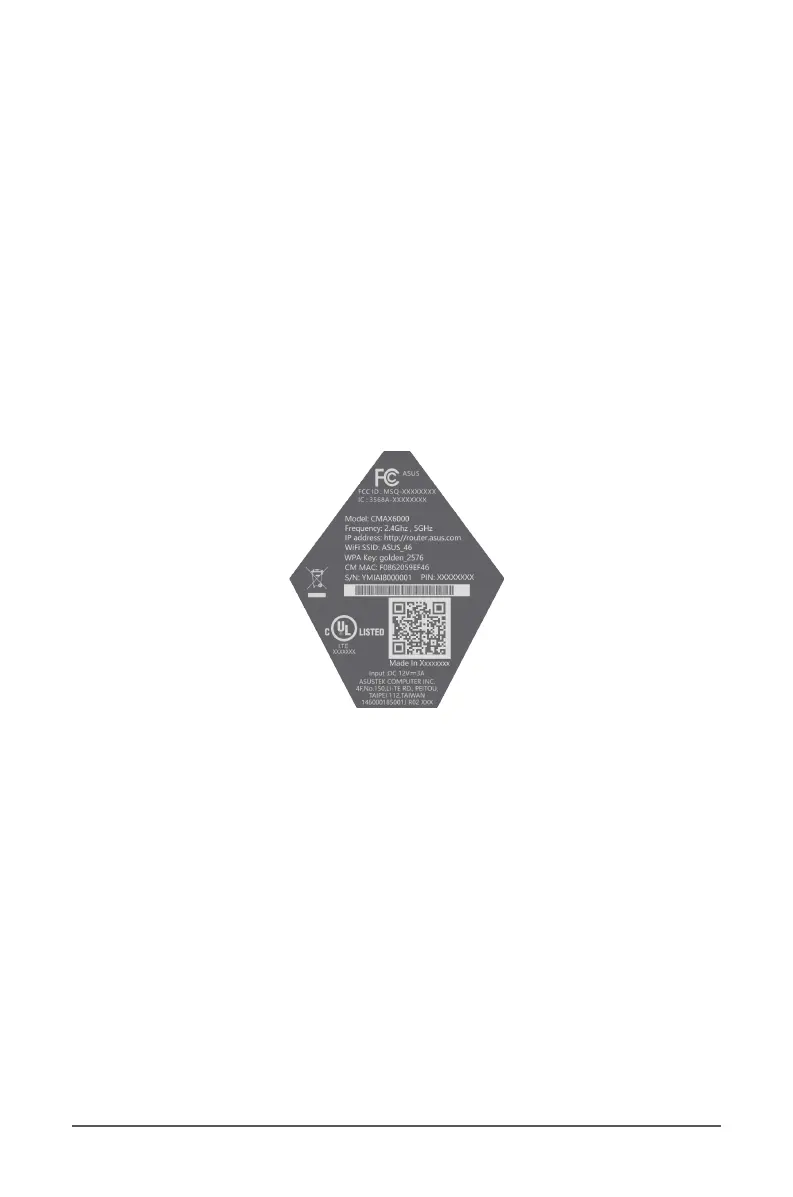
1.4 Product label
The product label at the bottom of your cable modem router
contains the default Wi-Fi network name (SSID), Wi-Fi password,
login information for the web graphical user interface (web GUI),
serial number, MAC address, and other information.
1.5 Hardware Setup



 To Next Page