47
3. Set a new password and type the new password again.
Passwords can contain from 8~20 alphanumeric characters
(A-Z, 0-9) and are case sensitive.
4. Click the checkbox in the Show Typed Password to conceal
the password if you like to.
5. When done, click Save.
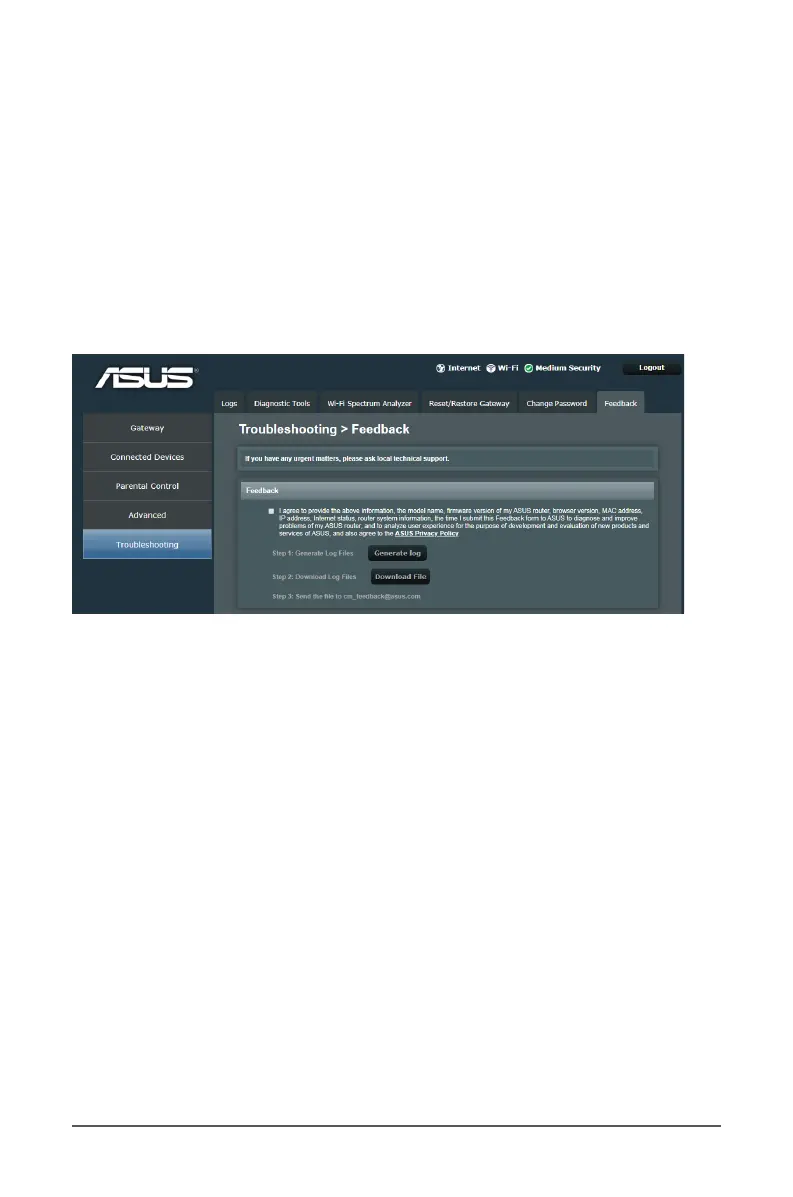
6.6 Feedback
If your router does not connect to the Internet, do the following:
1. From the navigation panel, go to Troubleshooting >
Feedback tab.
2. Click the Generate log and Download File buttons to save
the log les.
3. Send the log les to cm_feedback@asus.com. We will reply to
you as soon as possible.



 To Previous Page