9
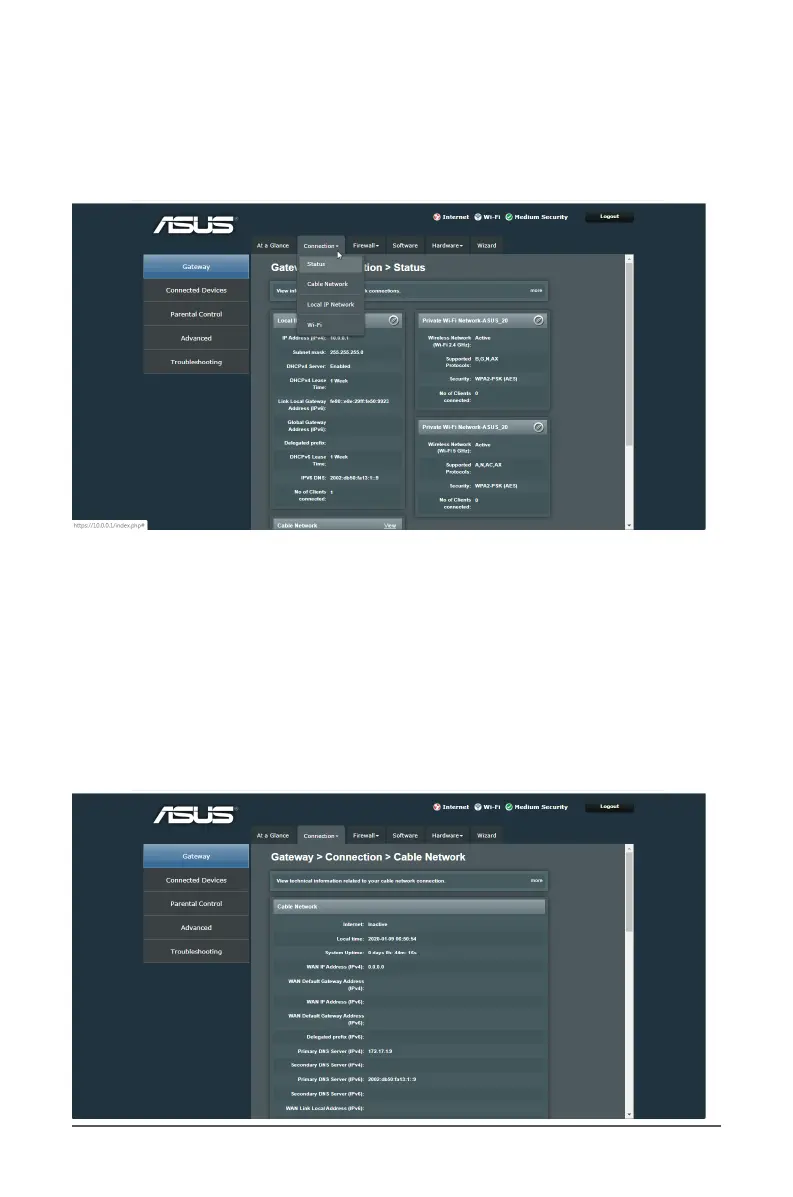
3.2.1 Status
The Status page displays device information and Cable Network
Internet/Wireless/LAN connection status connected to your
network.
To view your network connection status:
1. From the navigation panel, go to Gateway > Connection tab.
2. Select Status from the dropdown menu of the Connection
section.
3.2.2 Cable Network
The Cable Network screen displays the settings of WAN
connection status.



 To Next Page