30
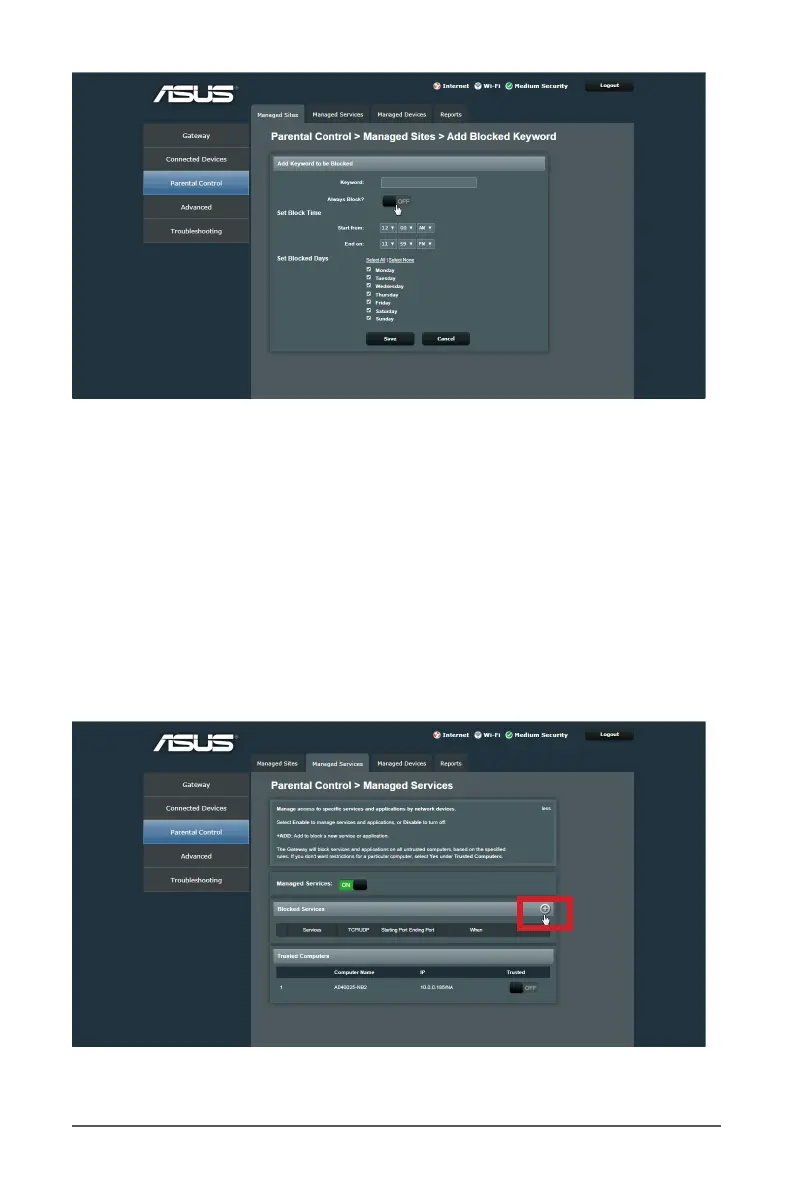
4. Select the time rule on the screen to set the blocking
schedule.
5. Move the slider to ON to activate the Always Block if you
like to.
6. When done, click Save.
7. To allow a connected client to access Internet web sites,
move the slider to ON on the Trusted Computers.
4.2.2 Managed Services



 To Next Page