33
5. Select the time rule on the screen to set the blocking
schedule.
6. Move the slider to ON to activate the Always Block if you
like to.
7. When done, click Save.
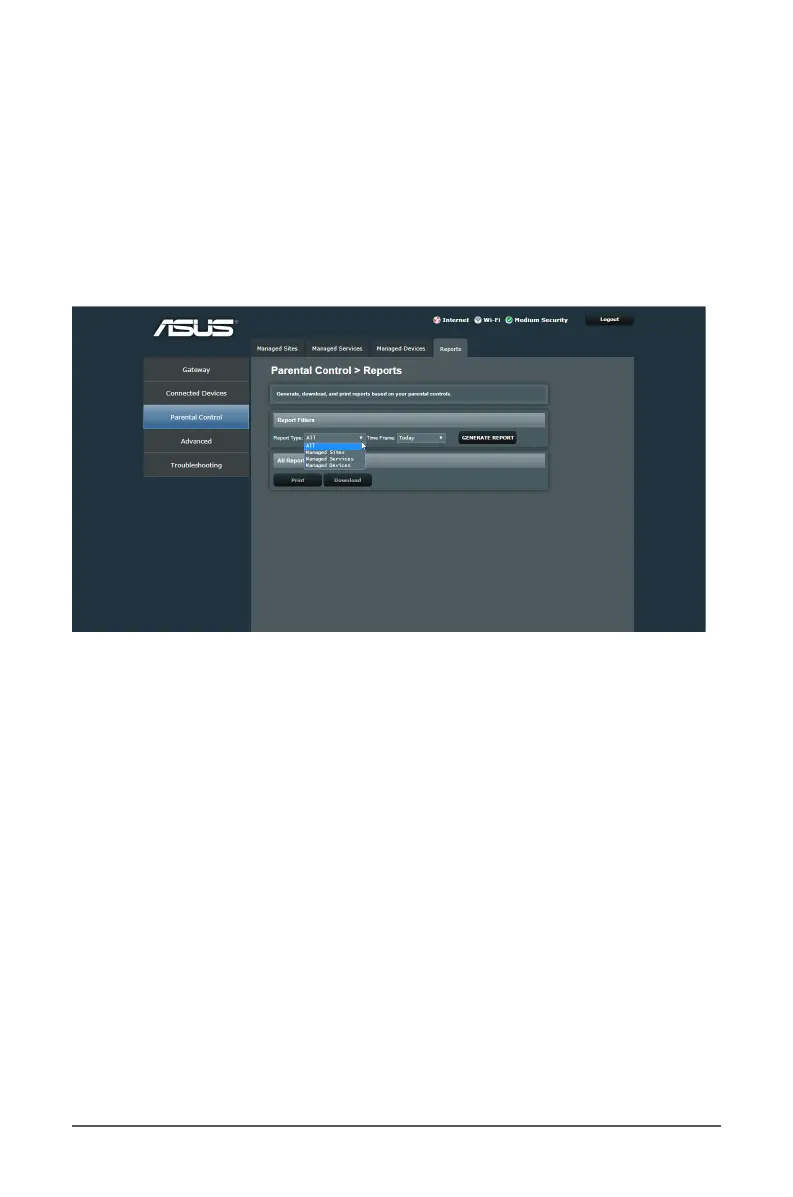
4.2.4 Reports
To view the rewall ltering status:
1. From the navigation panel, go to Parental Control > Reports
tab.
2. Select the access control types and time in the Report Filters
eld and click on the GENERATE REPORT button to display
descriptive list of ltering schedule and rules dened.
3. Click on the Print/Download button to print/download the
reports.



 To Next Page