42
6 6 TroubleshootingTroubleshooting
6.1 Logs
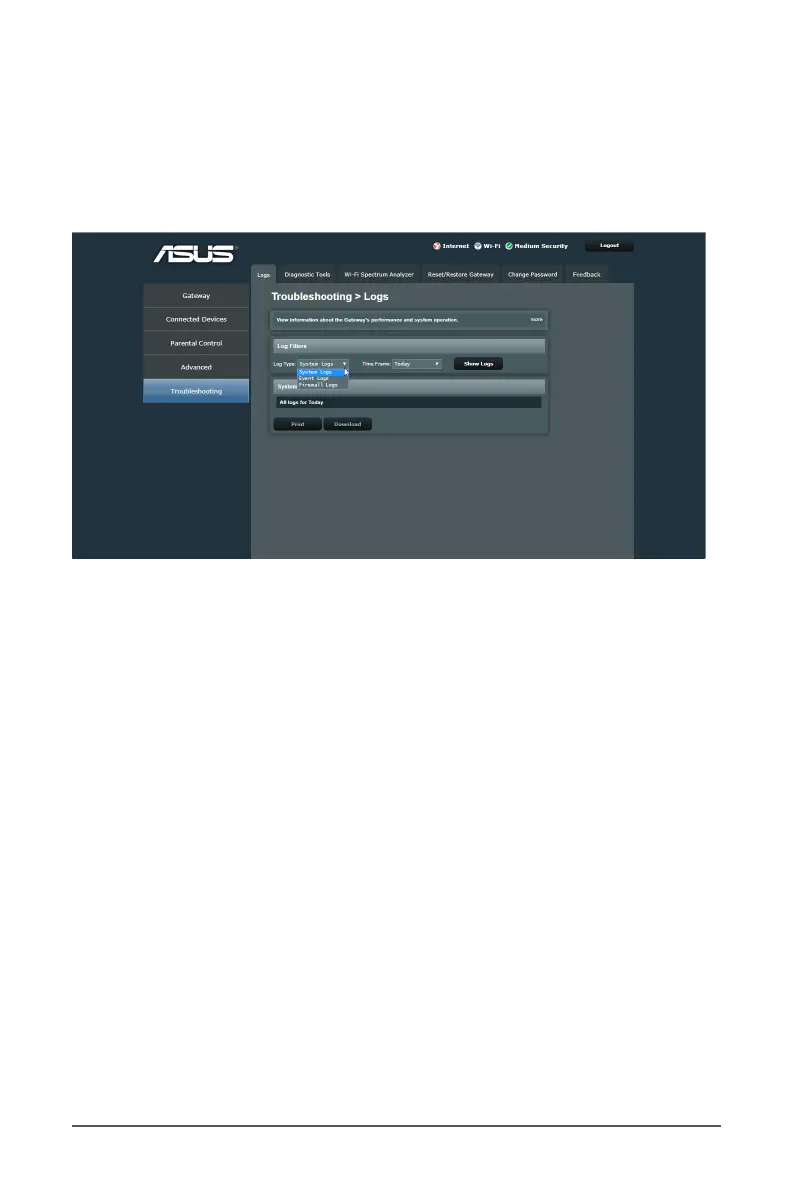
The Logs conguration allows you to set the display category
and time for monitoring the system activity.
To view the system log information:
1. From the navigation panel, go to Troubleshooting > Logs
tab.
2. Select the log types and time in the Log Filters eld, and
click on the Show Logs button to display a list of ltering
type and activity time dened.
3. Click on the Print/Download button to print/download the
log reports.



 To Next Page