44
To check the IP Address of your network clients:
1. From the navigation panel, go to Troubleshooting >
Diagnostic Tools tab.
2. Enter the IP address in the Check for IPv4 Address Results/
Check for IPv6 Address Results elds.
3. Click the check for IP Address button to execute the ping
test and check the Internet connection.
To trace the route of captured packets pass through your
network:
1. Enter the destination IPv4 Address/ IPv6 Address in the
Traceroute Results eld.
2. Click the Start Traceroute button to display all the gateways/
routers present between the destination IP address and the
router.
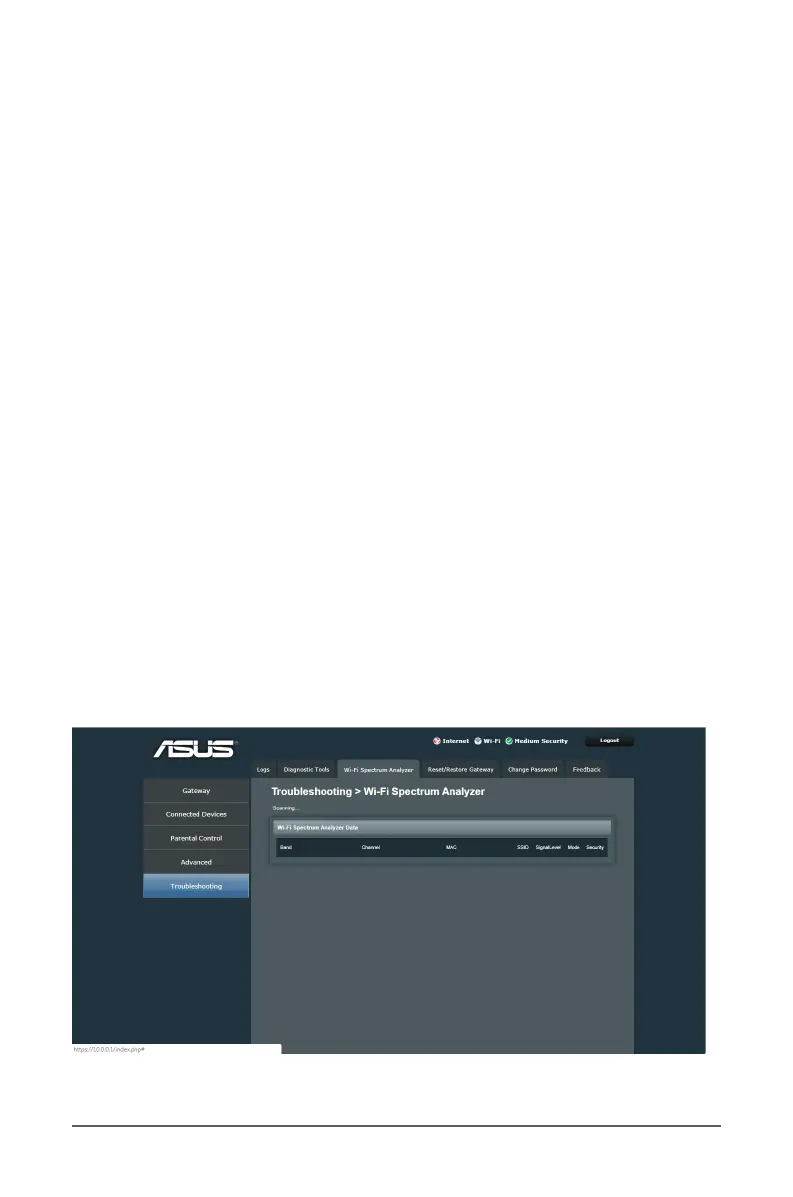
6.3 Wi-Fi Spectrum Analyzer
Wi-Fi Spectrum Analyzer is an ASUS WLAN device discovery
utility that detects an ASUS router device, and allows you to
congure the wireless networking settings.



 To Next Page