27
4. To block a client’s access to your network, click on the
block icon on the screen, then click Yes to block the client’s
network access.
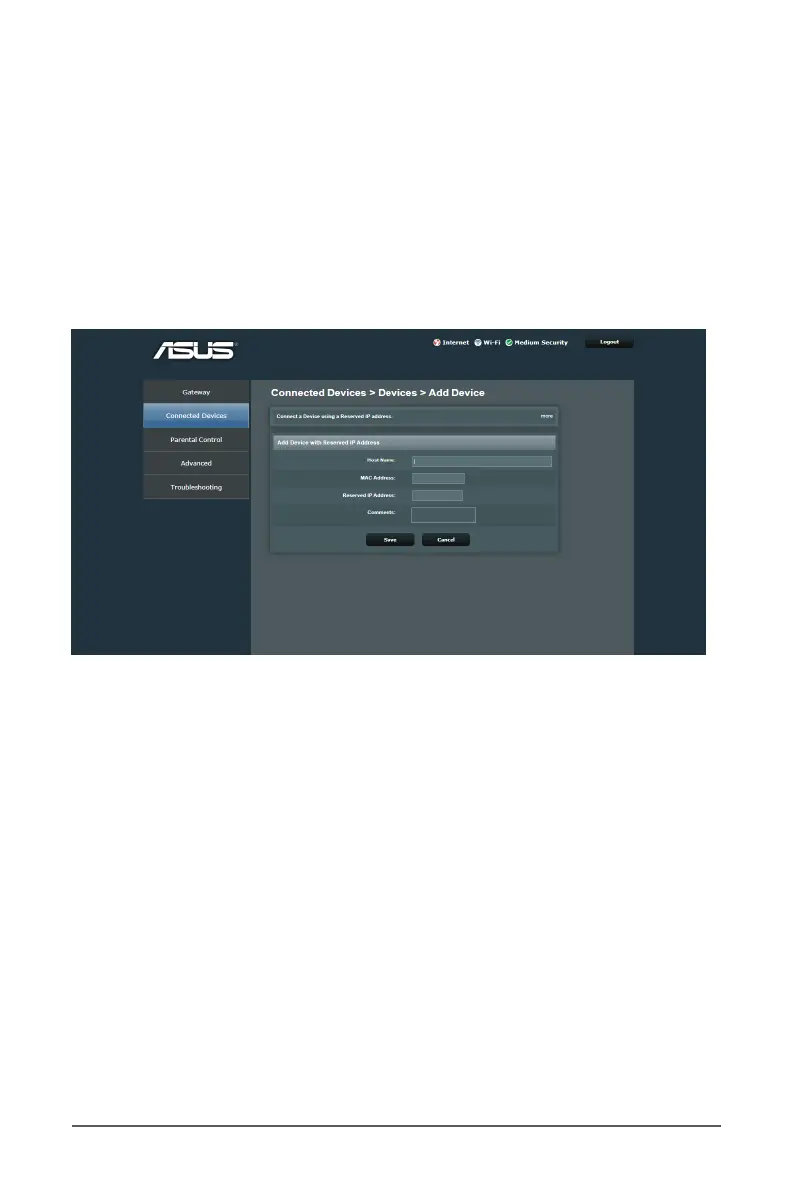
4.1.1 Reserved IP
Some specic DHCP clients providing network server services
require xed IP addresses to be assigned to them. You can assign
a static IP to a certain MAC address within your network.
To assign a static IP to a certain network client:
1. From the navigation panel, click on Connected Devices.
2. On the Prefer Private Connection, click on the Add Device
with Reserved IP button.
3. Enter the enter the network information and IP address to be
reserved for the client.
4. When done, click Save.
To enable WPS on your wireless network:
1. From the navigation panel, click on Connected Devices.
2. Click on the Add Wi-Fi Protected Setup (WPS) Client
button.



 To Next Page