43
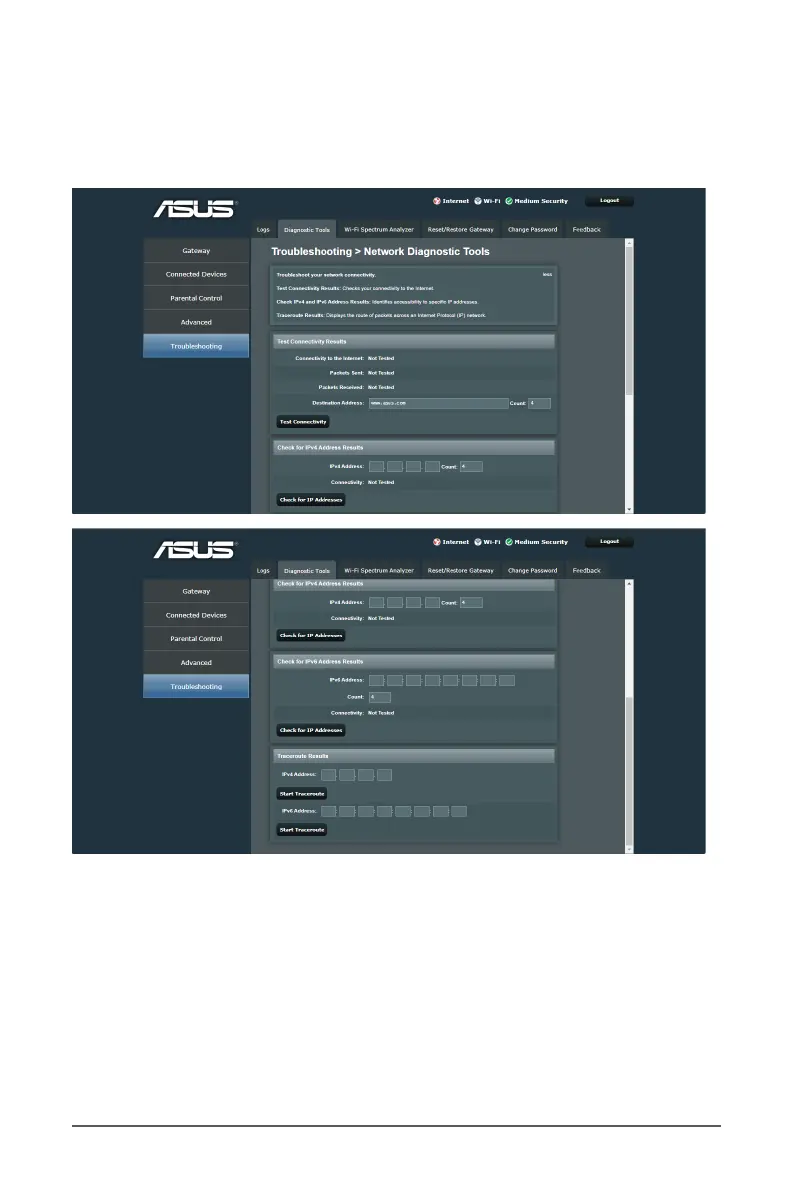
6.2 Diagnostic Tools
This tool allows you to test Internet connection status, ping test
of network clients, and analyze network traffic.
To test and display your Internet connection status:
1. From the navigation panel, go to Troubleshooting >
Diagnostic Tools tab.
2. Click on the Test Connectivity button to retrieve information
and display the packet contents of the Internet connection.



 To Next Page