5-22
Chapter 5: BIOS Setup
Option ROM Messages [Force BIOS]
This allows you to set the display mode for option ROM.
Configuration options: [Force BIOS] [Keep Current]
INT19 Trap Response [Immediate]
This allows you to select the BIOS reaction on INT19 trapping by Option ROM.
[Immediate] Execute the trap right away.
[Postponed] Execute the trap during legacy boot.
HDD Connection Order [Adjust]
This option allows you to select the HDD Connection Order. Some OS require HDD
handles to be adjusted.
Configuration options: [Adjust] [Keep]
Boot Option filter [UEFI and Legacy]
This option allows you to control the Legacy/UEFI ROMs priority.
Configuration options: [UEFI and Legacy] [Legacy only] [UEFI only]
Network / Storage / Video [Legacy]
This option allows you to control the execution of UEFI and Legacy Network / Storage /
Video OpROM.
Configuration options: [UEFI] [Legacy]
Other PCI devices [Legacy]
This item determines the OpROM execution policy for devices other than Network,
Storage, or Video.
Configuration options: [UEFI] [Legacy]
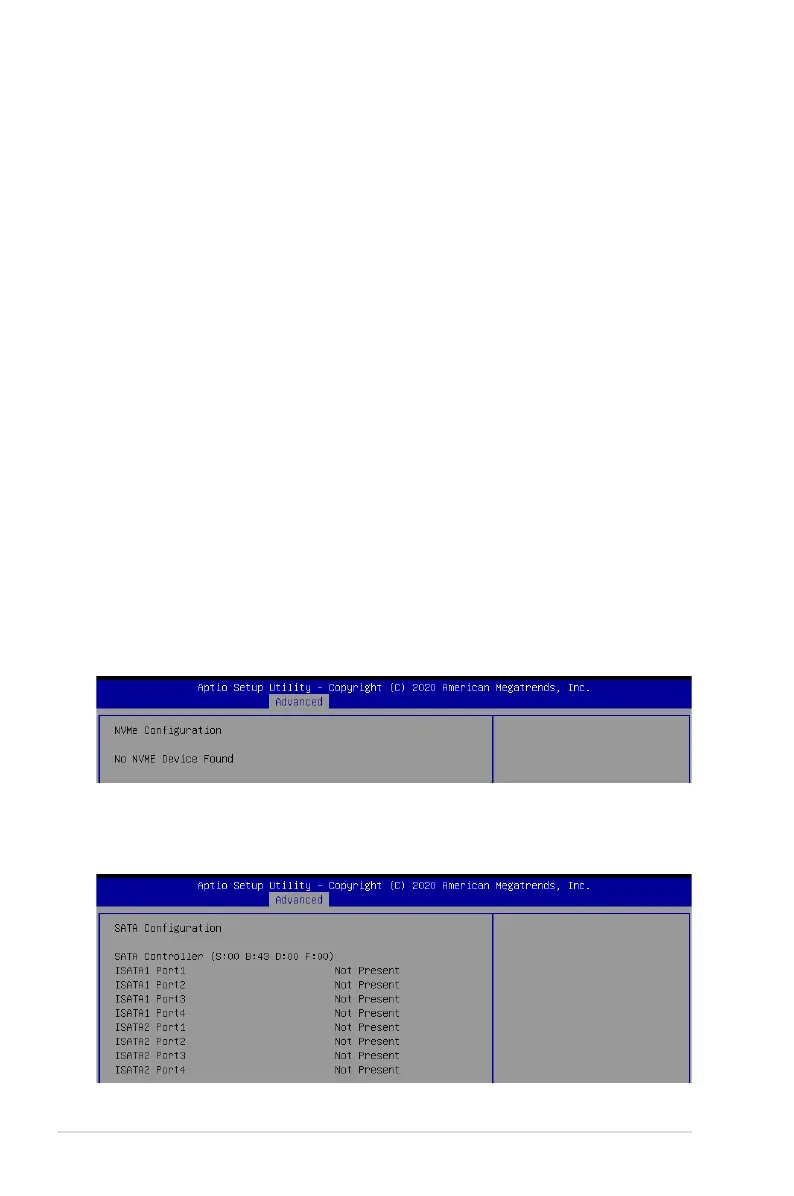
5.5.11 NVMe Configuration
This page will display the NVMe controller and drive information.
5.5.12 SATA Configuration
This page will display the SATA controller and drive information.














 To Next Page