5-12
Chapter 5: BIOS Setup
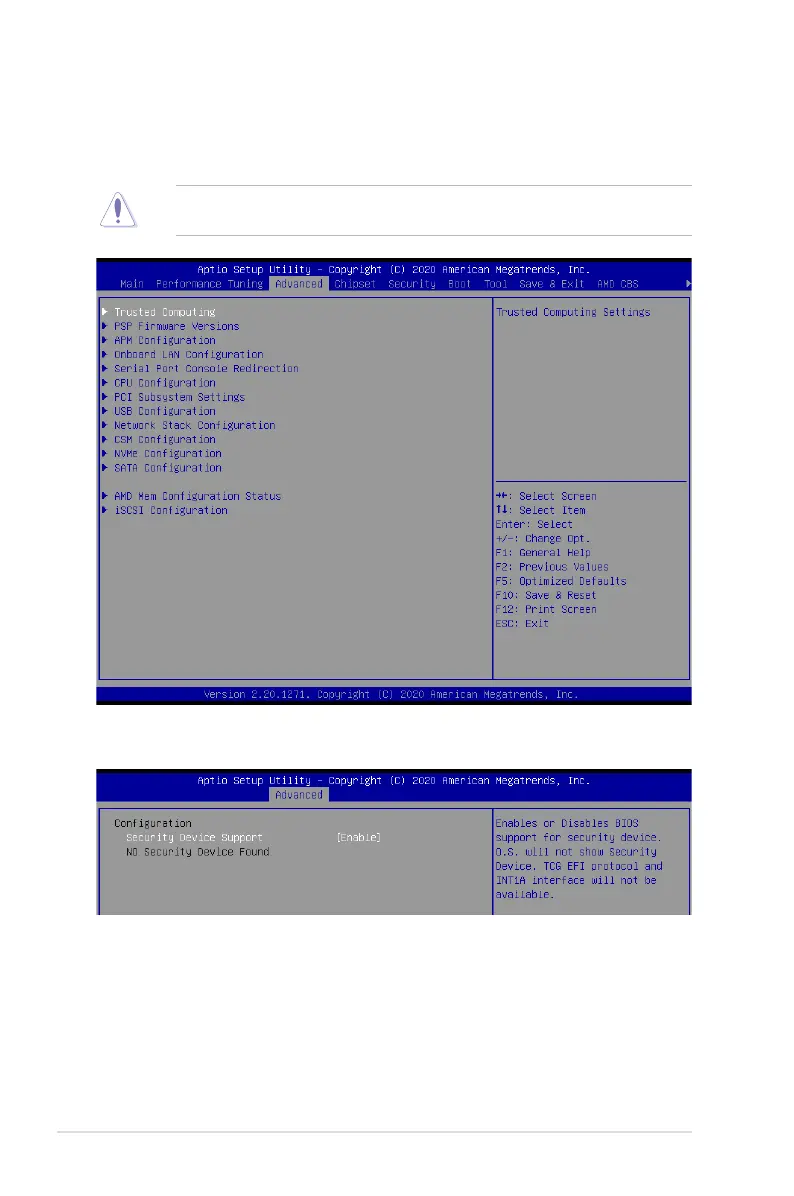
5.5 Advanced menu
The Advanced menu items allow you to change the settings for the CPU and other system
devices.
Take caution when changing the settings of the Advanced menu items. Incorrect field
values can cause the system to malfunction.
5.5.1 Trusted Computing
Configuration
Security Device Support [Enabled]
Allows you to enable or disable the BIOS support for security device.
Configuration options: [Disabled] [Enabled]














 To Next Page