5-45
ASUS ESC4000A-E10
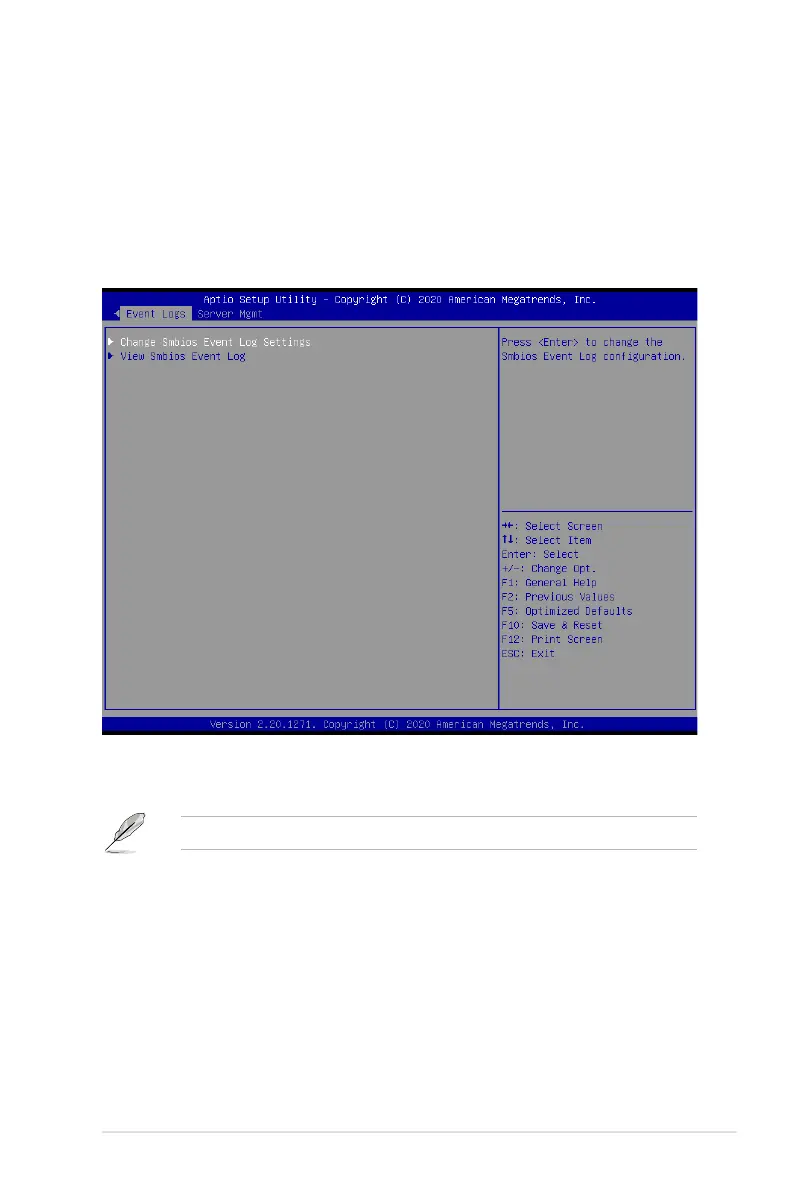
5.12 Event Logs menu
The Event Logs menu items allow you to change the event log settings and view the system
event logs.
Link Speed [Auto]
This item allows you to select the Link Speed for NTB Mode (Core 0, Port 0).
Configuration options: [Max Speed] [Gen 1] [Gen 2] [Gen 3] [Auto] [Gen 4]
5.12.1 Change Smbios Event Log Settings
Press <Enter> to change the Smbios Event Log configuration.
All values changed here do not take effect until computer is restarted.
Enabling/Disabling Options
Smbios Event Log [Enabled]
Change this to enable or disable all features of Smbios Event Logging during boot.
Configuration options: [Disabled] [Enabled]














 To Next Page