4-14
Chapter 4: Motherboard Information
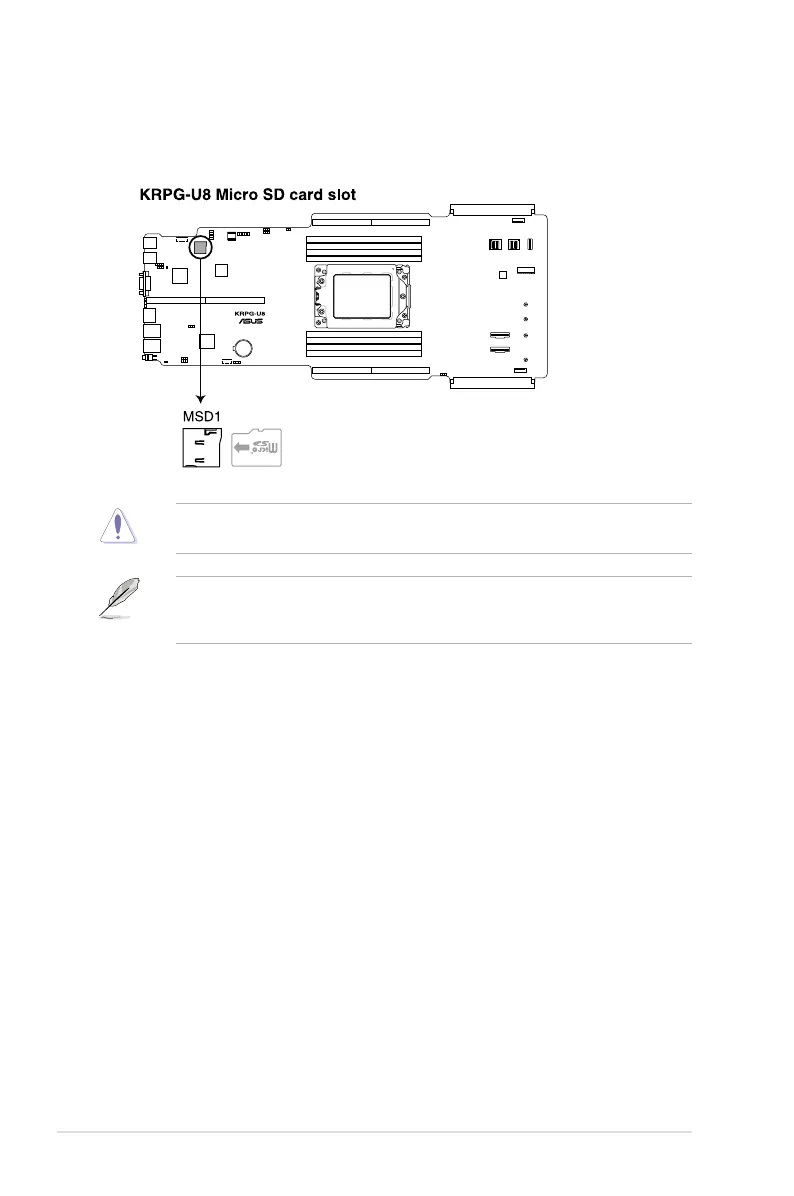
10. MicroSD card slot (MSD1)
The microSD card slot allows you to install a microSD memory card v2.00 (SDHC) /
v3.00 (SDXC) to log BMC events.
Disconnect all power (including redundant PSUs) from the existing system before you add
or remove a memory card, then reboot the system to access the memory card.
Some memory cards may not be compatible with your motherboard. Ensure that you use
only compatible memory cards to prevent loss of data, damage to your device, or memory
card, or both.














 To Next Page