ASUS RS100-E9-PI2
5-11
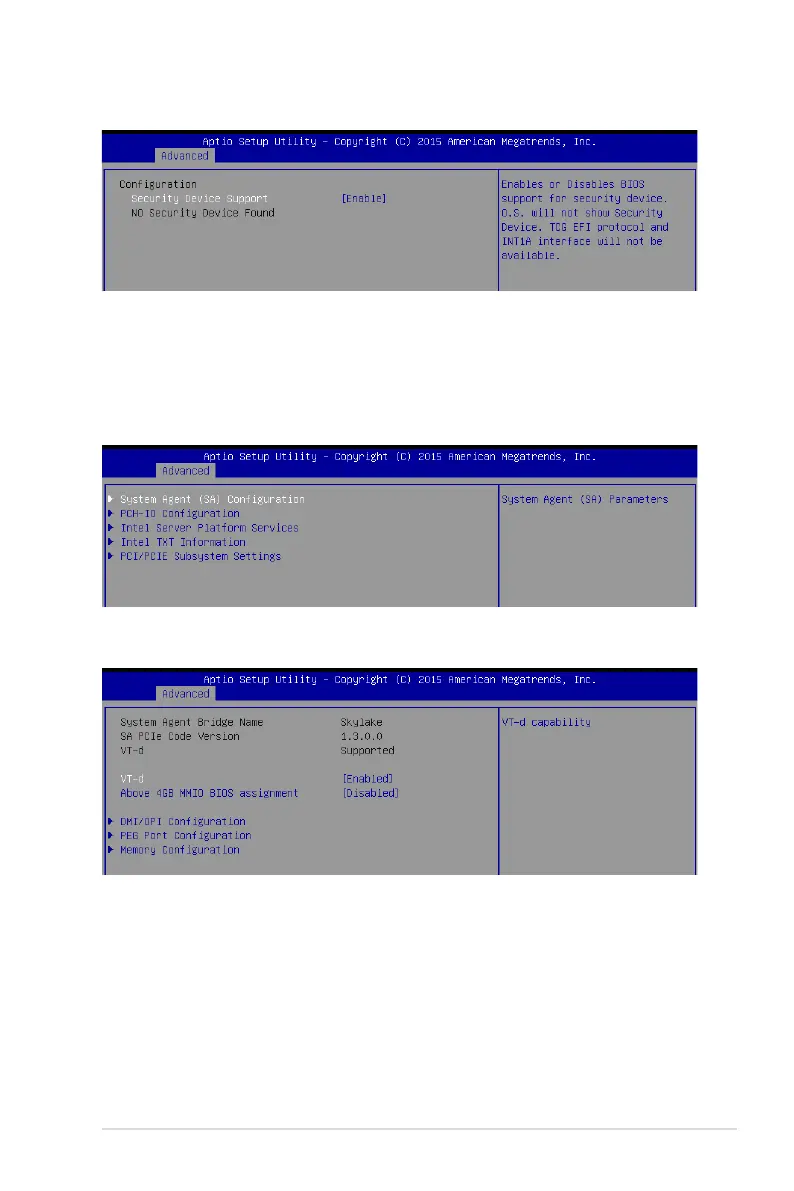
System Agent (SA) Configuration
Allows you to set System Agent (SA) parameters.
5.4.1 Trusted Computing
5.4.2 Chipset Configuration
Configuration
Security Device Support [Enabled]
Allows you to enable or disable the BIOS support for security device.
Congurationoptions:[Disabled][Enabled]
VT-d [Enabled]
Allows you to enable virtualization technology function on memory control hub.
Congurationoptions:[Disabled][Enabled]
Above 4GB MMIO BIOS assignment [Disabled]
Allowsyoutoenableordisableabove4GBMemoryMappedIOBIOSassignment.When
aperture size is set to 2048 MB, this is disabled automatically.
Congurationoptions:[Enabled][Disabled]














 To Next Page