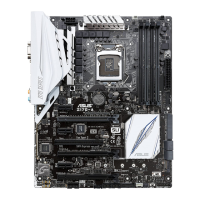
ASUS Z10PH-D16
2-15
2.5 Expansion slots
The following subsections describe the slots and expansion cards that they support.
Ensure to unplug the power cord before adding or removing expansion cards. Failure to do
so may cause you physical injury and damage motherboard components.
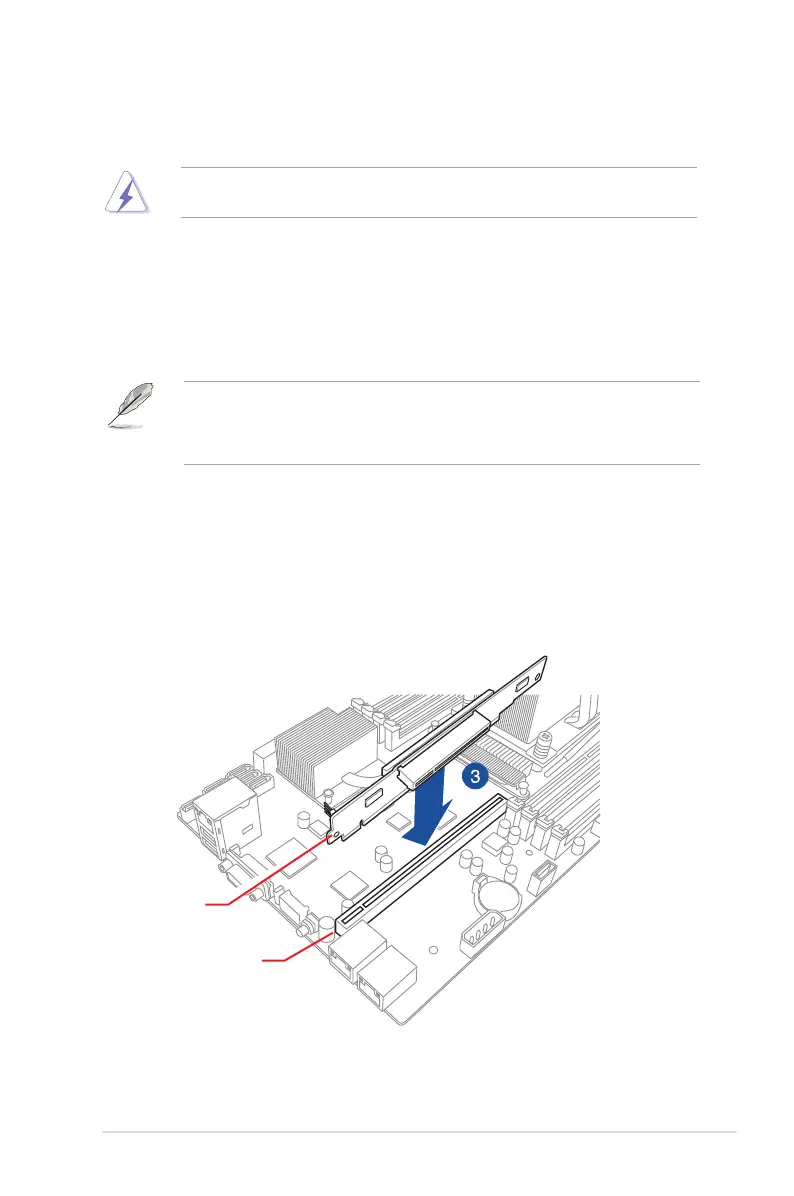
2.5.2 Installing the riser card
Toinstalltherisercard:
1. Remove the system cover if your motherboard is already installed in a chassis.
2. LocatethePCI-Ex24slotinthemotherboard.
3. AlignandinserttherisercardintothePCI-Ex24slot.Ensurethattherisercardis
seatedrmlyinplace.
PCI-E x24 slot
Riser card
2.5.1 PCI Express x24 slot (Gen 3 x24 link)
TheonboardPCIExpressx24slot(Gen3x24link)providesx24linktotheIntel
®
Xeon E5-
2600v3familyprocessor.TheslotcanswitchtoonePCI-Ex16(Gen3x16link)andone
PCI-Ex8(Gen3x8link)byinstallingthedefaultrisercardthatshipswiththemotherboard.
This slot supports various server class high performance add-on cards.
Wheninstallingthemotherboardtoa1U/2Urackmountserversystem,installtheexpansion
cardstothePCI-Eslotsofthedefaultrisercardrsttheninstalltherisercardandthe
expansioncardassemblytotheonboardPCI-Eslot.Formoreinformation,refertothe
Installing the riser
card section.


 To Next Page