EasyManua.ls Logo

Atari Centipede - Option Switch Settings; Bonus Play Feature; 2. Coin Mechanism Multipliers; Examples of Game Price

Atari Centipede
63 pages
Print Icon
To Next Page IconTo Next Page
To Previous Page IconTo Previous Page
Loading...
Centipede
TM
E.
Option
Switch
Settings
1.
Bonus Play
Feature
Centipede™ offers
a bonus play for
certain com-
binations of
coins inserted. This
bonus feature is
operator-selectable, meaning
you may choose
to
of-
fer it or
not.
For
example, with your game
set at SO®
per play,
players who
deposit four successive
quarters or
a
$1.00 coin, then press
the start button,
will receive
a
bonus
coin.
Therefore, players receive
3
plays
for
$1.00.
This bonus feature
encourages
players
to
insert
more money
than just the
minimum
50® you could
require for one
game. Various other
bonuses are
available
(see
Figure
8).
2.
Coin
Mechanism
Multipliers
Available since early
in
1980,
Atari
games have
a
new coin door which
has either two
or three mecha-
nisms. All recent Atari
game PCBs
identify the
dif-
ferent
mechanisms in
a certain pattern.
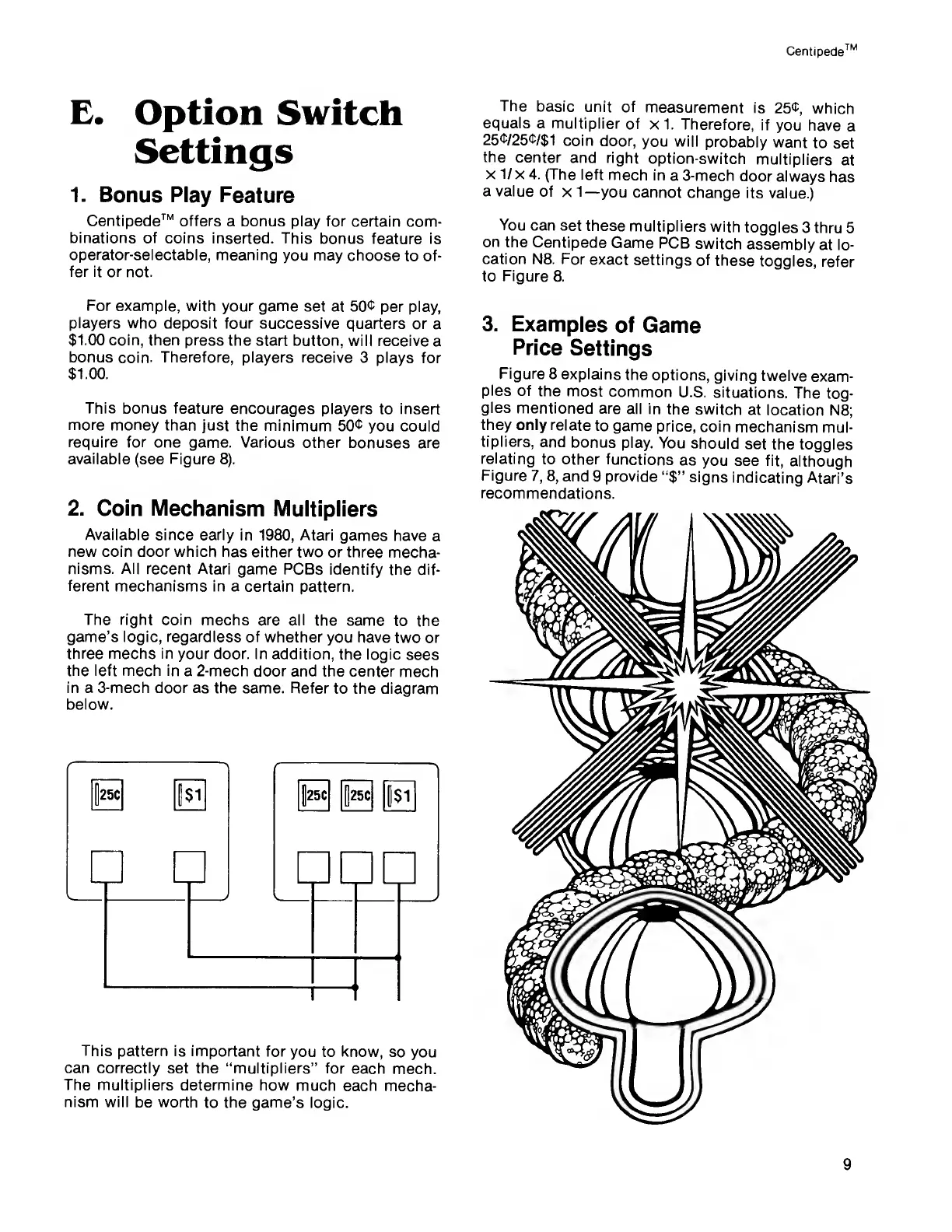
The right coin
mechs are all
the same
to
the
game’s logic,
regardless of whether
you
have
two or
three
mechs in
your door. In addition,
the
logic
sees
the left mech
in
a
2-mech door
and the center
mech
in a 3-mech door as the same. Refer
to the
diagram
below.
This
pattern is important
for
you to
know,
so
you
can correctly
set the “multipliers” for
each mech.
The multipliers
determine how
much each
mecha-
nism will
be
worth
to the game’s
logic.
The
basic
unit of
measurement
is
25®,
which
equals a
multiplier
of
x 1. Therefore,
if
you have
a
25®/25®/$1
coin
door,
you will
probably
want
to
set
the
center
and right
option-switch
multipliers
at
x
1/
x
4.
(The left
mech
in
a 3-mech
door
always
has
a value
of
x
1—
you cannot
change
its
value.)
You
can set
these
multipliers
with
toggles
3 thru
5
on
the
Centipede
Game
PCB
switch
assembly
at lo-
cation N8.
For
exact
settings
of
these
toggles,
refer
to
Figure
8.
3.
Examples
of
Game
Price
Settings
Figure
8 explains
the options,
giving
twelve
exam-
ples
of
the most
common
U.S.
situations.
The
tog-
gles
mentioned
are
all in
the
switch
at
location N8;
they only
relate
to
game price,
coin
mechanism
mul-
tipliers,
and
bonus
play. You
should
set the
toggles
relating
to other
functions
as
you see fit,
although
Figure
7,
8,
and
9
provide
“$”
signs
indicating
Atari’s
recommendations.
9

Related product manuals