ATEL V810 Series
V810A and V810AD Data User Manual
V6.9, July 17, 2023
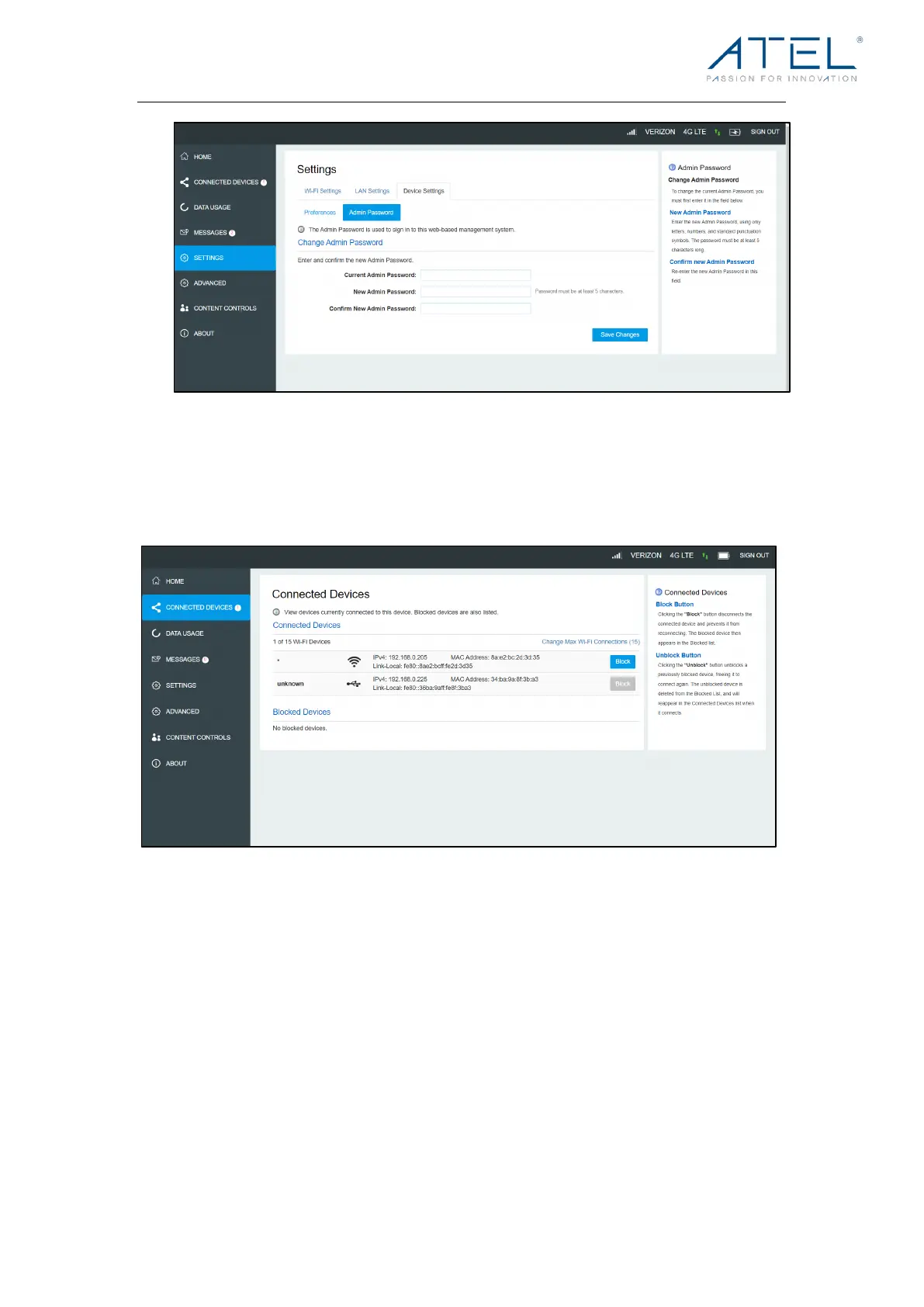
Connected Devices
On this page, you can view Connected Devices, Blocked Devices and the Change Max Wi-
Fi Connections.
• Connected Devices: This field lists the clients that are connected to your V810.
• Change Max Connections: The default max connection is 15. Click this button and it
will take you to the Wi-Fi Settings where you can change the Max Wi-Fi Connections.
To blo ck a dev ice , select the desired device and click the Block button. The Wi-Fi
connection to the blocked device will be disconnected and the blocked device will
appear in the Blocked Devices list.
• Blocked Devices: Displays the devices that are blocked. Choose a blocked device
and click the Unblock button; the selected device will disappear from the “Blocked
Devices” list. It will show in the “Connected Devices” list again after it connects to your
V810.



 To Next Page