ATEL V810 Series
V810A and V810AD Data User Manual
V6.9, July 17, 2023
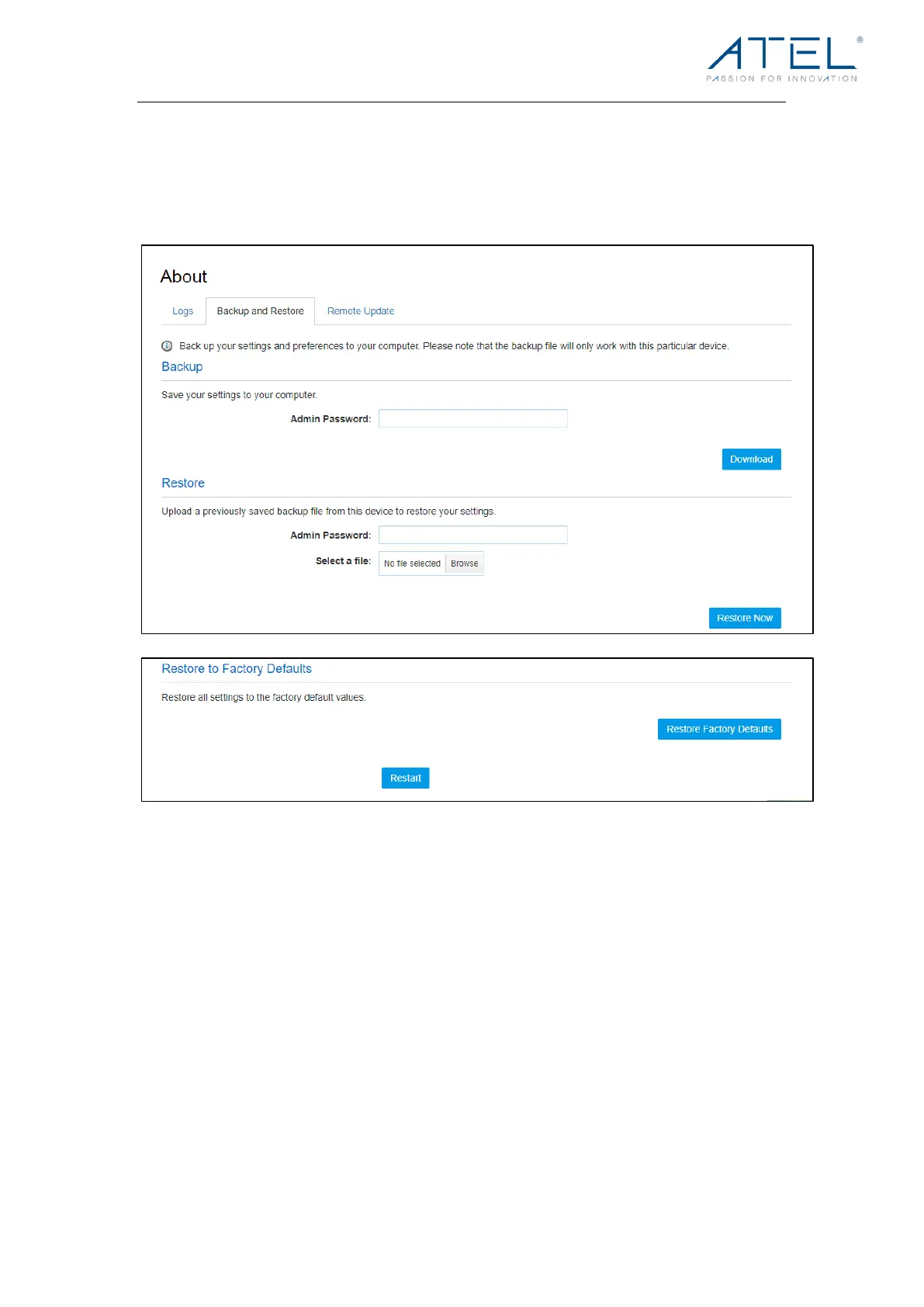
Backup and Restore
On this page, you can operate Backup, Restore, Restore to Factory Defaults and
Restart.
! Backup
Backup your V810 settings and preferences to your computer.
Note:
1. The backup file will only work with your specific V810.
2. Yo u w i l l b e l o c k e d o u t i f a n i n c o r r e c t p a s s w o r d i s used more than 5 times.
! Restore
Upload a previously saved backup file from this device to restore your settings.
Note:
Yo u w i l l b e l o c k e d o u t i f a n i n c o r r e c t p a ss w o r d i s u s e d more than 5 times.
! Restore to Factory Defaults
Restore all settings to the factory default settings.



 To Next Page