ATEL V810 Series
V810A and V810AD Data User Manual
V6.9, July 17, 2023
To v iew a m es sag e, select a message from the Messages menu. To d el et e a message,
select the message and click the trash bin icon to the right of the message date and time.
To d ele te all me ss age s, cl ick th e D el ete Al l M es sag es bu tto n.
Settings
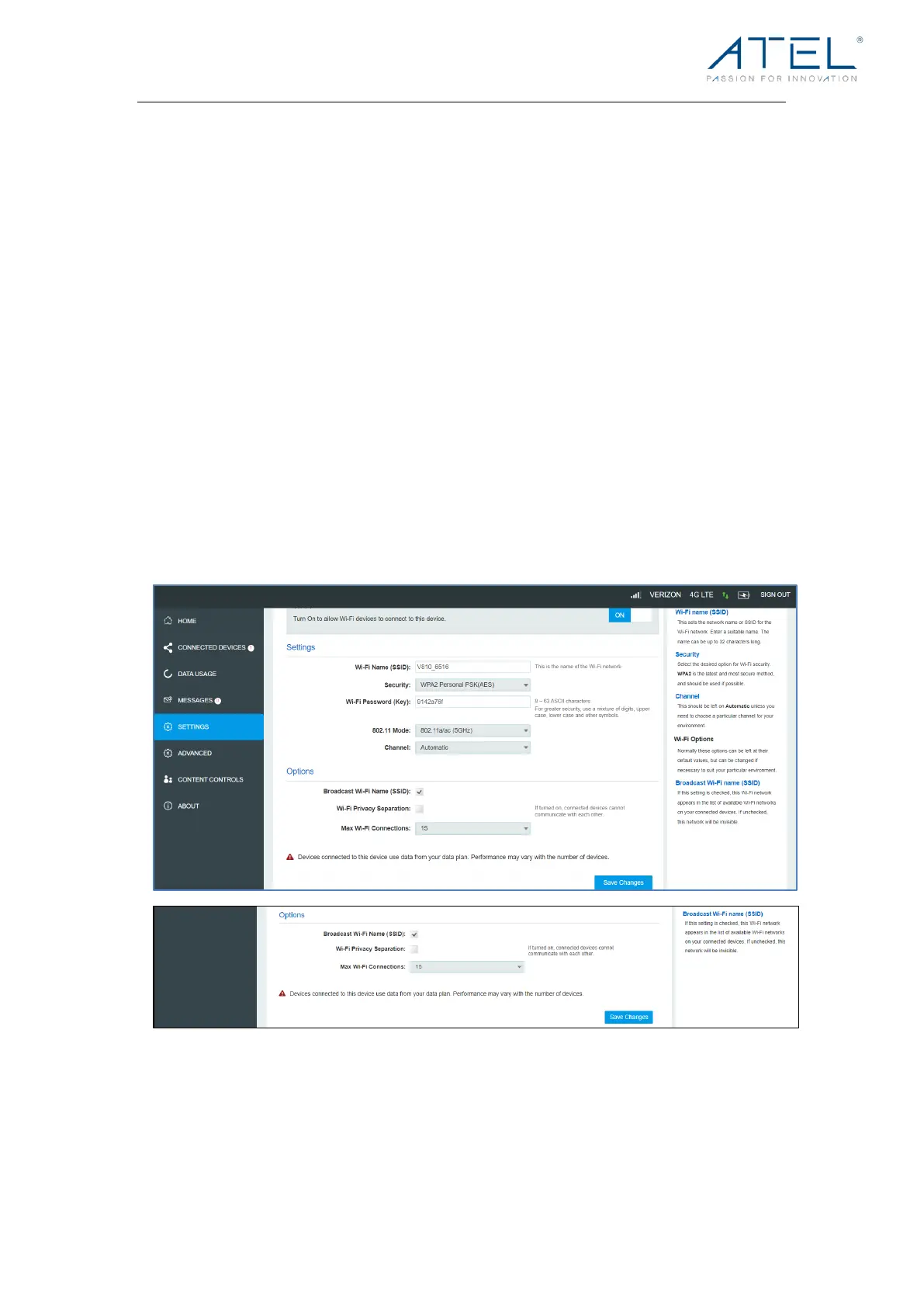
The Settings page has the following menu options:
• Wi-Fi Settings
• LAN Settings
• Device Settings
Wi-Fi Settings
These settings apply whenever the Wi-Fi is turned on. Changes made to these Wi-Fi
settings may require you to reconnect your Wi-Fi devices for the new settings to come into
effect.
! Wi-Fi On/Off:
Turn on to allow Wi-Fi devices to connect to this device. Wi-Fi devices will not connect to
this device if it is turned off.



 To Next Page