ATEL V810 Series
V810A and V810AD Data User Manual
V6.9, July 17, 2023
Turning your V810A/V810AD On/Off
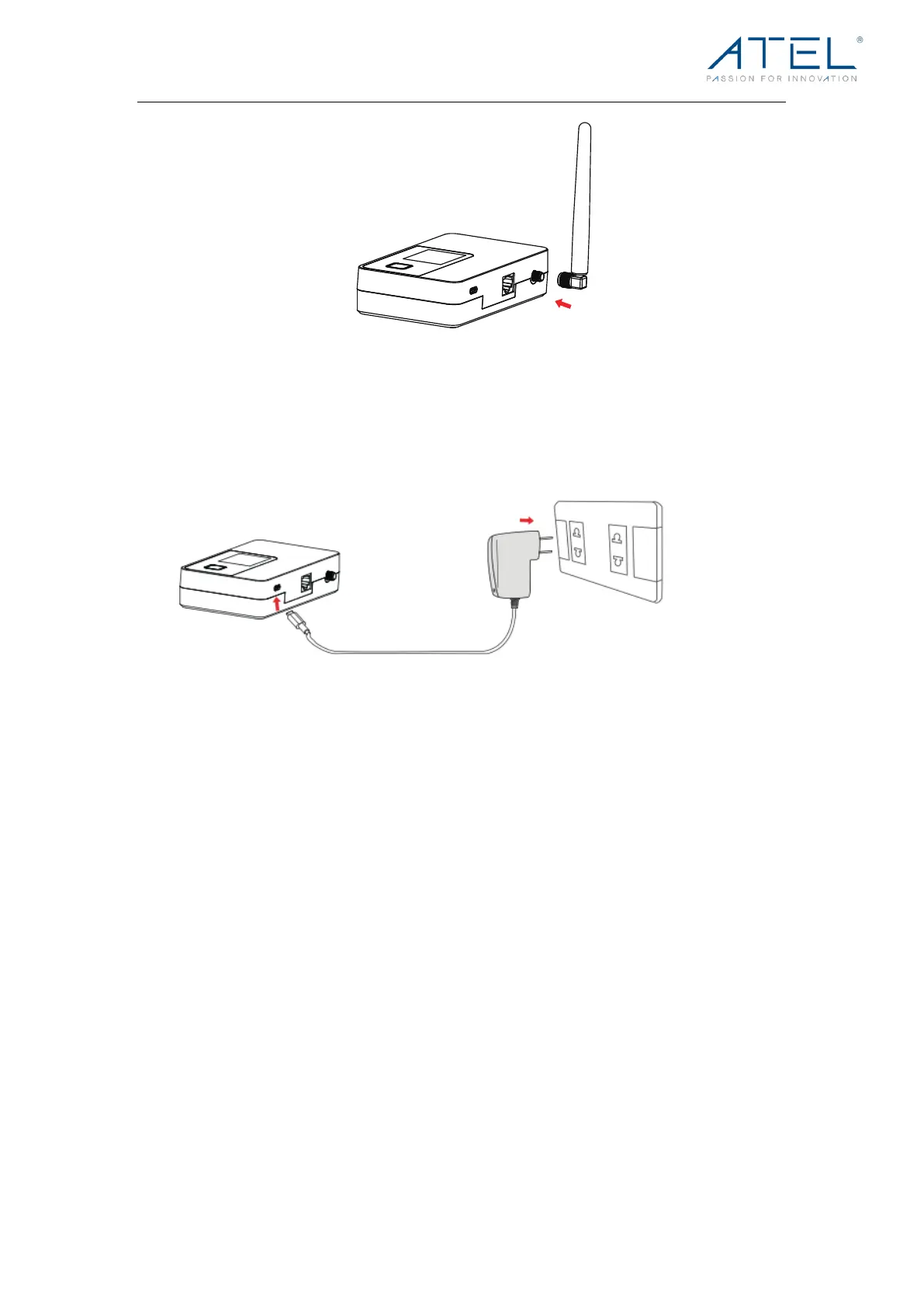
1. Connect your V810A/V810AD to a wall adapter with a USB-C cable and plug the wall
adapter to the wall outlet. The V810A/V810AD will power on automatically.
2. When the V810A/V810AD is on battery only, turn your V810A/V810AD on by pressing
and holding the Power Button.
3. When the V810A/V810AD is on battery only, turn it off by pressing and holding the
Power Button until you see the display screen turn off.
4. When the V810A/V810AD is powered by the wall adapter, press and hold the Power
Button to reboot the device.
WARNING! Please only use an approved USB adapter for the V810A/V810AD. The use of
other incompatible adapters may cause damage to your device and void the warranty.
V810A/V810AD LCD Display
On your V810A/V810AD LCD Display, you may see one or more of the following icons:



 To Next Page