14
April 2007
e-motion™ Operating Manual - B-Level STD
PLAY
LINE
1
PLAY
LINES
5
PLAY
LINES
9
PLAY
LINES
15
PLAY
LINES
CREDIT
PER LINE
BET 1
CREDITS
PER LINE
BET 2
CREDITS
PER LINE
BET 3
CREDITS
PER LINE
BET 5
CREDITS
PER LINE
BET 10
21
CREDITS
MAX BET
210
G
A
M
B
L
E
REPEAT
THE
BET
REPEAT
THE
BET
SEE
PAYS
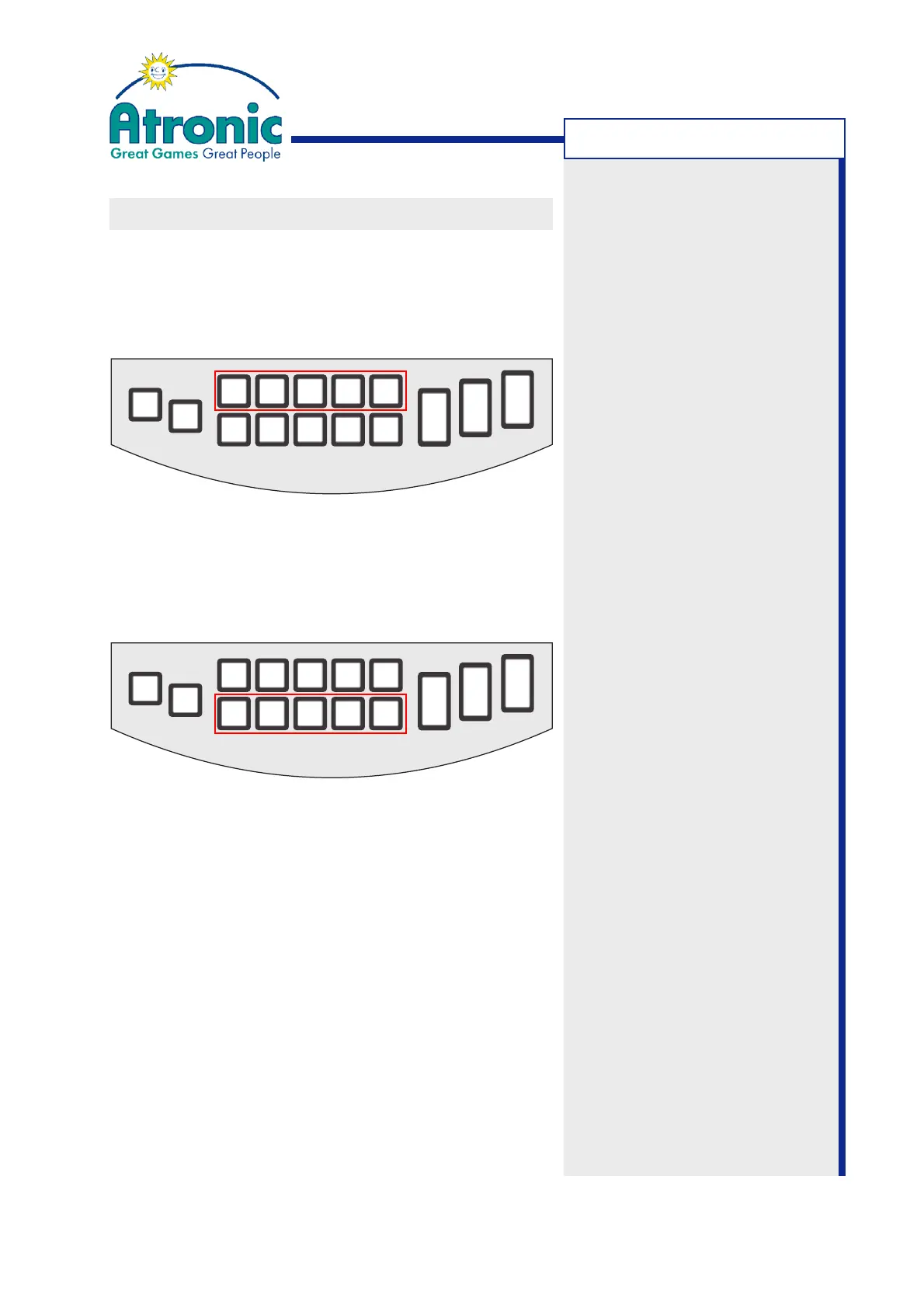
BUTTON PANEL / SELECT BET
Depending on remaining credits, possible bets are
indicated by lit and flashing buttons.
1.Select the number of lines to play.
Selectable PLAY X LINES buttons are lit.
2. Select the bet per line. Selectable BET X CREDITS
PER LINE buttons are flashing.
The game starts immediately with the selected
bet.
TOTAL BET = LINES x BET PER LINE
If a certain combination of LINES and BET PER LINE
is not lit, there are not enough credits to play this
bet. Insert money or play another bet.
Note:
Figures are for example only. Other bet/line
configurations may use different bet/line steps.
GAMEPLAY
PLAY
LINE
1
PLAY
LINES
5
PLAY
LINES
9
PLAY
LINES
15
PLAY
LINES
CREDIT
PER LINE
BET 1
CREDITS
PER LINE
BET 2
CREDITS
PER LINE
BET 3
CREDITS
PER LINE
BET 5
CREDITS
PER LINE
BET 10
21
CREDITS
MAX BET
210
G
A
M
B
L
E
REPEAT
THE
BET
REPEAT
THE
BET
SEE
PAYS



 To Next Page