33
April 2007
e-motion™ Operating Manual - B-Level STD
MACHINE HANDLING
READ MECHANICAL METERS (Hardmeters)
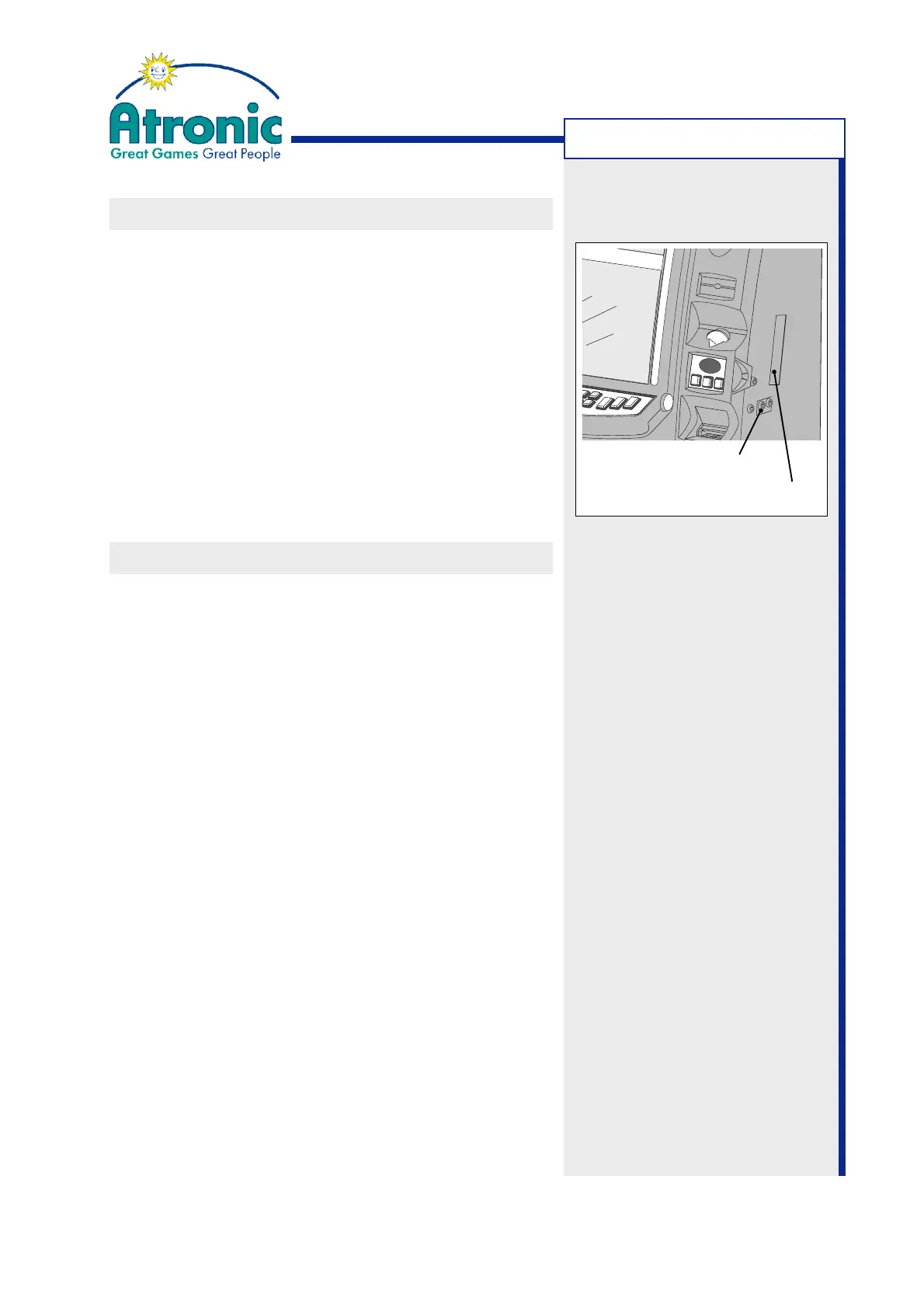
1. To illuminate hardmeters, turn the audit key clock-
wise. This will also activate the Audit Menu.
2. Read the mechanical meters.
3. When finished, release and remove the audit key.
Note:
See manual "Software / Basic Setup" for a detailed
metering description.
TOUCH SCREEN CALIBRATION
To calibrate the display's touch screen, follow these
steps.
1. Activate the Audit Menu (turn audit key) and sel-
ect the TOUCH SCREEN CALIBRATION folder tab.
or
Activate the Service Menu and select "Service
Menu / Settings / Machine / Touch Screen Calibra-
tion".
2. Touch the START TOUCH SCREEN CALIBRATION
button and follow the on-screen instructions.
3. Touch the two dots displayed on screen.
The controller uses the data perceived immedia-
tely before you lift off your finger to register a
calibration touch. Therefore, you can touch the
screen, move your finger to the target, hold for a
second, and then lift your finger off. This method
will results in a more accurate calibration.
4. When touch calibration is finished, release and
remove the audit key.
Mechanical Meters
Audit Key Switch



 To Next Page