25
April 2007
e-motion™ Operating Manual - B-Level STD
MACHINE HANDLING
CELEBRATION LIMIT
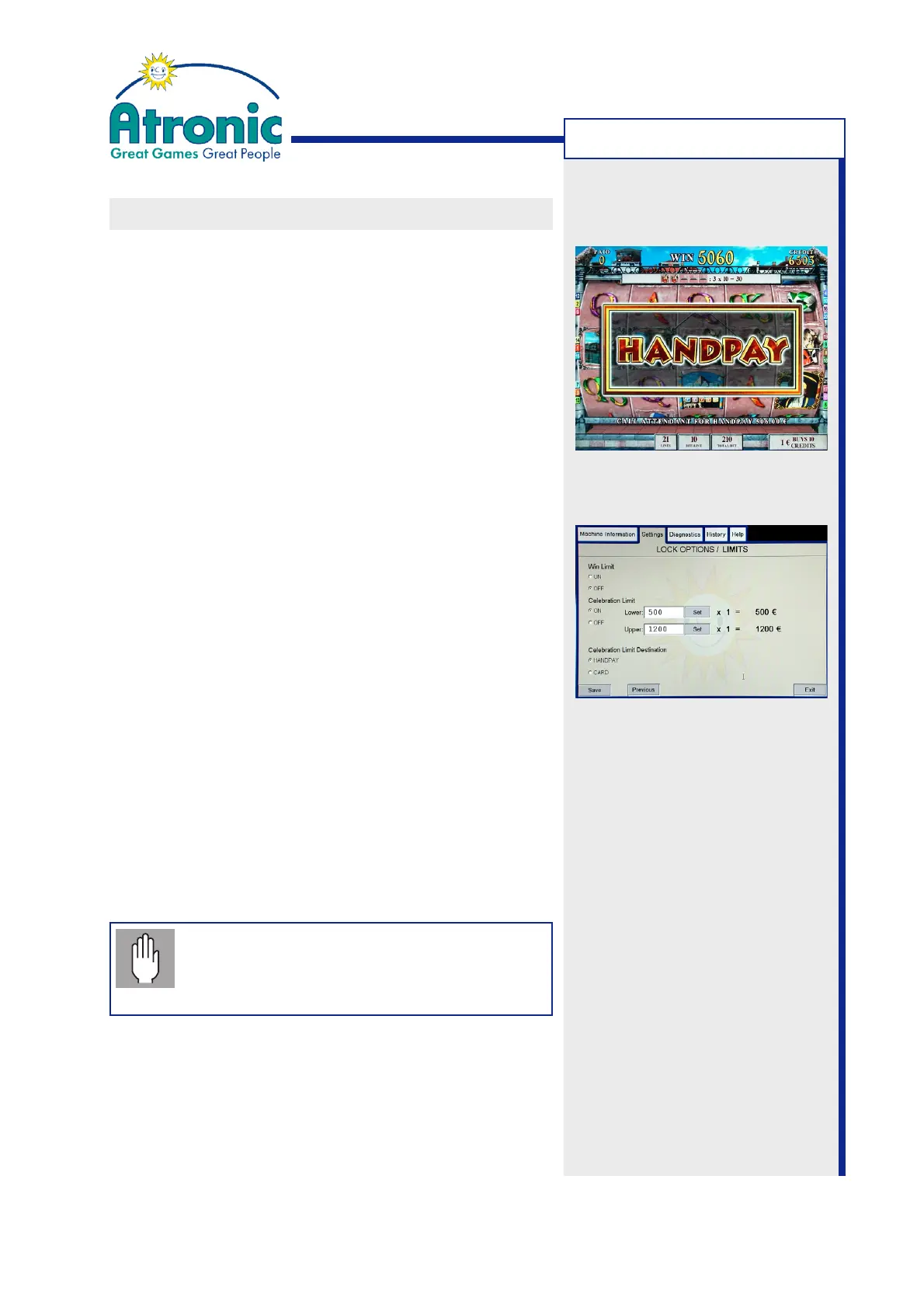
If enabled, the celebration limit determines a threshold
for jackpot handpays. A win that exceeds the adjusted
limit initiates a jackpot celebration and needs to be
acknowledged by an attendant using the jackpot key.
Open the Service Menu and select "Settings / Lock
Options / Limits" to enable/disable and adjust the
celebration limit (default setting = celebration limit
disabled).
Celebration Limit
On / Off
Enables or disables the celebration limit.
Lower
Sets the threshold for the lower celebration limit
(in credits). A win that exceeds this limit, initiates
a handpay or can be booked to card or credit meter,
depending on setting CELEBRATION LIMIT
DESTINATION.
Upper
Sets the threshold for the upper celebration limit
(in credits). A win that exceeds this limit always
initiates a handpay.
Celebration Limit Destination
Sets the destination for wins exceeding the lower
but not the upper celebration limit.
• With cashless transaction mode EFT the settings
HANDPAY and CARD are selectable.
Note: If celebration limit destination has
been set to CARD, and no player card is
available/operational, the amount is booked
to the credit meter instead.
Jackpot handpay initiated by a win that
exceeds the adjusted celebration limit.



 To Next Page