24
April 2007
e-motion™ Operating Manual - B-Level STD
MACHINE HANDLING
HANDPAY (continued)
Machine Behaviour
Machine behaviour if a handpay has been initiated:
• Handpay amount is displayed on screen.
• Toplight is flashing (as adjusted).
• Handpay message is sent to the online system.
(if applicable).
• Machine prevents all means of inserting credits.
• Machine prevents all means of cashing out credits.
• Machine is locked until the handpay is reset by an
attendant.
Handpay Reset Procedure
1. Determine the handpay amount and write it down.
The handpay amount is displayed by an on-screen
pop-up window or in the player message window
in the lower part of the game screen.
Note:
The displayed totalized handpay amount may con-
sist of an progressive amount and additional wins.
2. Carry out the handpay according to the casino in-
house rules.
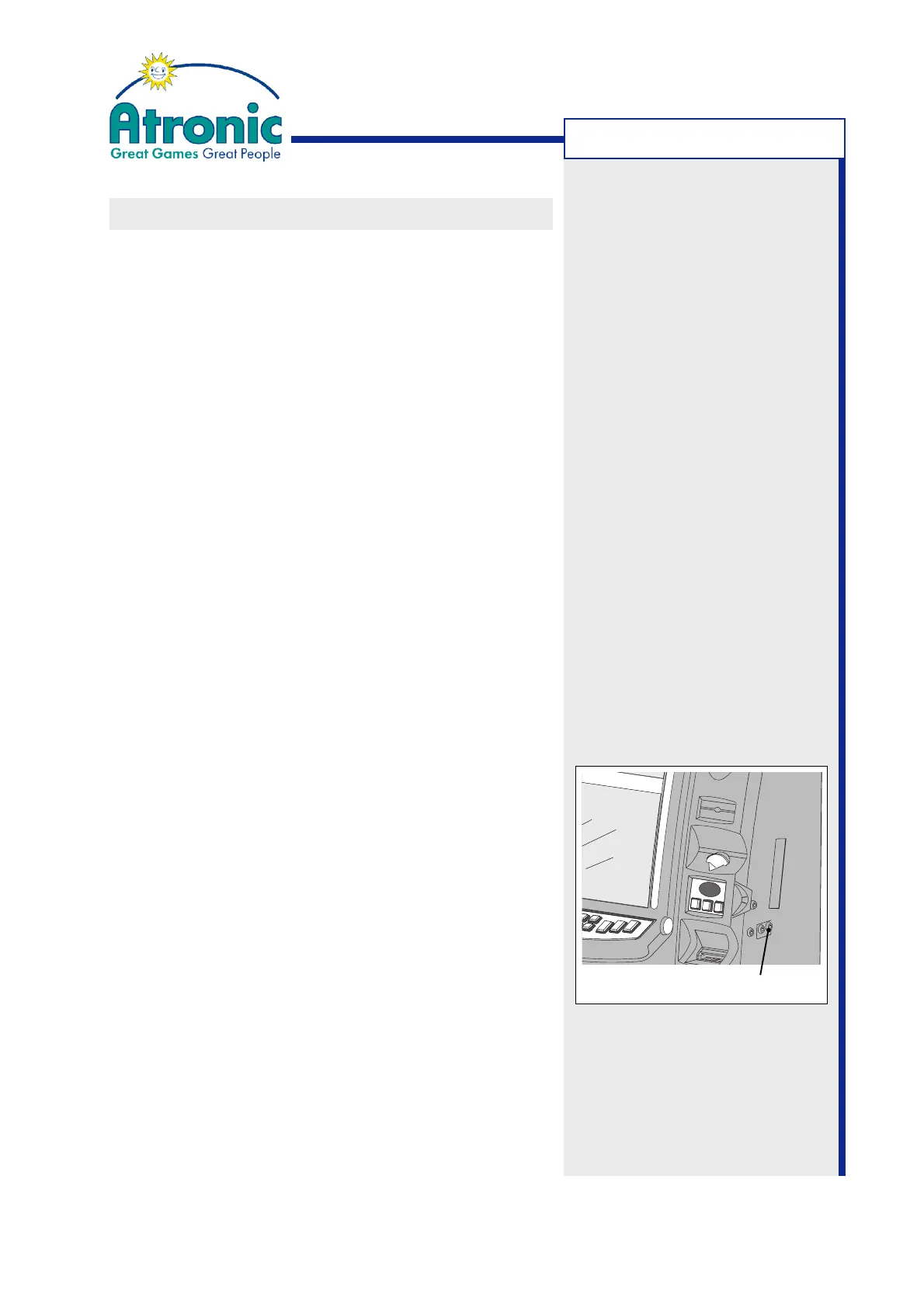
3. Turn the jackpot key 90° clockwise and release, in
order to reset the handpay.
4. The amount paid out is displayed on the paid meter.
Note: Progressive amounts which contribute to
the total handpay amount paid out are not dis-
played on the paid meter.
5. Optional with voucher printer only:
If jackpot receipt function has been enabled, a hand-
pay receipt (with the barcode offset) is printed.
Jackpot receipts are intended for accounting pu-
poses only and are not cashable or playable.
Jackpot Key Switch



 To Next Page