18
April 2007
e-motion™ Operating Manual - B-Level STD
GAMEPLAY
INFO SCREEN
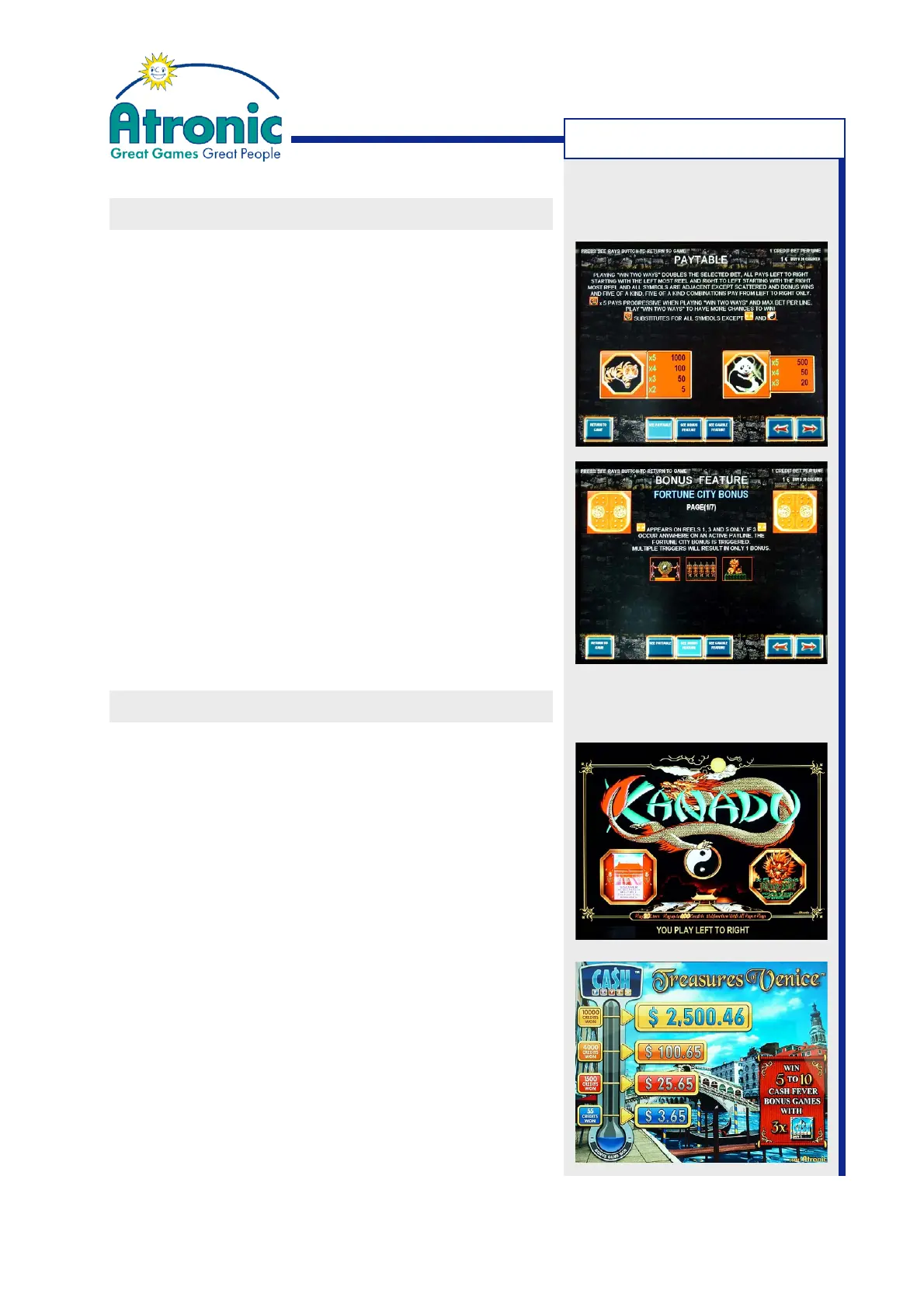
Player relevant information can be displayed by
activating the SEE PAYS button (on button panel or
on-screen).
The displayed info screen provides information about:
• General game rules
• Paytable (in credits)
• Payout handling
• Winning combinations
• Scattered wins
• Bonus features
(second screen features or free games)
The info screen can be activated with or without
credits on the credit meter.
Return to game by touching the RETURN TO GAME
on-screen button or by pressing the SEE PAYS button.
UPPER DISPLAY
The player attracting upper display gives brief
information about:
• Game theme
• Top award (and how to achieve)
• Max. lines and max. bet settings
• Win alignment (left to right or win two ways)
• Available bonus features
Some games are utilizing the upper display also to
show additional information during bonus features or
as a progressive jackpot display (B-Level 1.2.3 only).
The information displayed on the upper display
automatically changes in case of a paytable change or
a game conversion. This makes game conversions much
easier, because there is no need to change paytable
glasses or decals.



 To Next Page