27
April 2007
e-motion™ Operating Manual - B-Level STD
OPENING THE MAIN DOOR
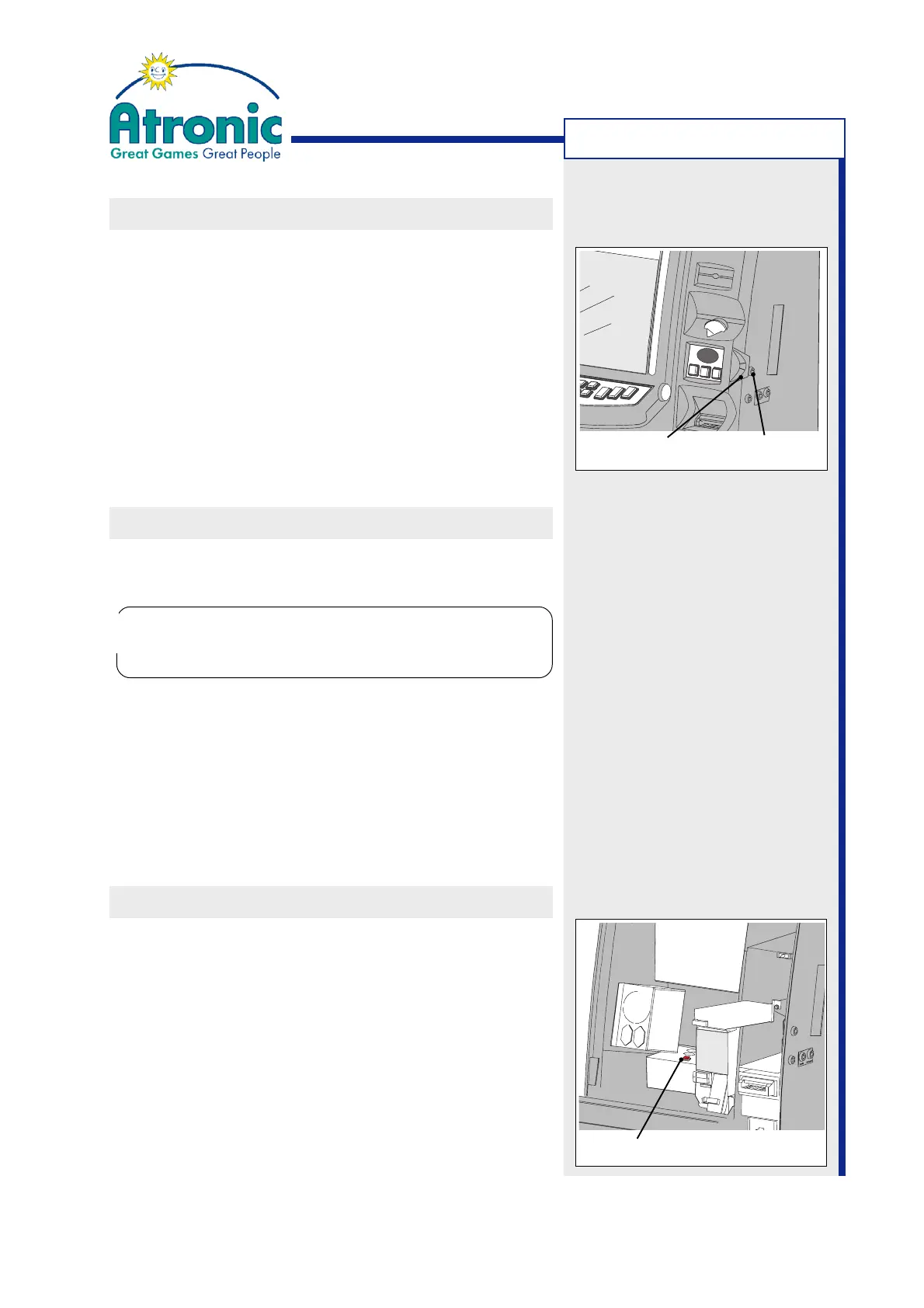
1. Unlock the maindoor lock by turning the key 90°
clockwise.
2. With your right hand at the maindoor handle and
with your left hand at the playfield, pull the main-
door towards you and open it.
3. A “FRONT DOOR OPEN” message will appear on
screen accompanied by an audible signal.
4. The toplight flashes as adjusted in "Service Menu
/ Settings / Basic / Toplight".
CLOSING THE MAIN DOOR
1. Insert the maindoor key and make sure the main-
door lock is unlocked (turn 90° clockwise).
2. Close the maindoor and turn the maindoor key 90
O
counterclockwise to lock.
3. The "FRONT DOOR OPEN" messages on screen
will disappear after one game cycle.
4. The toplight stops flashing after 1 game.
SWITCH MACHINE ON / OFF
1. Open the maindoor.
2. Locate the main power rocker switch and switch
the machine power ON or OFF.
When main power is on, the switch is illuminated.
3. Close and lock the maindoor.
MACHINE HANDLING
Any attempt to slam the door closed with the
maindoor lock in closed position may damage the
locking mechanism.
!
!
Maindoor Lock
Maindoor Handle
Power Switch



 To Next Page